
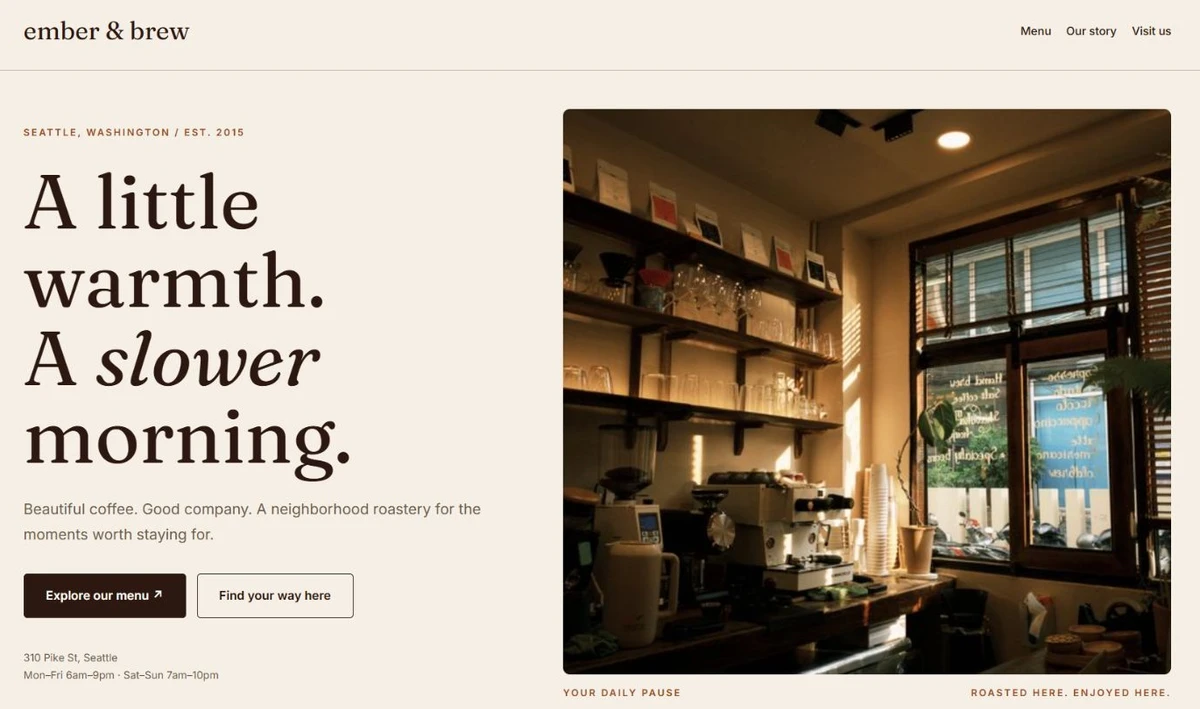
 A brief becomes a real page.
Find your next WordPress workflow.
Start with a complete guide, then follow a focused tutorial. Each path brings together the setup, review steps and limits that matter for the job.
Develop WordPress with AI
Choose a workflow, set project rules, and review code before changing a site.
Start with the guideAI WordPress development workflow
Move from a brief to repository work, connected-site changes and a reviewed result.
Read the guideCursor Rules for WordPress: A Practical Starter
Download WordPress rules for Cursor and AGENTS.md. Set project scope, check code, and review connected-site edits before publishing.
Read tutorialClaude Code Skills for WordPress: A Tested Starter
Create a focused WordPress review skill for Claude Code. Download the tested SKILL.md starter, verify its behavior, and separate skills from MCP access.
Read tutorialVibe Coding a WordPress Plugin: A Reviewable Workflow
Build a small WordPress plugin with AI, check PHP and WordPress coding standards, then review Plugin Check and staging evidence before release.
Read tutorialWP-CLI and AI Agents: What to Script and Delegate
Use WP-CLI for repeatable WordPress checks and AI for bounded review. Follow a tested draft-inventory example, with clear approval and verification steps.
Read tutorialVibe Coding vs WordPress: Choose Your Website Stack
Compare WordPress, AI-generated apps and hybrid sites by editing needs, custom workflows, portability, ongoing costs and checks before launch.
Read tutorial
Understand WordPress AI and MCP
Separate in-site AI features, provider connections and external agent access.
Start with the guideWordPress AI features explained
Understand the AI Client, Connectors, Abilities API and where MCP fits.
Read the guideWordPress Connectors: Set Up Anthropic, Google or OpenAI
Set up WordPress AI Connectors, choose a provider, save its API key and check a real feature. Learn how this differs from connecting an agent through MCP.
Read tutorialHow to Disable AI in WordPress 7: Controls and Limits
Disable WordPress AI features, core AI support or external agent access with the right controls. Includes a tested core check and a verification checklist.
Read tutorialMCP vs REST API for AI Agents: Which Should WordPress Use?
Compare MCP and REST APIs for WordPress AI agents. Learn when to expose agent tools, when to build an API, and how both can share the same permissions.
Read tutorialFix Invalid Gutenberg Blocks from AI Output
Fix unexpected or invalid Gutenberg content after an AI edit. Compare block markup, choose a recovery method, and verify the repair after saving and reopening.
Read tutorial
Work with WooCommerce
Review catalog changes and choose which store actions need approval.
Start with the guideWooCommerce AI agent: what to delegate and approve
Plan store operations with clear review, permission and verification steps.
Read the guideImprove content and SEO
Prepare useful metadata and machine-readable resources with checks before applying changes.
Bulk Alt Text and Meta Descriptions in WordPress with AI
Review WordPress alt text and meta descriptions in small batches with AI. Preserve image context and SEO settings, then verify the rendered output.
Read tutorialllms.txt for WordPress: Plugin or Manual File?
Add llms.txt to WordPress with Yoast, Rank Math or a manual file. Learn what it can do, verify the public output, and avoid unsupported AI ranking claims.
Read tutorial
More ways to get started
Compare WordPress MCP options
Choose by hosting, setup, editor scope and the operations you need.
Read the guideAn AI Elementor workflow for agencies
Take a client brief through a draft, mobile review and handoff.
Read the guideLooking for product updates? Browse all blog posts. For videos and reference material, visit tutorials, EMCP Academy or the documentation.