
 A brief becomes a real page.
- EMCP Pro
- Elementor
Start from a finished design, not a blank page.
Templates is a library of ready-made Elementor page designs. Pick one, preview it, and create a new draft page from it in one click, or add it to Elementor’s saved templates to insert on any page.
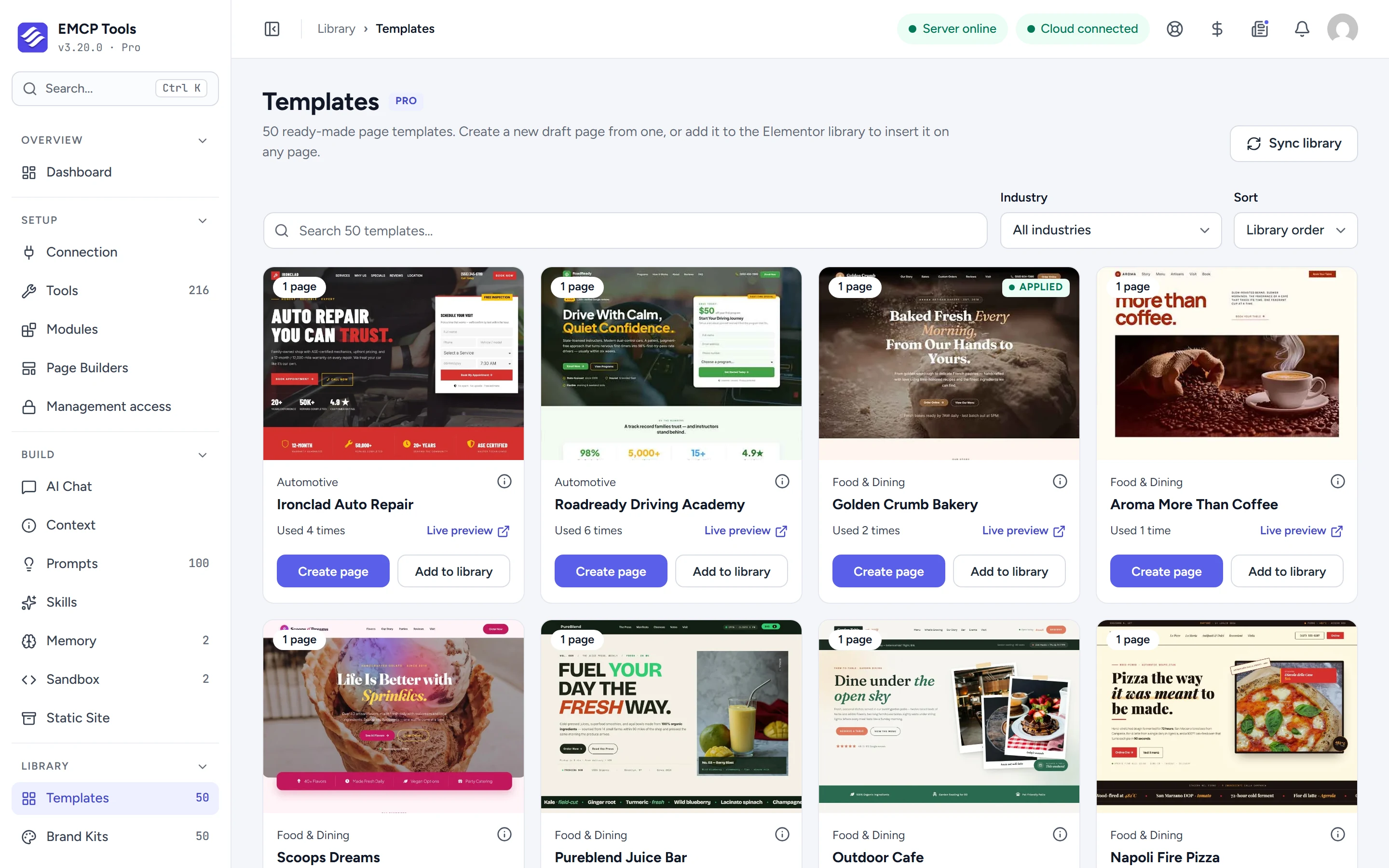
Find a design for your kind of business.
Search the library, filter by industry (food and dining, professional services, health and wellness, retail, home services and more) and sort by name or by how often each template is used. Cards show a live preview link when the template has one.
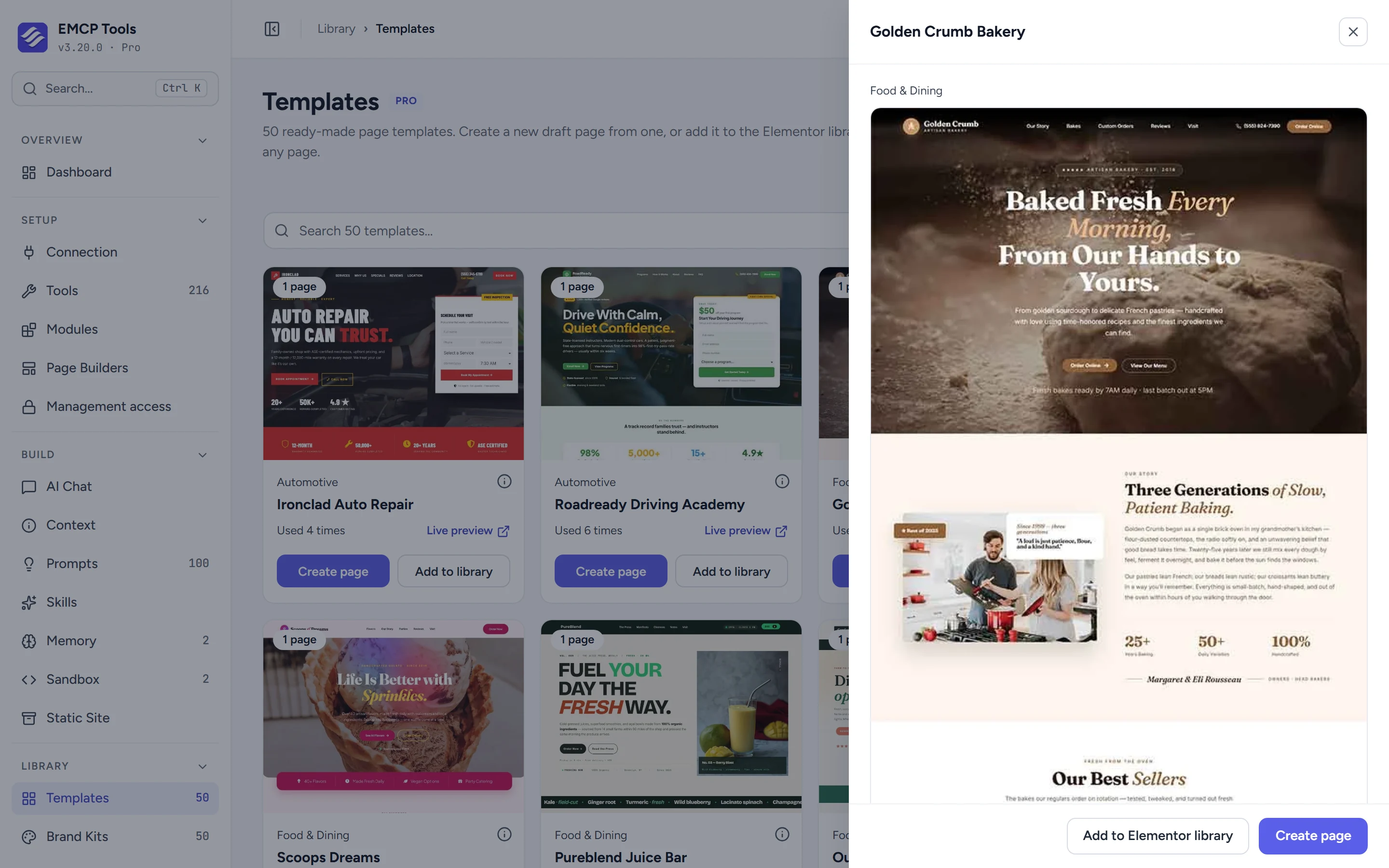
See the whole page before you use it.
The details panel shows the full design, a description and a link to the live demo.
A new draft page, or a saved Elementor template.
Create page makes a new draft page with the design and opens it in Elementor for you to edit. It never overwrites an existing page. Add to library saves the design as an Elementor template, which you, or your AI agent with the template tools, can then insert anywhere.
- Applying a template needs Elementor. You can browse without it.
- The library refreshes every 24 hours, and Sync library fetches it straight away.
- Templates is an EMCP Pro module, on by default.
Questions, answered.
Still stuck? Drop a line at [email protected] or open an issue on GitHub. Most replies are under one business day; Pro tiers go to the front of the queue.
Open the full docsLaunch a page in minutes.
Get EMCP Pro, open Library → Templates and create your first page.