
 A brief becomes a real page.
- Free
- Off by default
Every EMCP tool, behind just three.
Some AI clients limit how many tools a server may offer, or slow down with a long list. Compact tool mode replaces the full EMCP list with three tools that find, describe and run any of the others.
Find, describe, then run.
The agent calls list-tools to find what it needs, by search or category, then get-tool-schema for that tool’s inputs, then call-tool to run it. The server instructions tell the agent to work this way.
Your switches and permissions still apply.
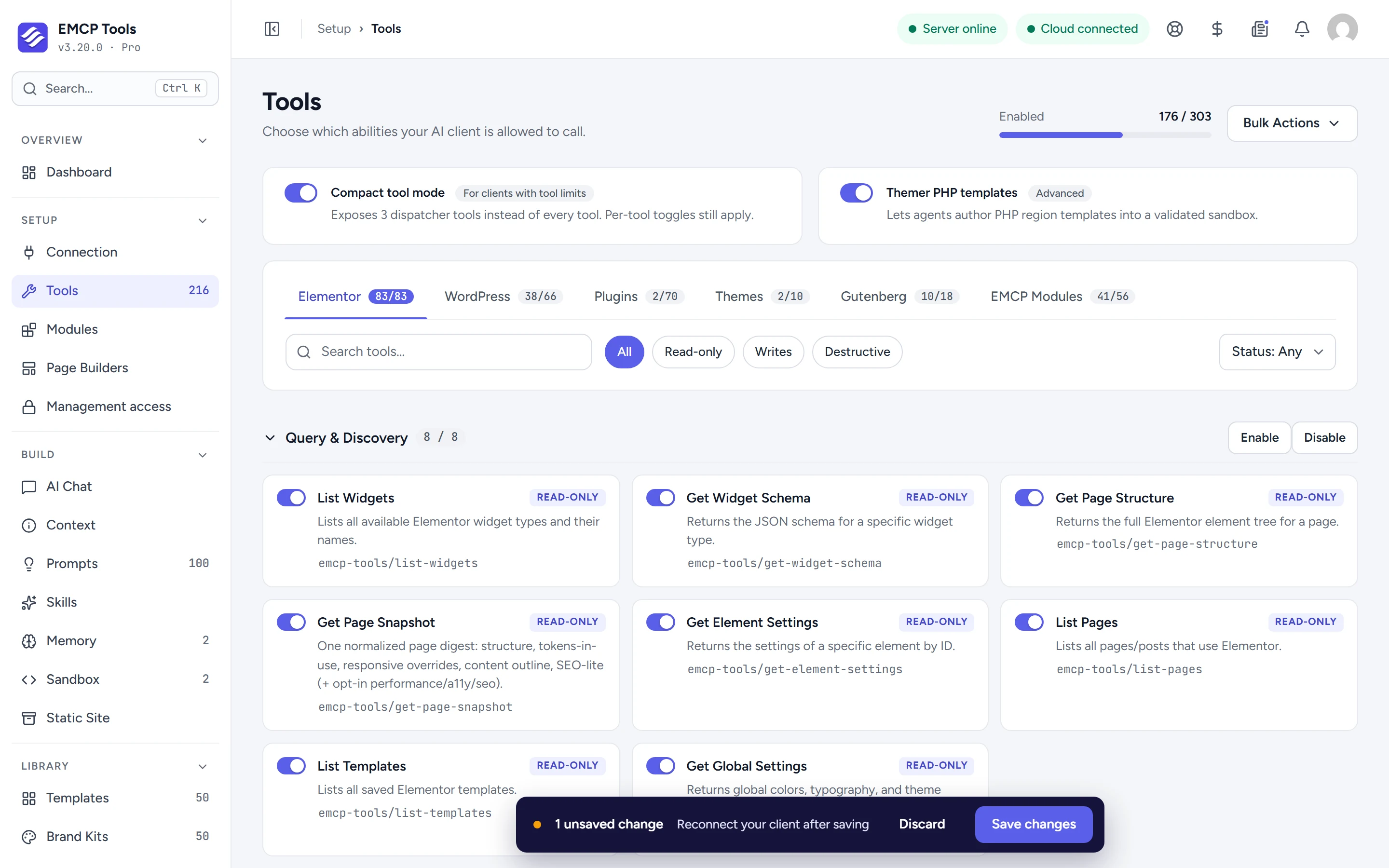
call-tool refuses tools you have switched off on the Tools screen, and every tool still runs its own permission check, so compact mode never grants an agent more than it had. list-tools marks destructive tools.
Turn it on when your client struggles.
Open Setup → Tools, switch on Compact tool mode and save, then reconnect your client. Leave it off for clients that handle long tool lists well: compact mode adds a round trip before each new tool.
Questions, answered.
Still stuck? Drop a line at [email protected] or open an issue on GitHub. Most replies are under one business day; Pro tiers go to the front of the queue.
Open the full docsFit EMCP into any client.
Install EMCP Tools free and switch on Compact tool mode under Setup → Tools.