
 A brief becomes a real page.
- EMCP Pro
Your agent remembers the rules, after you approve them.
Agents forget everything when a session ends. Project Memory keeps the guardrails, facts and conventions you approve and gives them to every new session, so you stop repeating yourself. Agents can propose new entries, but nothing they propose is used until you say so.
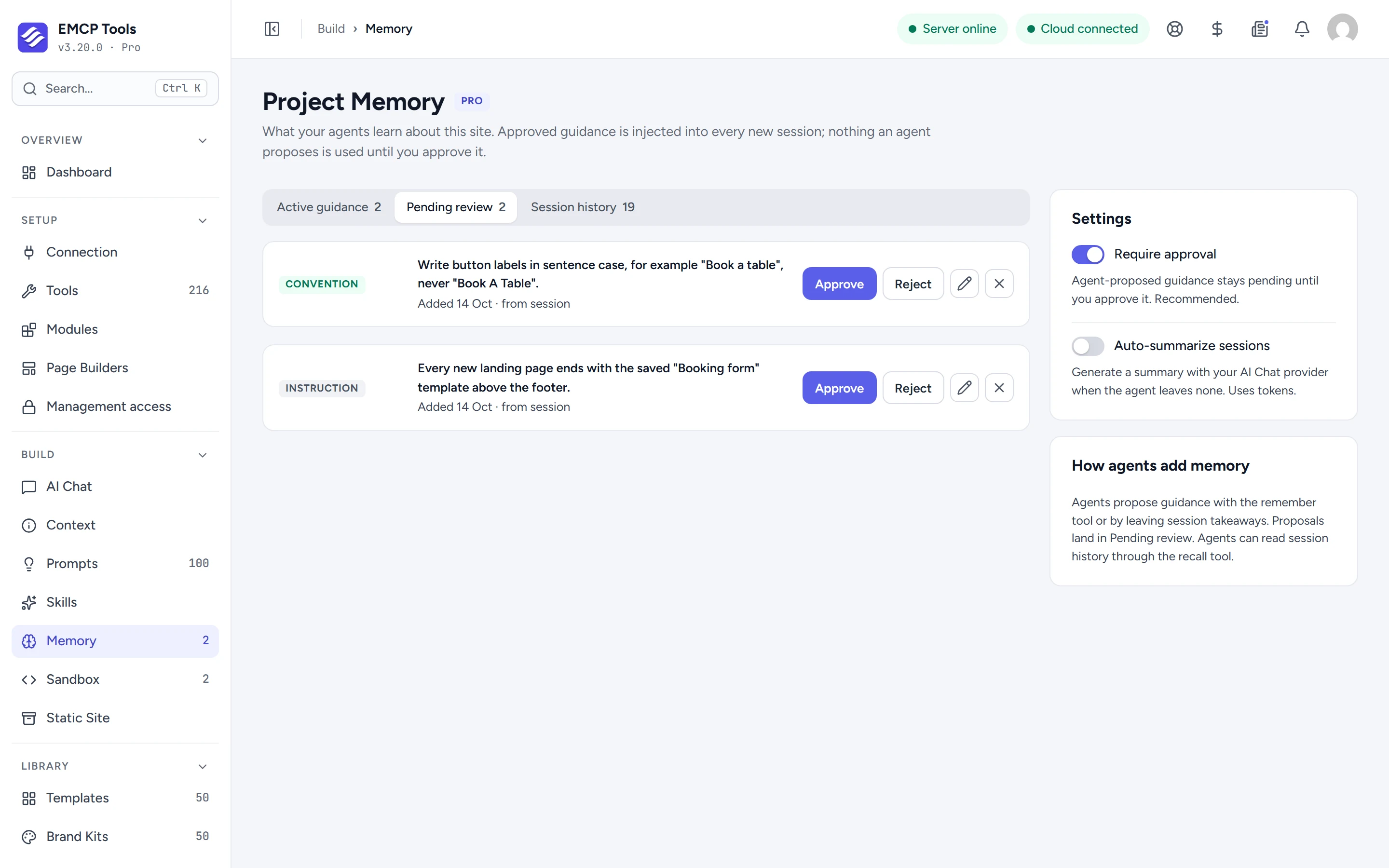
Guardrails, facts, conventions and instructions.
Add guidance yourself, such as “Never change the site logo”, as one of four kinds: guardrail, site fact, convention or instruction. Approved guidance is added to every new agent session as a Project memory block, whether or not the memory tools are switched on.
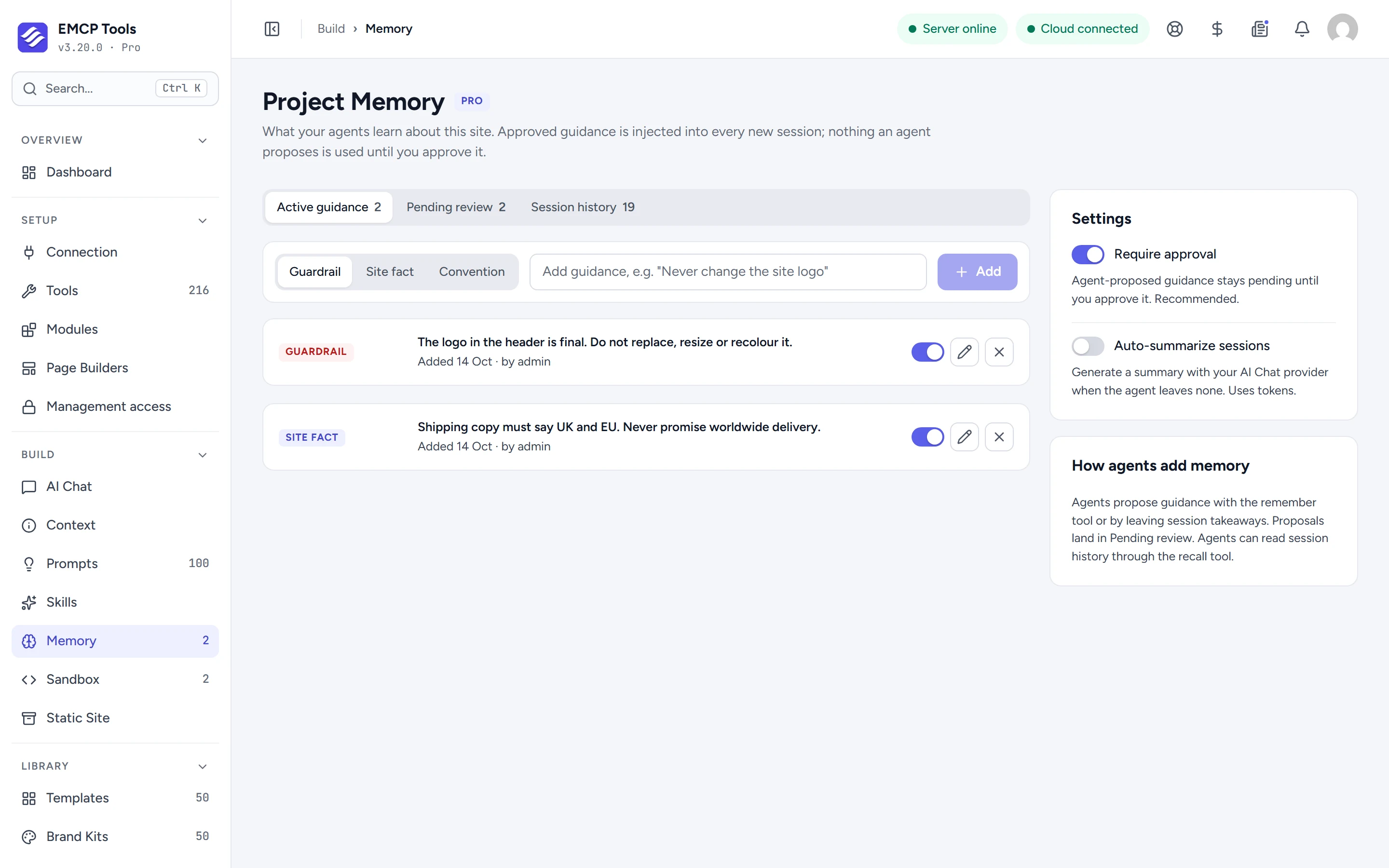
Agents propose, you decide.
With the memory tools on, an agent can propose an entry with remember or leave takeaways at the end of a session. Proposals wait under Pending review, with a count in the sidebar, until you approve, edit or reject them. Require approval is on by default.
A guardrail that actually says no.
Give a guardrail the block severity and a target, such as a tool, a post ID or a post type, and EMCP refuses matching writes instead of only reminding the agent.
A short record of each session.
Session history keeps the last 25 sessions with a factual digest of what changed. Optionally, Auto-summarize sessions writes a summary with your AI Chat provider. It is off by default because it uses tokens.
- The memory block given to agents is capped at 1,500 characters, so it never crowds out the task.
- The three memory tools are off by default. Approved guidance is used either way.
MCP tools this adds 3
What a connected AI agent can call. Tools marked "Off by default" are switched on under EMCP Tools, Tools.
recallRead approved guidance + recent session summaries so the agent does not re-guess site context.rememberPropose one guardrail/fact/convention/instruction. Stored pending until a human approves it.save-session-summaryRecord a session summary; the plugin attaches a factual digest of the actual changes.
Questions, answered.
Still stuck? Drop a line at [email protected] or open an issue on GitHub. Most replies are under one business day; Pro tiers go to the front of the queue.
Open the full docsStop repeating the rules to every session.
Get EMCP Pro and open Build → Memory.