
 A brief becomes a real page.
- Free
- Off by default
Custom PHP for your site, with a human in charge.
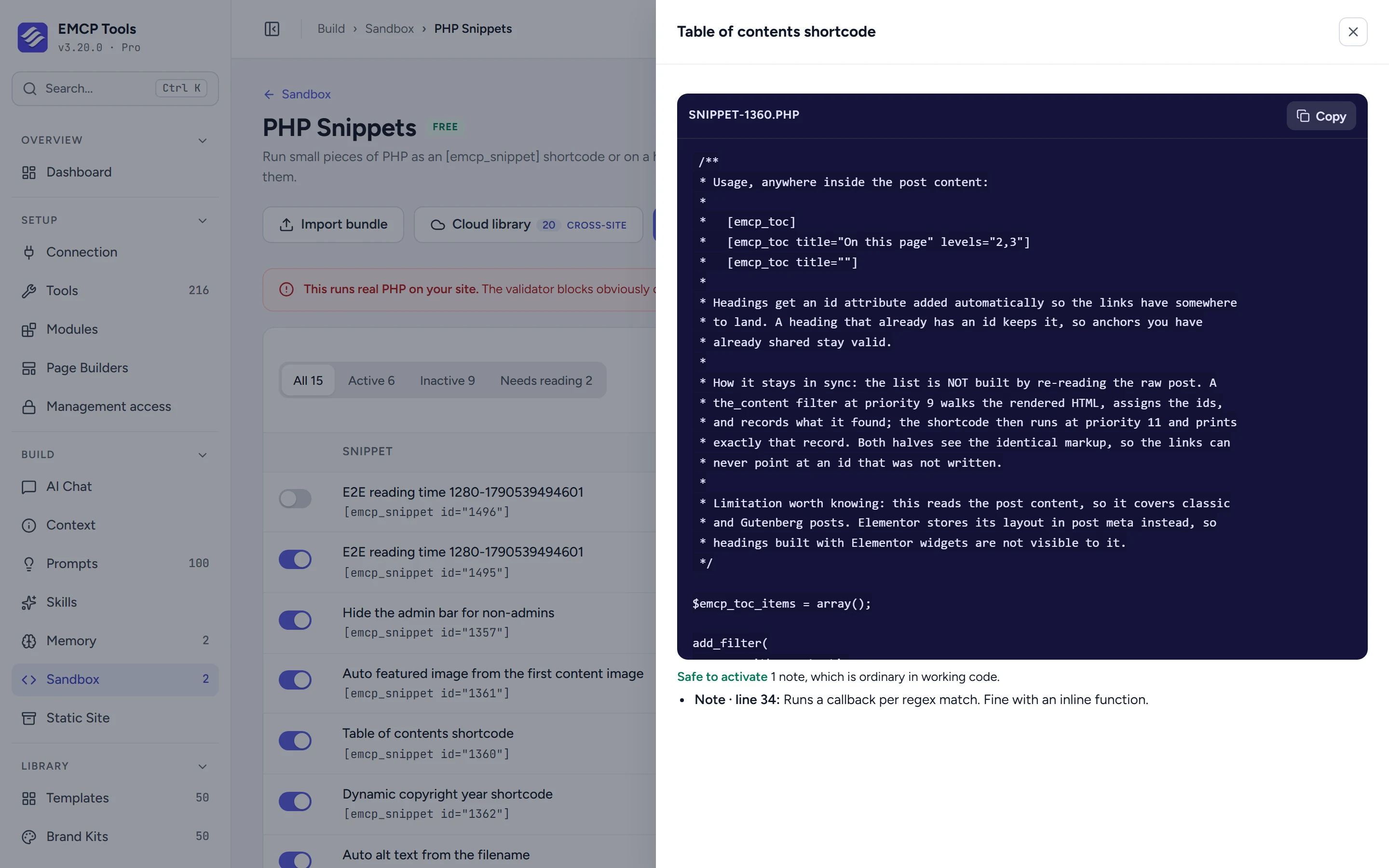
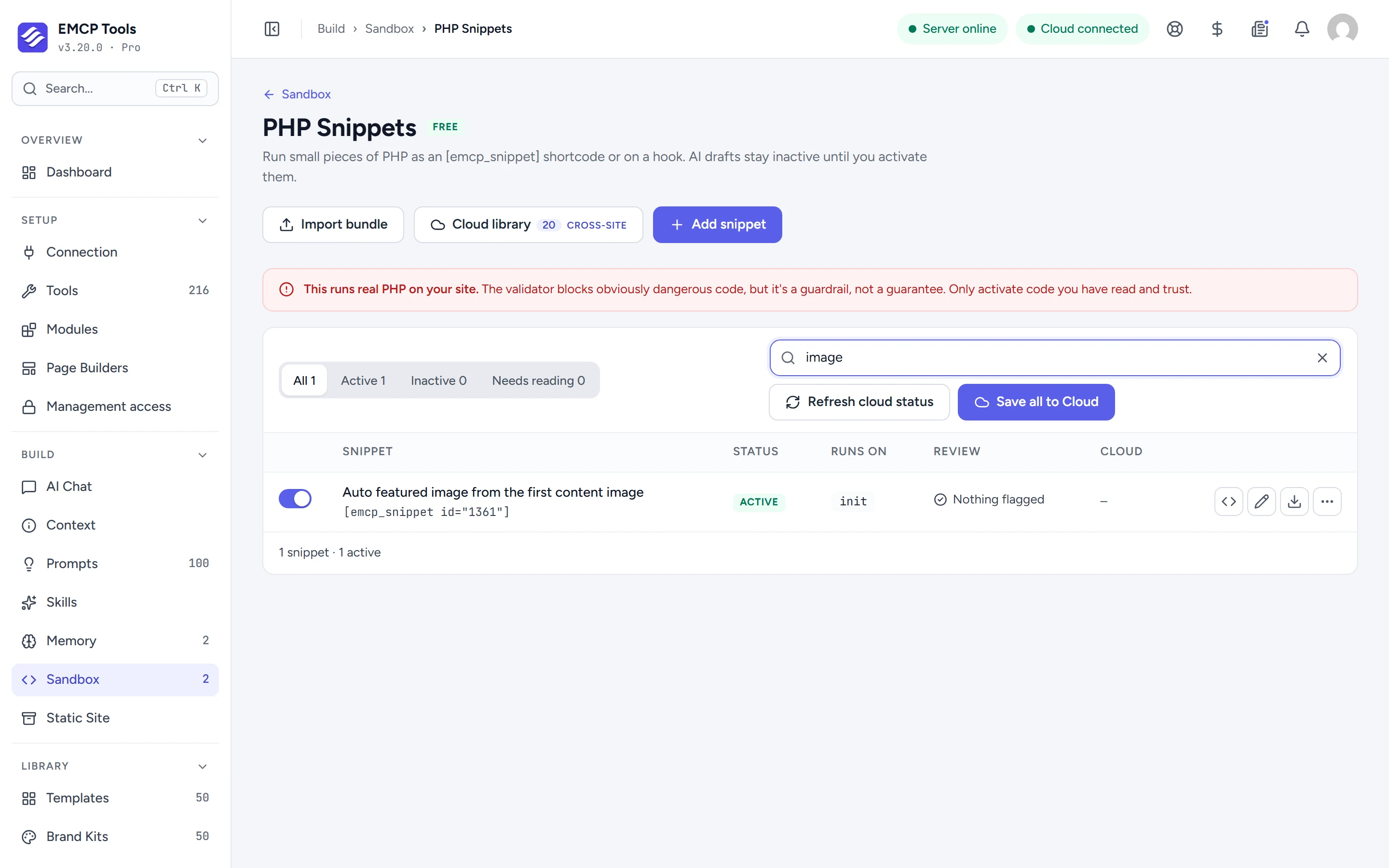
PHP Snippets run small pieces of PHP as an [emcp_snippet] shortcode, on a WordPress hook, or both. Your AI agent can write and check snippets, but they stay inactive drafts until an administrator reviews and activates them.
Checked before it can ever run.
Every snippet is parsed and scanned. Dangerous code, such as eval, shell commands, file writes, network calls and decoding of hidden payloads, blocks the snippet outright. Code worth a closer look, such as sending mail or deleting posts, is flagged for your review. The validator is a guardrail, not a guarantee, so read what you activate.
Only an administrator can switch one on.
There is no MCP tool to activate a snippet. A draft has no executable file at all. Activation writes it to a protected sandbox folder with a checksum, and only checked files are ever loaded.
A snippet that crashes switches itself off.
Each active snippet runs inside a guard. If one causes a fatal error, it is deactivated so the next request loads normally.
- Writing and activating snippets needs an administrator who may add unfiltered HTML.
- The snippet tools are off until you enable them on the Tools screen.
- Elementor is not needed.
MCP tools this adds 6
What a connected AI agent can call. Tools marked "Off by default" are switched on under EMCP Tools, Tools.
validate-php-snippetStatically checks snippet code (parse + security scan) without storing or running it.create-php-snippetCreates an INACTIVE draft snippet (validated; an admin must activate it before it runs).update-php-snippetUpdates a snippet's code/settings and re-validates.get-php-snippetReturns a snippet's code, status, shortcode, and validation report.list-php-snippetsLists PHP snippets with their status and run context.delete-php-snippetPermanently deletes a snippet and its sandbox file.
Questions, answered.
Still stuck? Drop a line at [email protected] or open an issue on GitHub. Most replies are under one business day; Pro tiers go to the front of the queue.
Open the full docsAdd the small things, safely.
Install EMCP Tools free and open Build → Sandbox → PHP Snippets.