
 A brief becomes a real page.
- Free
Give your AI a proper brief, not a one-line request.
Prompts is a library of ready-to-use briefs for building a landing page or a complete website. Each gives the AI a style guide, a design direction, the content and the build standards. Tailor it to your business, then copy it into your AI client.
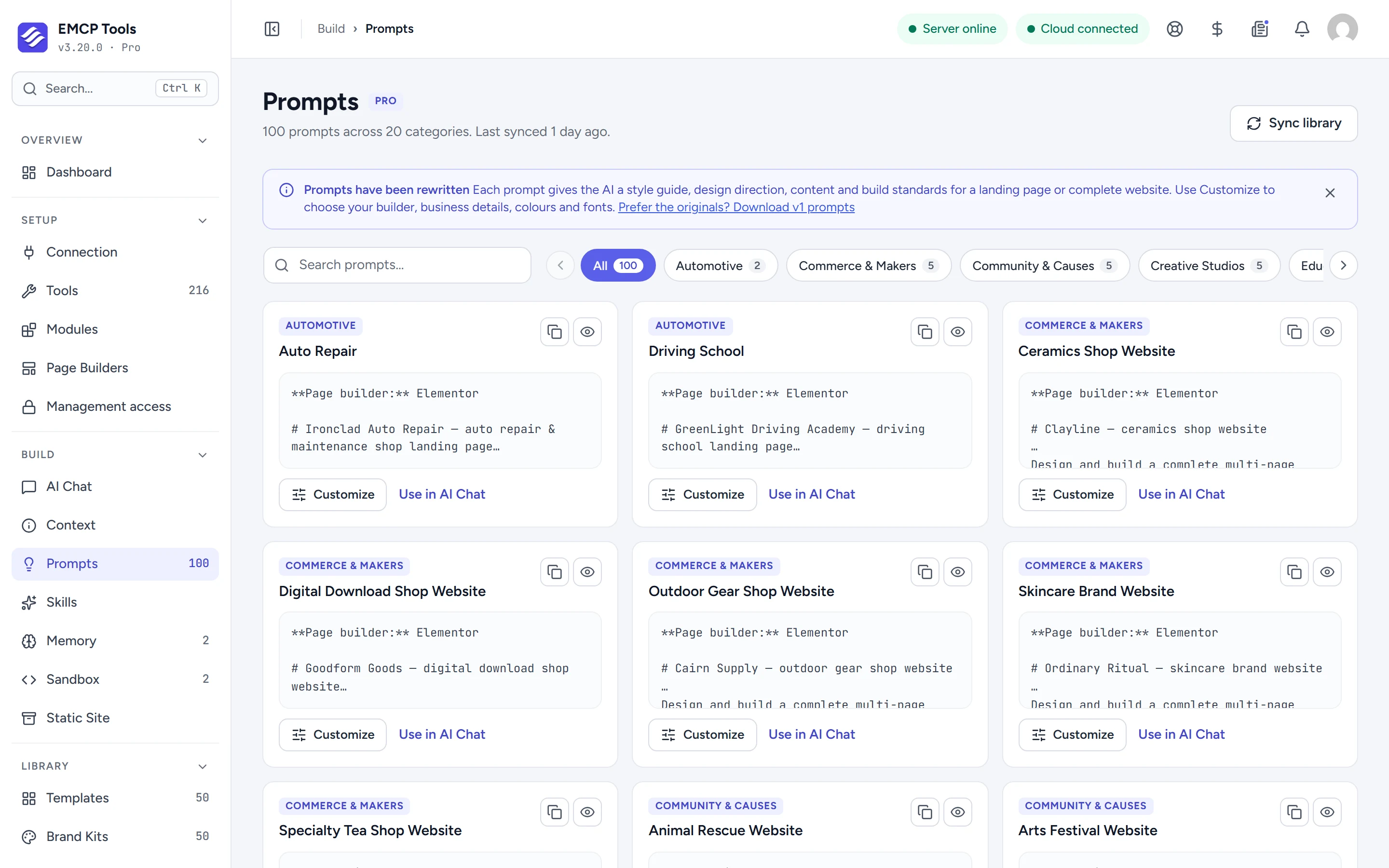
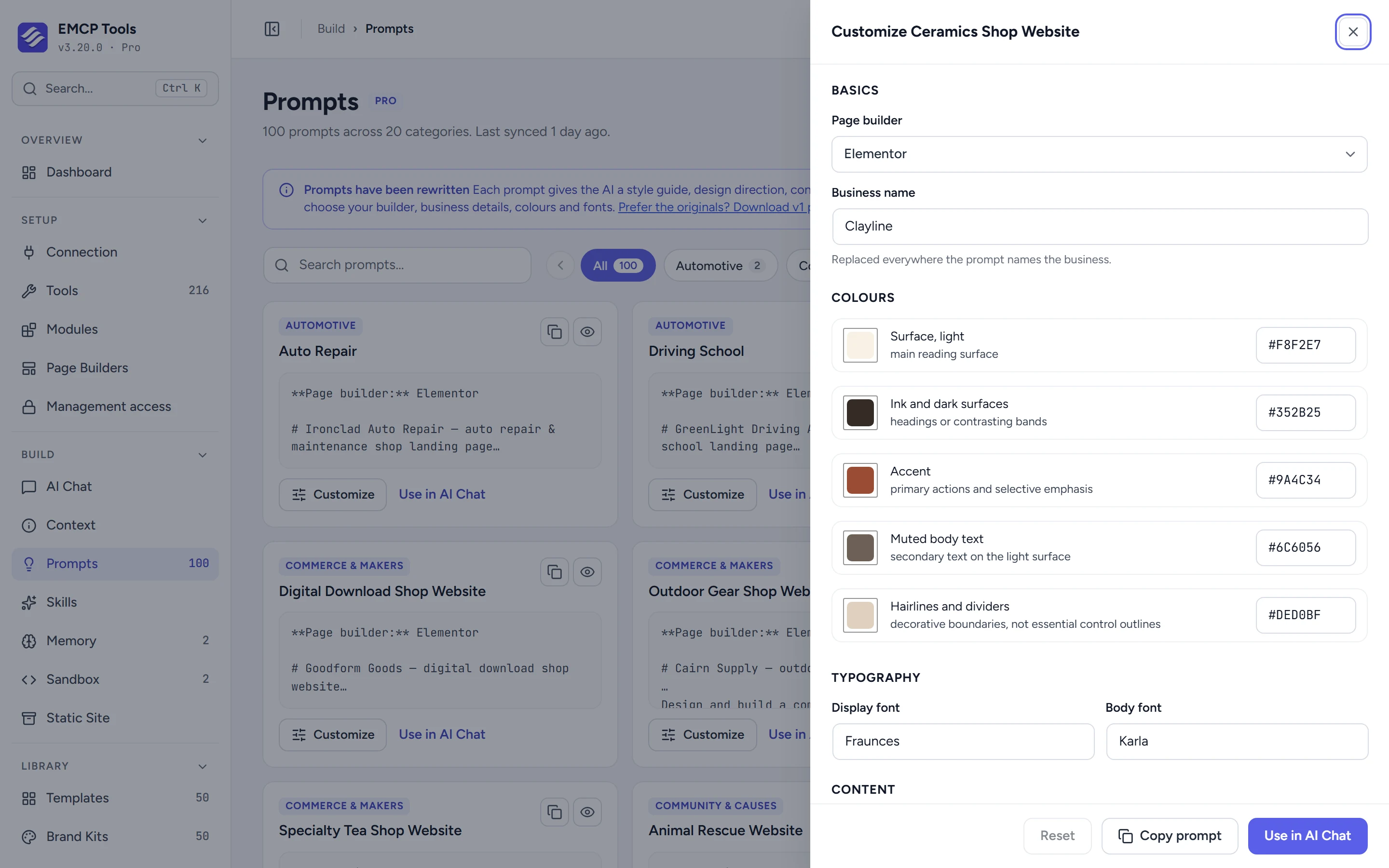
Make it your business before you send it.
Customize changes the page builder the prompt targets (Elementor, Gutenberg, Bricks, Divi, Beaver Builder, Breakdance, Oxygen and seven more, or plain HTML and CSS), the business name everywhere it appears, each colour in the palette, the display and body fonts, and the content facts. Preview the result, then copy it.
Copy it anywhere, or open it in AI Chat.
Paste the prompt into Claude, Cursor or any connected client. On EMCP Pro with AI Chat switched on, Use in AI Chat opens the chat in a new tab with the prompt already filled in.
Five samples free, the full library with Pro.
Every install includes five sample prompts: a local business, a dental clinic, a web developer portfolio, a hair salon and a car wash. EMCP Pro adds 100 prompts in 20 categories, 50 landing pages and 50 complete websites, kept in sync from emcptools.com and refreshed every 24 hours.
Questions, answered.
Still stuck? Drop a line at [email protected] or open an issue on GitHub. Most replies are under one business day; Pro tiers go to the front of the queue.
Open the full docsBrief your AI like a designer would.
Install EMCP Tools free and open Build → Prompts.