
 A brief becomes a real page.
- EMCP Pro
Your custom work, as a plugin of its own.
Export as plugin packages every active widget, block and PHP snippet from the Sandbox into a standalone WordPress plugin ZIP. Hand it to a client or keep it as an exit plan: pages keep working after EMCP Tools is gone.
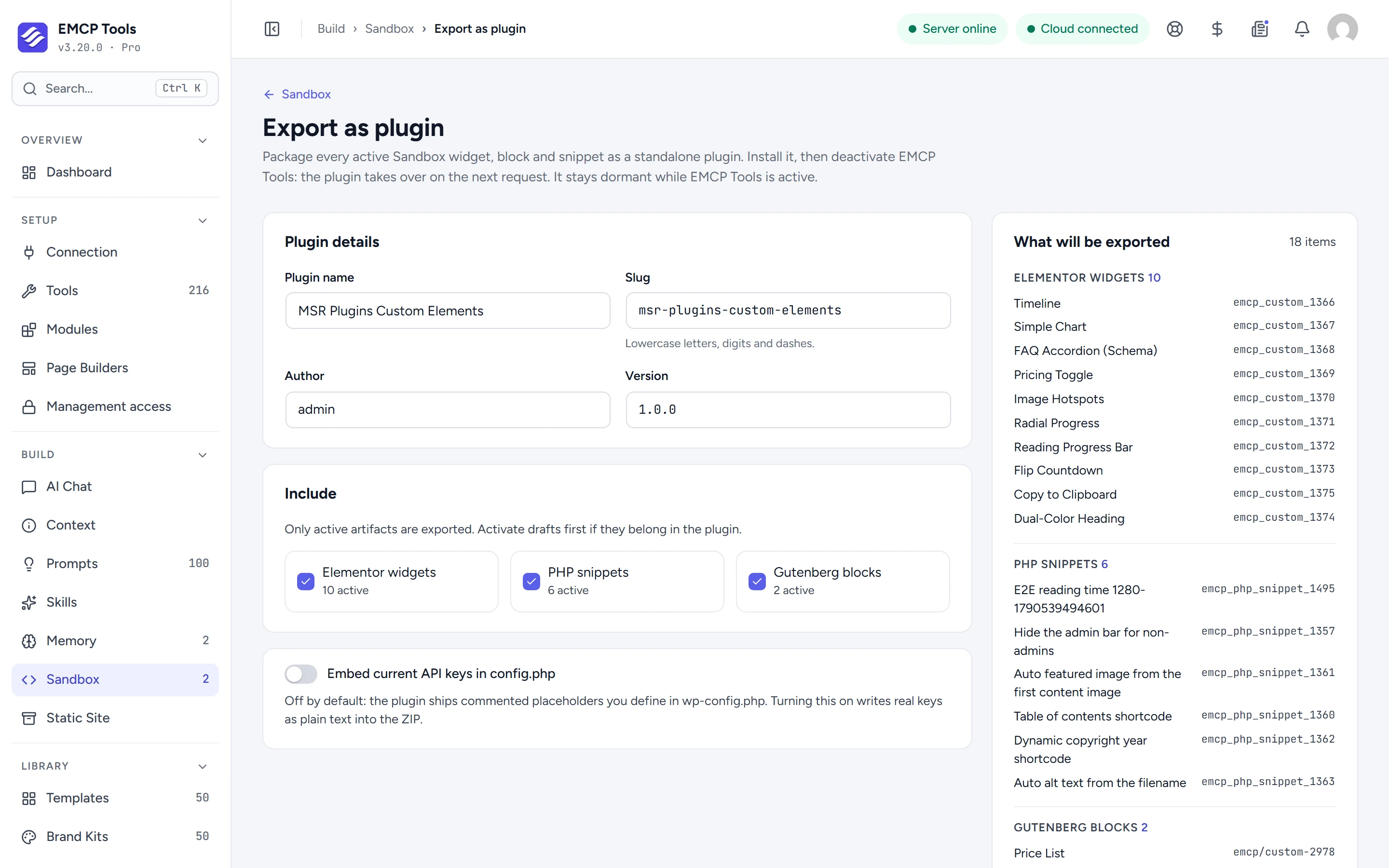
Name it, check it, download it.
Fill in the plugin name, slug, version and author, check the list of what will be exported, and click Build and download ZIP. Only active items are included, and the runtime that query, shortcode and live data widgets need is bundled.
Quiet while EMCP is active, in charge once it is gone.
Install the ZIP on the site. It stays dormant while EMCP Tools is active, and takes over on the next request after EMCP Tools is deactivated. Widget types, block names and shortcodes keep their names, so existing pages render exactly as before.
API keys stay out unless you choose otherwise.
By default the ZIP ships placeholders you define in wp-config.php. Tick Embed current API keys only if you want them written into the plugin.
- One export per site: a second one stays dormant and names the one in charge.
- Edit on the source site and export again rather than editing the generated files.
- The server needs the ZipArchive extension and a private temporary folder.
Questions, answered.
Still stuck? Drop a line at [email protected] or open an issue on GitHub. Most replies are under one business day; Pro tiers go to the front of the queue.
Open the full docsOwn what your AI built.
Get EMCP Pro and open Build → Sandbox → Export as plugin.