
 A brief becomes a real page.
- Free
- Off by default
SVG uploads, cleaned before they are saved.
WordPress blocks SVG files because they can carry scripts. SVG Uploads allows them and cleans every file first, removing scripts, event handlers and external references. A file that cannot be cleaned is refused.
Every SVG is checked, every time.
Files are cleaned with the same open-source sanitizer library the Safe SVG plugin uses. Scripts, event handlers, javascript: links and remote references are removed. If the file is malformed, or the sanitizer is missing, the upload is refused: it fails closed, never open.
Limit SVGs to administrators.
By default anyone who can upload files can upload SVGs. Switch on Administrators only to limit them to administrators. Developers can choose another capability with the emcp_tools_svg_upload_capability filter.
Agents can import SVG icons too.
With the module on, SVGs that agents import through the media tools pass WordPress’s file type check and are cleaned the same way. SVG thumbnails show properly in the Media Library.
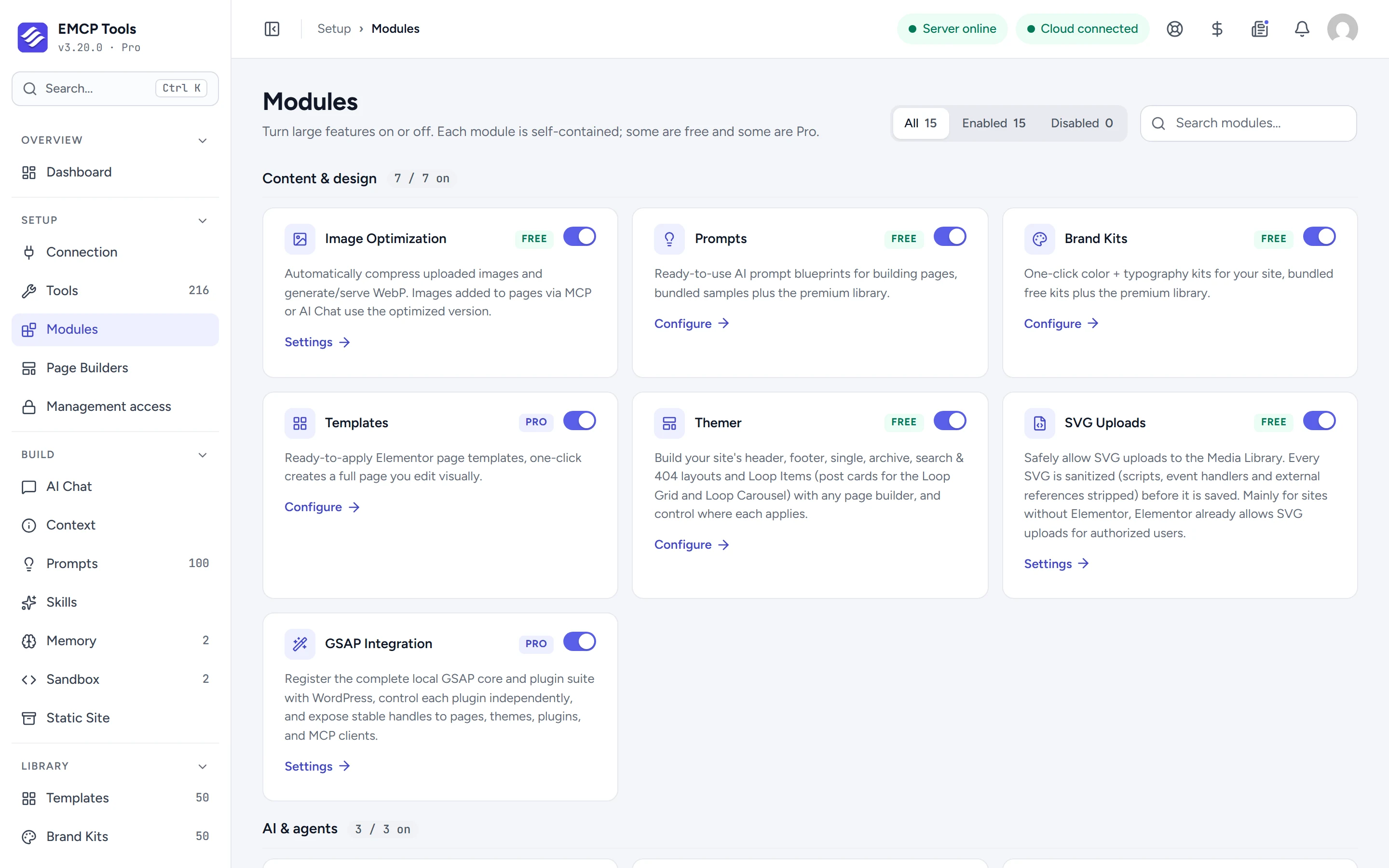
- It is off by default. Switch it on in Setup → Modules.
- Sites using Elementor usually do not need it: Elementor already allows SVG uploads for authorised users.
Questions, answered.
Still stuck? Drop a line at [email protected] or open an issue on GitHub. Most replies are under one business day; Pro tiers go to the front of the queue.
Open the full docsUse SVG without the risk.
Install EMCP Tools free and switch on SVG Uploads in Setup → Modules.