
 A brief becomes a real page.
- Free
Brief every agent before it touches your site.
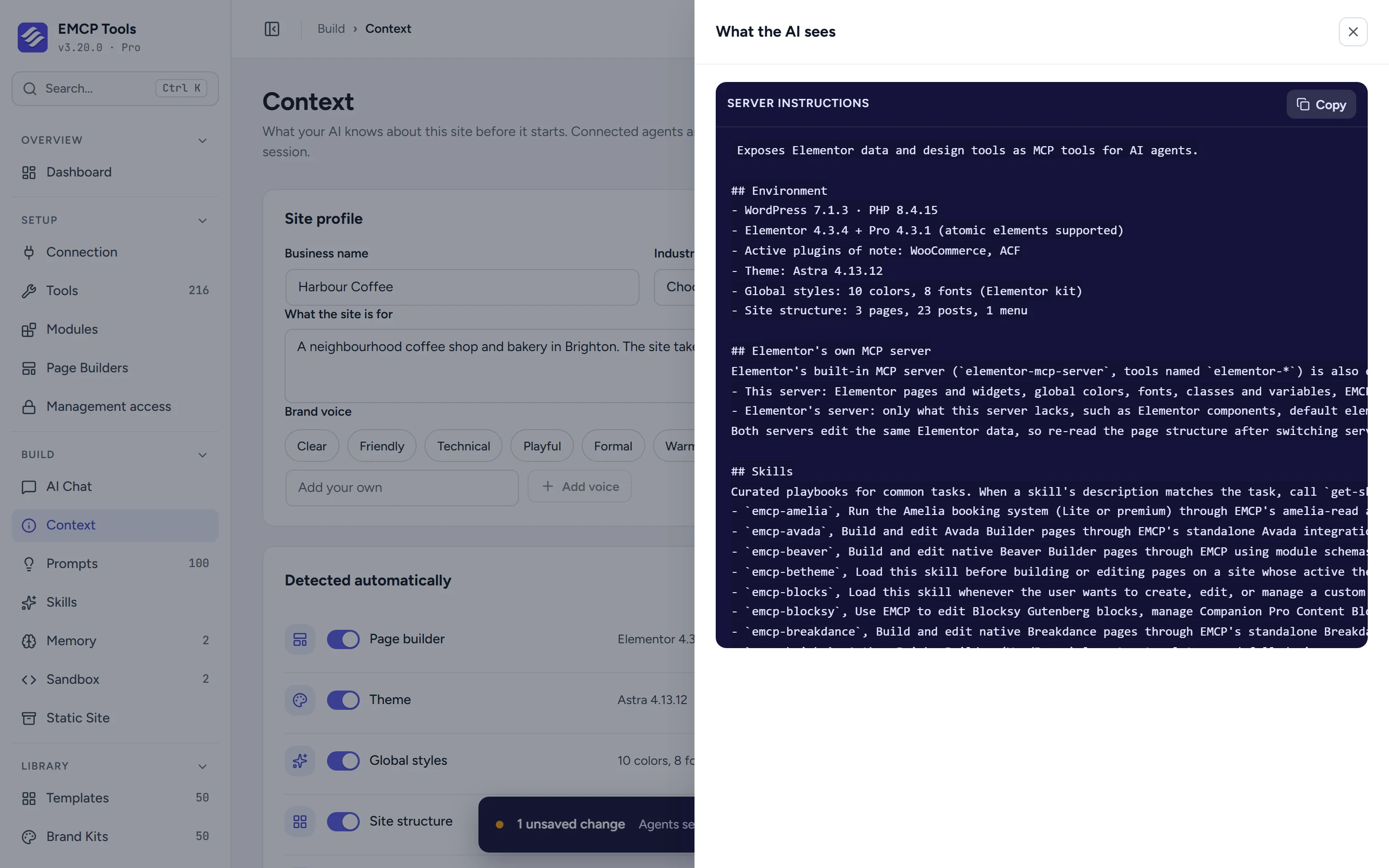
The Context screen decides what a connected agent is told when it connects: the page builder, theme, styles and plugins EMCP detects, a short profile of your business, and any instructions you write. Preview exactly what the agent will read.
What EMCP already knows, with a switch for each part.
EMCP detects the page builder, theme, global colours and fonts, site structure and active plugins, plus the WooCommerce catalog when it is active. Switch off what an agent does not need, and press Refresh after big changes. Skills and Project Memory appear here too when they are in use.
Tell agents who the site is for.
Fill in the business name, industry, what the site is for and up to eight brand voices, such as Friendly or Concise. Add Extra instructions in plain language, up to 20,000 characters.
See exactly what the AI sees.
Preview what the AI sees shows the server instructions with your unsaved changes, without saving anything. A meter estimates the size against an 8,000-token budget, so you can trim before the context gets heavy.
- Agents read the new context the next time they connect.
- Switch off Send context to connected agents to stop sending it.
- Settings sync between sites carries the switches and instructions, but not the site profile.
Questions, answered.
Still stuck? Drop a line at [email protected] or open an issue on GitHub. Most replies are under one business day; Pro tiers go to the front of the queue.
Open the full docsGive your agent a proper briefing.
Install EMCP Tools free and open Build → Context.