
 A brief becomes a real page.
- EMCP Pro
- Off by default
- Block editor
Custom Gutenberg blocks, without writing a plugin.
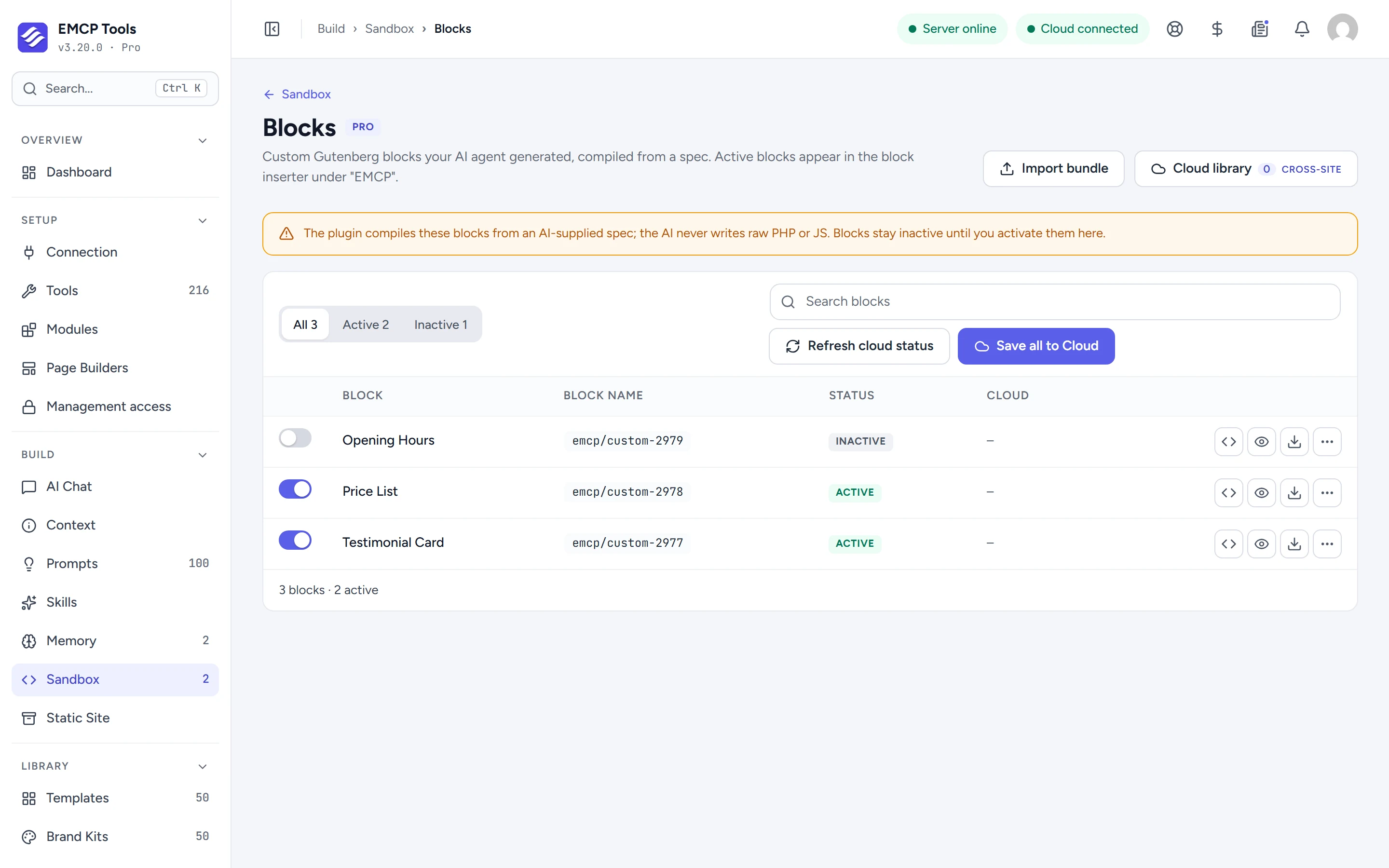
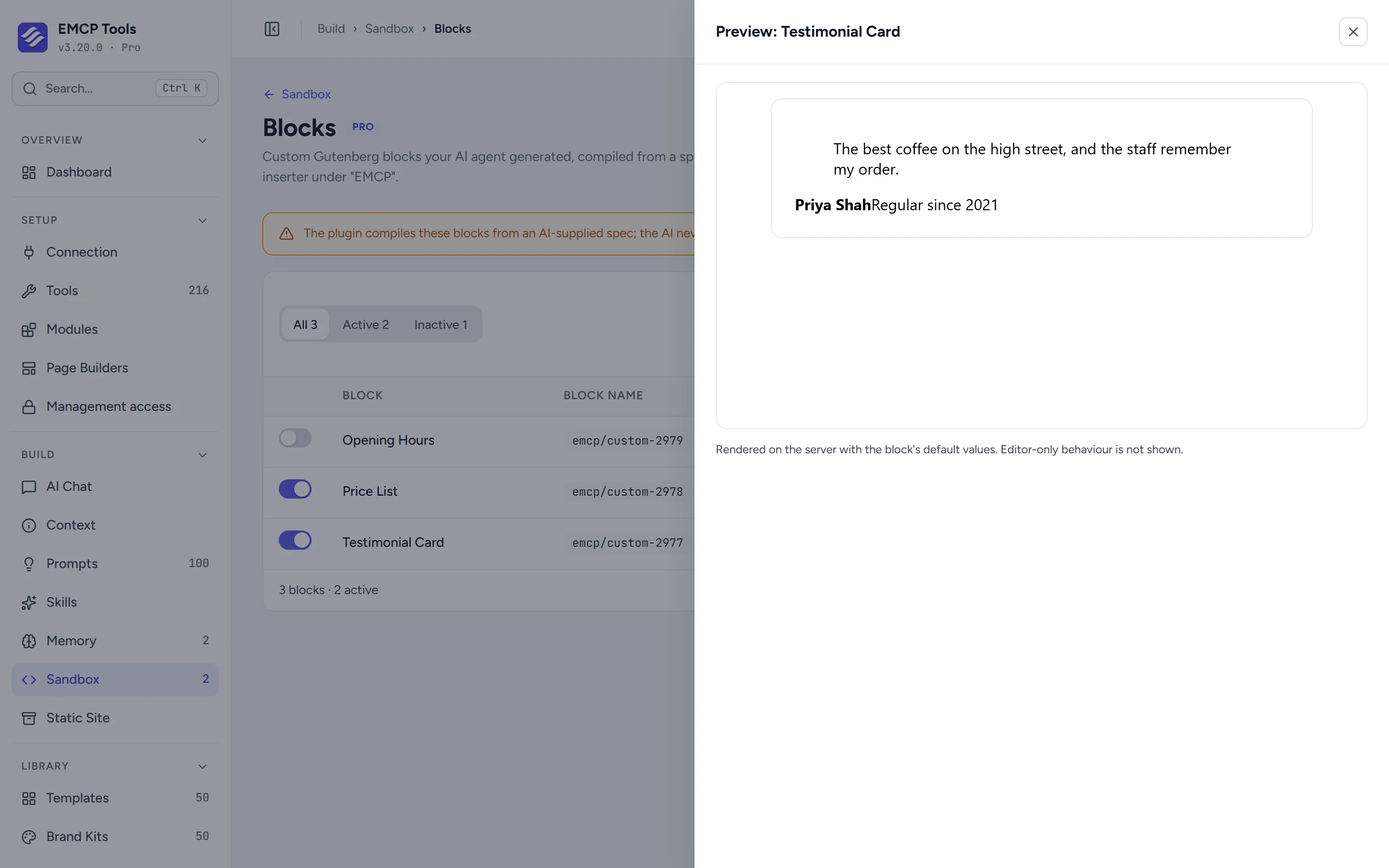
Your AI agent describes a block as a spec: its settings, an HTML template and its styles. EMCP generates a real dynamic block from it. Once you activate it, editors insert it like any other block and change its options in the sidebar with a live preview.
Text, images, colours and repeating rows.
Blocks take text, rich text, numbers, switches, choices, colours from the theme palette, media with alt text and links. A repeater lets editors add, remove and reorder rows, for a price list or an FAQ. Settings can be grouped into collapsible sidebar panels with help text.
Colour, spacing and borders from WordPress itself.
A block can opt into WordPress’s own design controls, such as alignment, colour, spacing, typography, border and shadow, and since 3.20.0 those choices show on the live site too.
Preview it, then switch it on.
Agents can only create drafts. Preview a block on the Sandbox screen, check its files, and activate it. Your agent can then place it on pages with the Gutenberg tools.
- The editor script is always generated by EMCP. A spec cannot carry JavaScript.
- Only users who may add unfiltered HTML can change blocks.
- Attribute names that clash with WordPress, such as align or className, are refused.
MCP tools this adds 8
What a connected AI agent can call. Tools marked "Off by default" are switched on under EMCP Tools, Tools.
list-block-control-typesReturns the attribute types and template syntax for building block specs.validate-block-specValidates a block spec and dry-runs the generator without saving.create-custom-blockGenerates a custom Gutenberg block from a spec into an isolated sandbox as an inactive draft. You activate it in Sandbox, Blocks.update-custom-blockReplaces a custom block's spec and regenerates its code.get-custom-blockReturns a custom block's spec, generated code, status, and last error.list-custom-blocksLists all generated custom blocks with their status.set-block-statusReturns a custom block to draft. Activation is yours, in Sandbox, Blocks.delete-custom-blockPermanently deletes a custom block and its sandbox file.
Questions, answered.
Still stuck? Drop a line at [email protected] or open an issue on GitHub. Most replies are under one business day; Pro tiers go to the front of the queue.
Open the full docsGive editors the block they keep asking for.
Get EMCP Pro and switch on the Block Builder tools in Setup → Tools.