
 A brief becomes a real page.
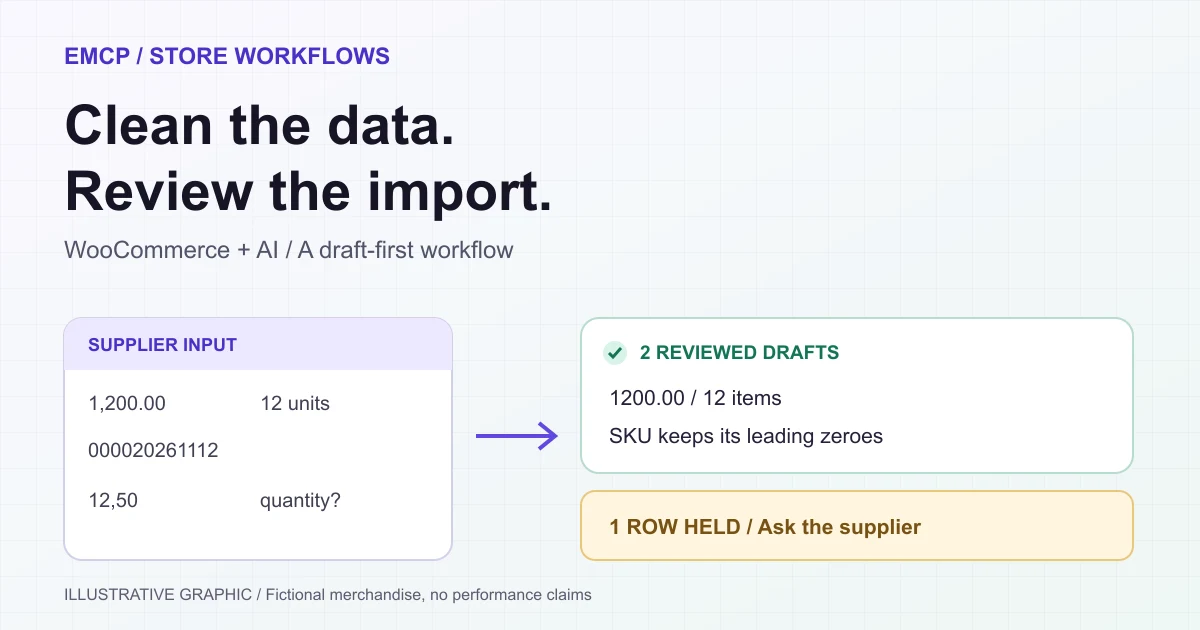
A useful WooCommerce product import with AI begins with a reviewable data proposal. Ask the agent to normalize confirmed values, preserve product identifiers and separate uncertain rows. Apply only the records you can explain, then check what WooCommerce actually saved.
This walkthrough uses a fictional supplier CSV with three rows. Two become simple draft products; an ambiguous price and missing quantity keep the third out of the import. We tested the native importer engine on a local practice store. The EMCP route below is documented separately and was not executed in that test.
Download the fictional supplier CSV, reviewed native CSV and import review worksheet. These examples are for a disposable practice store, not a production catalog.
Start with a field agreement
Before cleaning a spreadsheet, agree on what each column means. A number can be a price, a pack quantity or a supplier reference. A tidy cell does not establish which one it is.
For this exercise, we confirmed that prices use PKR, a comma separates thousands, a dot separates decimals, and stock counts individual items. Those confirmations apply to the first two rows only.
| Source value | Reviewed decision | Reason |
|---|---|---|
| Padded notebook name | Trim surrounding whitespace | The product name itself is unchanged |
Price 1,200.00 | Decimal string 1200.00 | The first row’s number convention is confirmed |
Quantity 12 units | Integer 12 | Units are confirmed as individual items |
SKU 000020261112 | Preserve the complete string | Leading zeroes belong to the identifier |
Price 12,50 and no stock count | Hold the entire row for review | Neither the decimal convention nor quantity is confirmed |
Do not interpret an empty stock cell as zero. Do not assume a supplier’s “case” is the same unit sold in your store. Record the source row and the decision behind every conversion so someone can trace the proposed value back to its input.
Keep an untouched copy of the source. If you use a spreadsheet editor, explicitly treat SKU columns as text and inspect the saved CSV, not just the displayed cells. Check for duplicate identifiers, unexpected formulas, changed currency and unsupported product types before asking for a write.
Give the agent a bounded cleanup task
Use a prompt that asks for a proposal and defines what must remain unresolved:
Read this fictional supplier CSV. Return a review proposal only.For rows 1–2, PKR uses comma thousands and dot decimals; stockcounts individual items. Trim outer name whitespace, normalizeconfirmed prices and remove the confirmed "units" suffix.
Preserve every SKU as a string, including leading zeroes.Prepare simple DRAFT products only.Hold row 3: its price convention and stock count are unconfirmed.Return ready_rows and review_rows with source-row references.Do not invent missing values, contact a store or apply an import.
Inspect the proposal against the file yourself. A plausible explanation can accompany an incorrect transformation. In particular, compare identifier strings character for character and verify that the held row never appears in the apply file.
Our local Claude Code proposal retained both SKUs, returned two ready rows and flagged the third. That demonstrates this small exercise; it does not establish accuracy on arbitrary supplier documents.
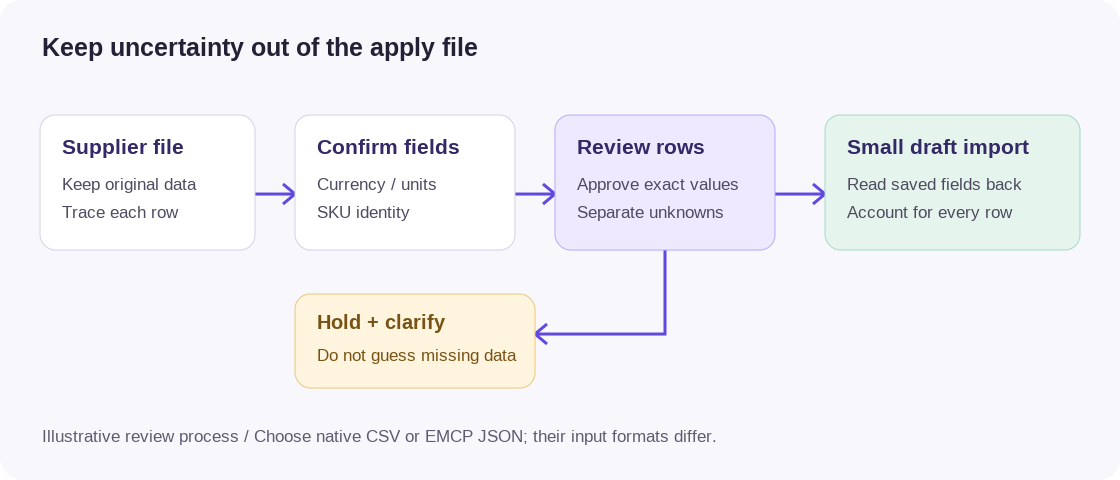
Resolve identity before choosing an import route
A supplier name is useful context, but it is a poor update key. Similar titles, punctuation changes and renamed products can make a name-based match look convincing while targeting the wrong record.
Compare the reviewed identifiers with the destination catalog before choosing create or update. Maintain a small table containing source row, source SKU, destination ID if verified, intended action and allowed fields. An unmatched SKU needs a decision: it might be new merchandise, an upstream typo or a variation whose parent has not been supplied.
Keep creates separate from updates during the first trial. For an update, include only the fields you intend to change and check how your chosen importer handles omitted and empty values. Preserve the old values outside the import file so recovery does not depend on memory.
The two routes below have different input formats. The downloadable CSV is for WooCommerce’s native importer. It is not an EMCP JSON request.
Route A: prepare a native WooCommerce CSV
The reviewed example contains these native CSV headers and values:
Type,SKU,Name,Published,Regular price,Stock,Descriptionsimple,EMCP-IMPORT-20261112-A,Practice Grid Notebook,-1,1200.00,12,Fictional import exercise. Not for sale.simple,000020261112,Practice Paper Clips,-1,450.00,5,Fictional import exercise. Not for sale.WooCommerce’s native importer documentation specifies UTF-8 CSV and Published=-1 for drafts. Back up the store and try a small staging batch. Under Products → All Products → Import, choose the file, review column mapping and run the importer. Select the existing-product update option only for an intentional update.
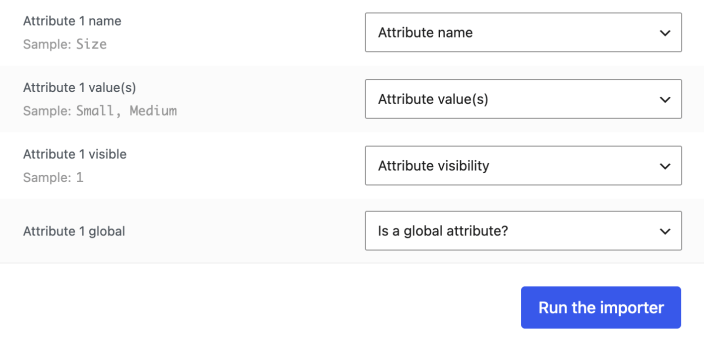
Review failed and skipped rows individually. Native updates use ID or SKU; from 11.2, a mapped Global Unique ID can be used when both are blank. Eligible variations can be created during update imports in recent releases, so “update” is not a universal no-create guarantee. Consult the current documentation for those cases.
For this first exercise, stay with simple products. Images, variations, taxonomy changes and extension-specific fields need additional validation. The native CSV importer does not update image alt text. Handle that separately through an image-context review.
Route B: use EMCP’s reviewed JSON plan
The EMCP WooCommerce reference documents a separate Pro workflow. The agent parses the supplier file locally and sends structured JSON. It does not upload the supplier document to WordPress.
With WooCommerce active, check the installed tool catalog, permissions and enabled woo-read/woo-write controls. The import operations are:
plan-product-import: validate a bounded item list and inspect each row’s proposed resolution.- Review that list and the returned
plan_hash. upsert-products: apply the same items with that hash andconfirm: true.- Read affected records back.
The documented limit is 100 rows per call. Matching uses explicit ID first, then exact SKU, never product name. This path creates or updates products; it does not delete them. Changing the items requires a new plan.
The plan operation does not write, but belongs to the write dispatcher. A matching hash protects the reviewed request’s identity; it does not establish that a supplier price is correct. Use status: "draft" in the appropriate JSON data, not the CSV’s Published=-1 syntax. See the import lesson for the connected workflow. We did not execute this MCP path in the local CSV test.
What we actually tested
On 12 November 2026, we exercised the native WC_Product_CSV_Importer engine through WP-CLI on our local practice site, running WordPress 7.1.4 and WooCommerce 11.3.0. The site used PKR. This was a controlled local test with fictional merchandise.
A separate read-only Claude Code 2.1.302 proposal took three turns. Its result reported claude-sonnet-5-5; we record that returned model rather than assuming the requested alias identifies the model that ran. The supplier file’s SHA-256 stayed unchanged:
8DE3143B59E2D1B4B0184B68CA8DD3062AF22806802F9E605871DE96A3679248The model had local Read/Glob/Grep tools, plan mode and an empty strict MCP configuration. It did not connect to WordPress. We reviewed its proposal and ran the native engine separately.
| Native exercise | Observed result |
|---|---|
| Create the two reviewed rows | Two imports; zero failures or skips; both saved as drafts |
| Read saved product fields | Prices 1200.00 and 450.00; managed stock 12 and 5; leading-zero SKU preserved |
| Update the first product using only SKU and Name | One update; only its name changed to “Practice Grid Notebook — reviewed” |
| Repeat the original file in create mode | Zero imports and two skips; no duplicate products created |
| Check an existing control product | Its recorded name, status, prices, stock settings and description stayed unchanged |
| Clean up the exercise | Both created fixtures moved to recoverable Trash; control unchanged |
The created IDs were 3286 and 3287, meaningful only on that local installation. Existing control 3285 was not an import target and was retained. The IDs are deliberately absent from the downloadable CSV.
We did not test browser upload, an EMCP connection, plan hashes, image import, variation handling, extension metadata, a production catalog or storefront purchase behavior. No order, customer, checkout or refund operation was part of this exercise. These results establish the listed small native-engine behaviors, not an all-or-nothing transaction guarantee or a performance benchmark.
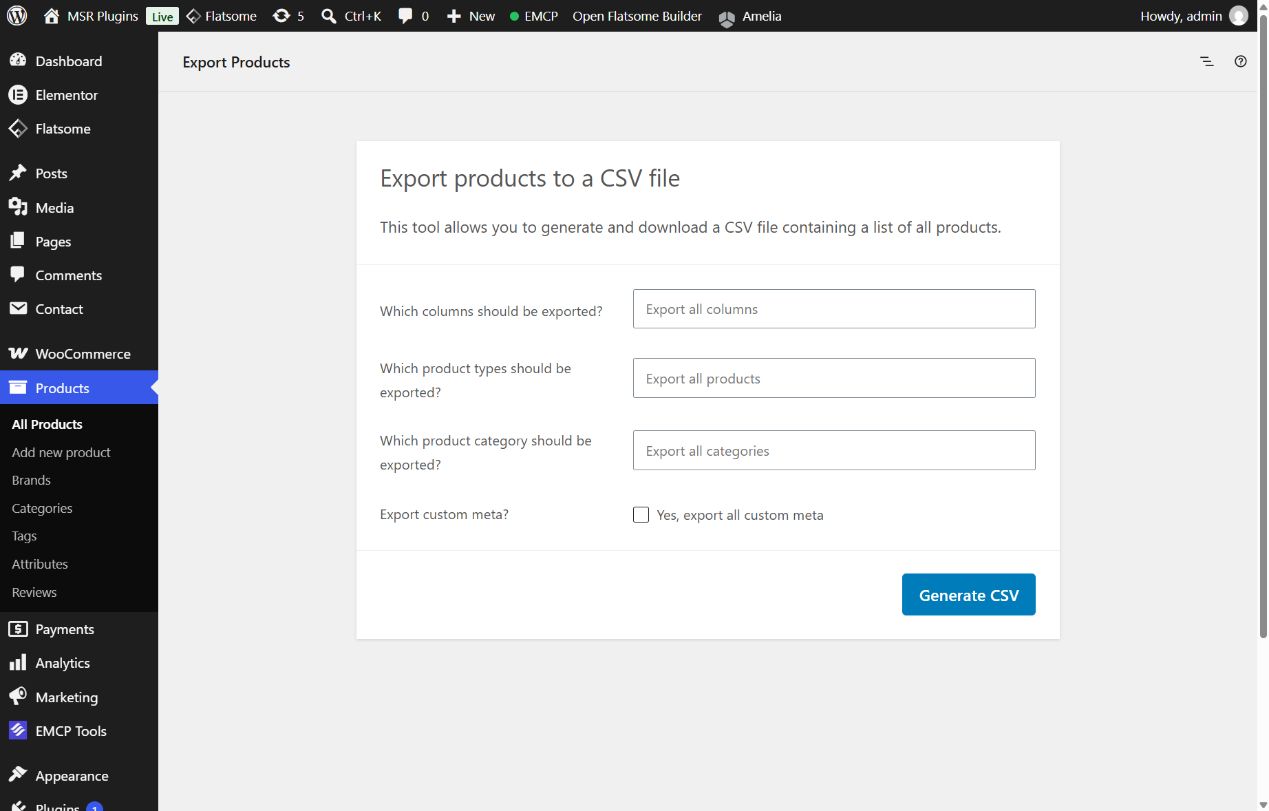
Verify the saved batch before expanding it
Treat the import report as the start of verification. Read every affected product in your small trial and compare identifiers, product type, status, prices and stock policy with the approved table. Confirm that an update changed only its permitted fields.
Account for every source row: imported, updated, intentionally withheld, skipped or failed. Investigate unexpected outcomes before retrying. Reapplying a whole file because one row failed can repeat changes that already succeeded.
For later production work, also inspect product previews, variation selection, image presentation and the displayed price as applicable. A draft status prevents normal publication, but does not prove every external integration ignores the record. Keep the trial environment isolated from feeds and other downstream consumers as your store requires.
Use the review worksheet to record who approved the batch, the recovery plan and read-back results. Once identity and structured data are correct, move on to product-description editing; combining import repair and marketing rewrites makes discrepancies harder to diagnose.
Start with a small, reviewable workflow
Install EMCP Lite from WordPress.org to begin connecting an agent to supported WordPress workflows. WooCommerce operations and the product-import plan/apply tools require EMCP Pro; they are not included in Lite. Use the WooCommerce integration overview and store-agent guide to choose an appropriate setup before delegating store changes.