
 A brief becomes a real page.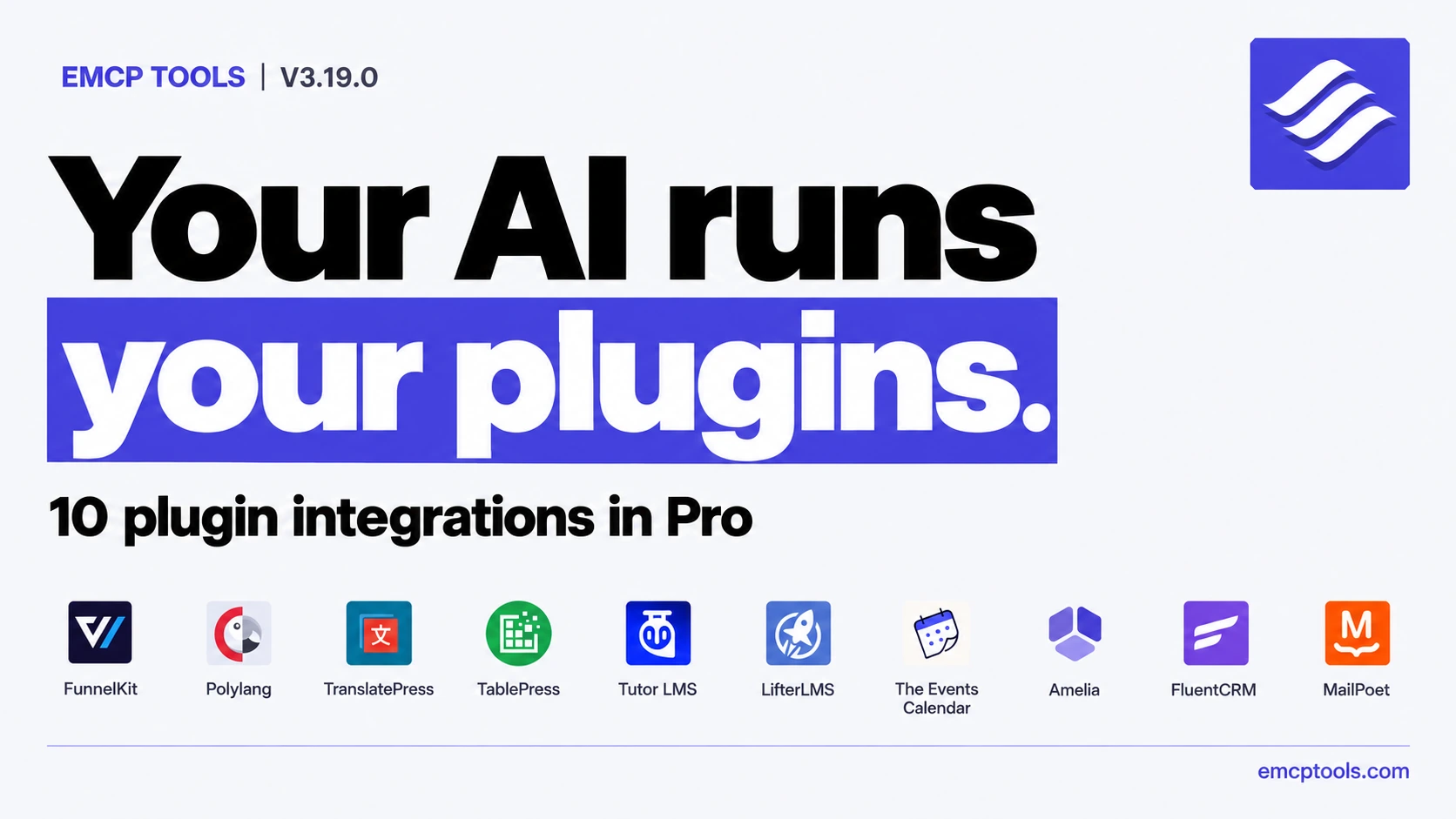
A cooking school runs its site on a stack of plugins: a course plugin for its online classes, an events calendar for its workshops, a booking plugin for private lessons, a newsletter, and a second language for half its students. Until now an AI agent could build the school’s pages, but stopped at the door of every one of those plugins.
EMCP Tools 3.19.0 opens those doors. Ten plugins get Pro tools of their own: FunnelKit (Funnel Builder and Automations), Polylang, TranslatePress, TablePress, Tutor LMS, LifterLMS, The Events Calendar, Amelia, FluentCRM and MailPoet. Each one works through the plugin’s own code, so the plugin validates every change the way its own screens do, and almost every write can be undone from History.
Version 3.19.0 is now available. Download the free release, or update Pro through Freemius.
We tried every one on a real site first
Each integration page now shows a real run instead of an illustration: what we asked, the actual tool calls in the order they ran, the answers they returned, and screenshots of the plugin’s own screens. The runs use a fictional school, Larkspur Kitchen School, on our test site, with every outgoing email held. Where EMCP refused something, the page shows the refusal too.
Translate a page without opening an editor
With Polylang, the assistant copies a page into another language, reads its text as one numbered list, writes the whole translation back in a single call and publishes it. The original page never changes: Polylang’s copying between translations is held back while EMCP writes. With TranslatePress, it reads every string of the rendered page with the sentence it belongs to, and writes the translations back in one all-or-nothing call that never overwrites a reviewed translation.
Tables, courses and events
TablePress tables can be created from data, edited cell by cell, styled, imported and placed on Elementor or Gutenberg pages, with formulas kept. Tutor LMS and LifterLMS courses get their topics or sections, lessons, quizzes, access plans and enrolments written through each plugin’s own builder code, and students’ quiz work is never touched, not even by an undo. The Events Calendar events come with venues, organizers, time zones and a cancelled or postponed status, and every write is checked against the calendar’s own date tables.
Bookings, contacts and newsletters, with nobody emailed by surprise
Amelia is set up from nothing: services, employees and their working weeks, customers, free time slots and appointments, Lite included. FluentCRM and MailPoet handle contacts, lists, tags, campaigns and newsletters.
These are the tools where a mistake reaches real people, so they are careful by default. No automation runs and no customer is emailed unless the call asks for it. A campaign or newsletter is only scheduled when the call names the exact number of recipients the plugin counts. Nobody who opted out is ever made sendable again, and erasing a contact removes them from History too.
Funnels and automations
FunnelKit gets a write tool for Funnel Builder (funnels, steps, checkout products, order bumps, upsells and the store checkout) and read and write tools for FunnelKit Automations. Price changes show the price a buyer pays in a dry run before anything is saved.
Also in 3.19.0
- The Plugins and Themes tabs on the Tools screen show one compact row per integration, with its Read and Write switches side by side.
- Connection step 3 keeps an existing application password selected, and a browser-filled login password can no longer end up in a config.
- EMCP Cloud protects cloned sites, retries a throttled refresh instead of asking you to reconnect, and supports operator-run and grant-based onboarding of many sites.
- Security hardening: MCP post writes check the post type’s own create, publish and author permissions, sitewide Elementor templates (headers, footers, popups) need theme permissions, Themer templates with PHP attached are administrator-only, and OAuth tokens and the Cloud Gateway credential change one at a time per client.
- A site-local management access policy lets you choose which administrators may manage EMCP.
- New agent skills for every integration, so an assistant reads the rules before its first write.
Write tools for every new integration ship switched off. Turn on the ones you want under EMCP Tools > Tools > Plugins, and reconnect your AI client after updating. The full list is in the changelog.