
 A brief becomes a real page.
Build an online courseby describing it.
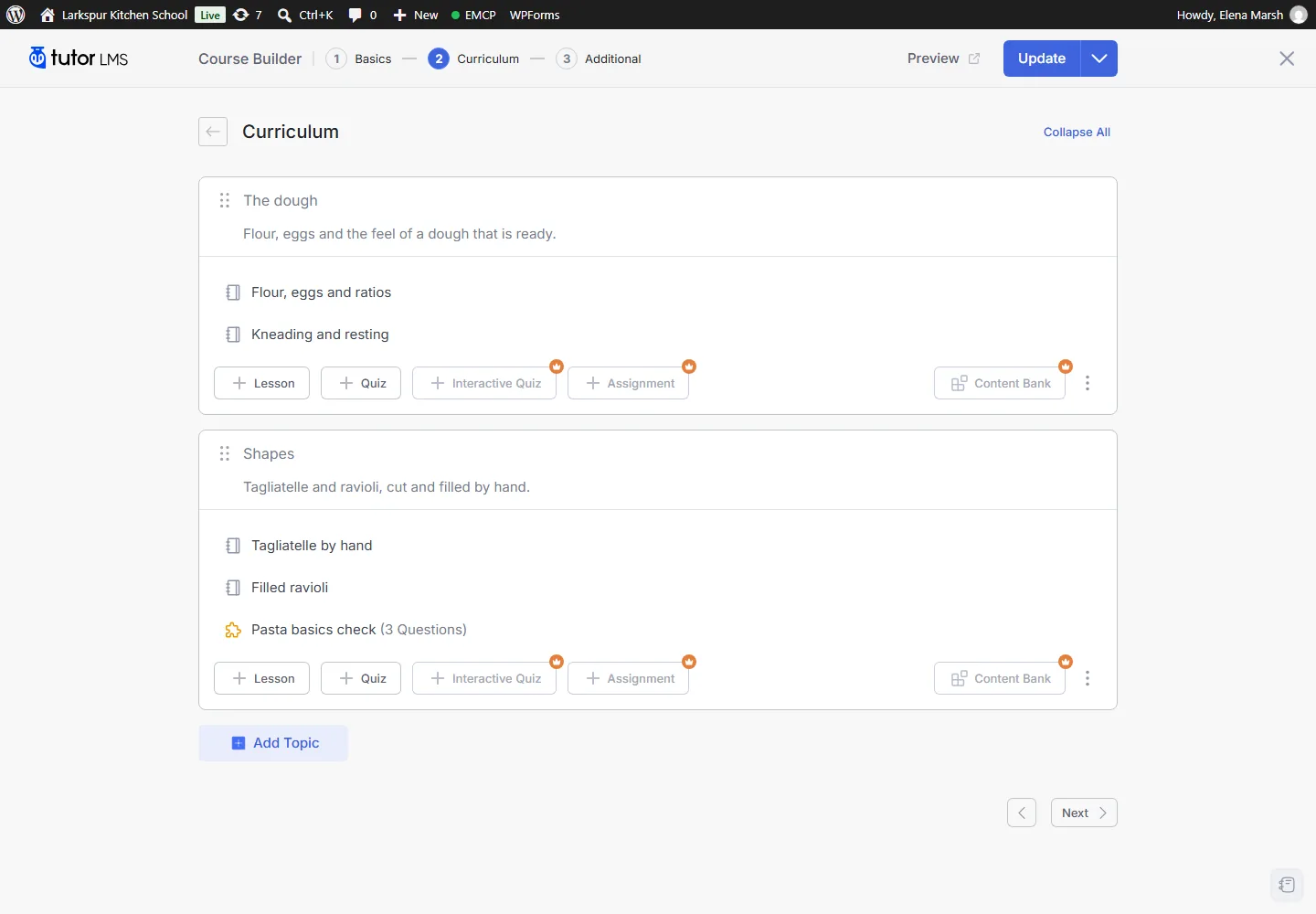
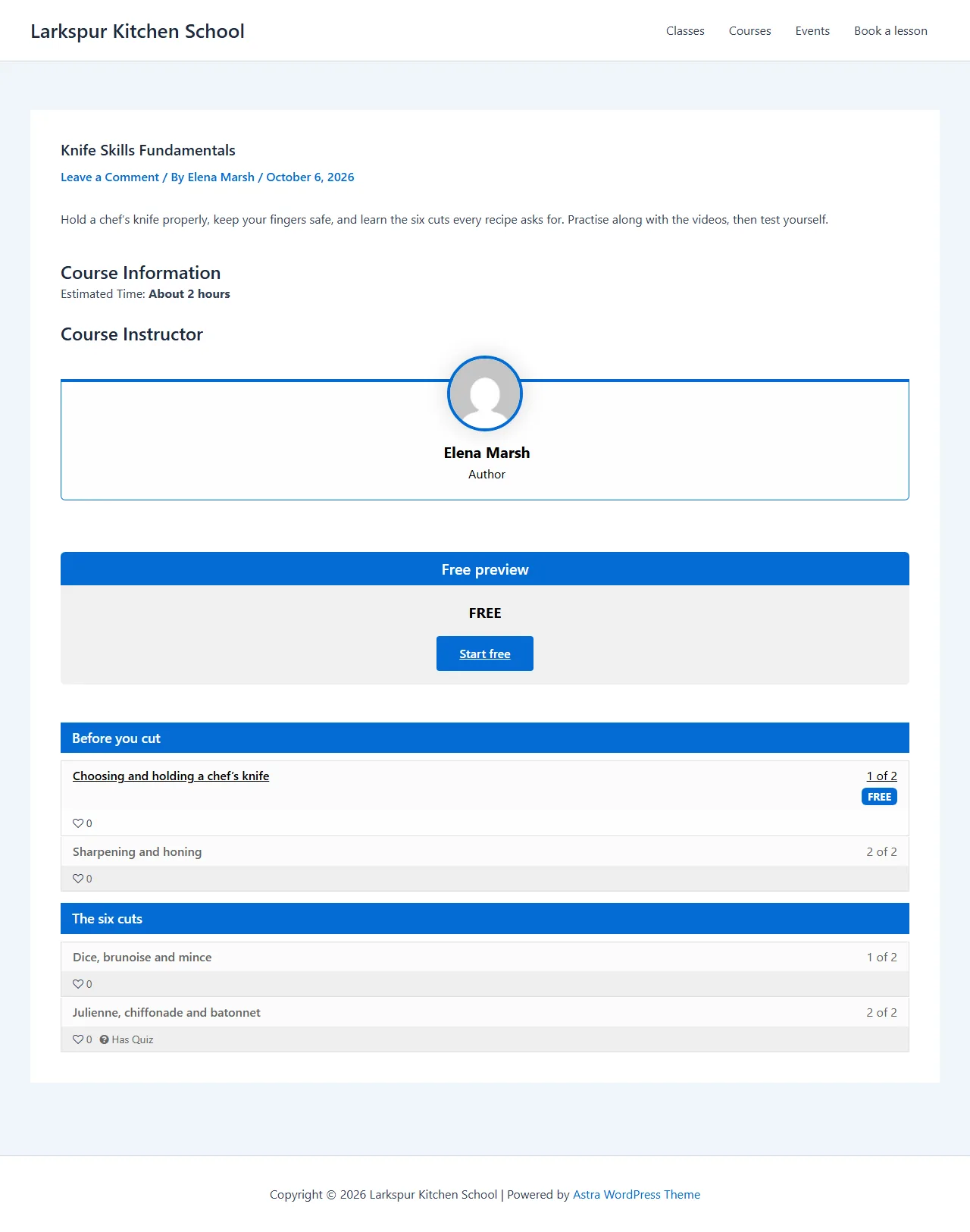
With EMCP Pro, your AI agent works directly in Tutor LMS or LifterLMS. Describe the course you want and it creates the course, its topics or sections, lessons and quizzes as drafts, so you can review the curriculum before anything is published.
- Tutor LMS4.x, free is enough
- LifterLMS10.x
- EMCP Pro 3.19+

Try asking
Ask the way you would brief a person.
“Create a beginner course on watercolor painting with five topics, two lessons each and a five-question quiz at the end. Keep it as a draft and show me the curriculum.”
“Build a four-section bookkeeping course with three lessons each. Add a free preview plan and a 49.00 plan, then a Gold membership that includes it.”
“Enrol Maya Chen in the watercolor course and show me how far last month’s students have got.”
What you can ask for
From outline to a finished curriculum.
Start with a topic and an audience, or paste an outline you already have. The agent builds the structure in your LMS plugin, with each lesson's text, video and attachments, and quiz questions in the types your edition supports.
- Tutor LMS: courses, topics, lessons, quizzes, enrolments and student progress.
- LifterLMS: courses, sections, lessons, quizzes, access plans and memberships, with drip and prerequisite settings.
- Reorder the curriculum later, or update one lesson without touching the rest.
Students and access
Enrol students within your rules.
Enrol a student in a published free course, cancel an enrolment, and check how far each student has got. Paid courses keep your normal checkout: students enrol when they buy.
In LifterLMS, add a free preview plan and a paid access plan, then group courses into a membership. Paid plans show once a payment gateway is set up.
Protected by design
Your learners’ work is never lost.
Some changes would damage what students have already done, so EMCP refuses them, whatever the agent is asked. You get a clear answer instead of a broken course.
- Questions students have answered cannot be changed or removed.
- A quiz with attempts cannot be deleted.
- Undo is refused once students have progress or quiz attempts.
Built-in safety
You stay in charge of every change.
Each LMS has a read tool, on by default, and a write tool you switch on when you are ready. The agent can only do what the connected WordPress user is allowed to do.
Writes start off
Switch on
tutor-writeorlifterlms-writeonly when you are ready.Drafts first
New courses are drafts until you ask for them to be published.
History and Undo
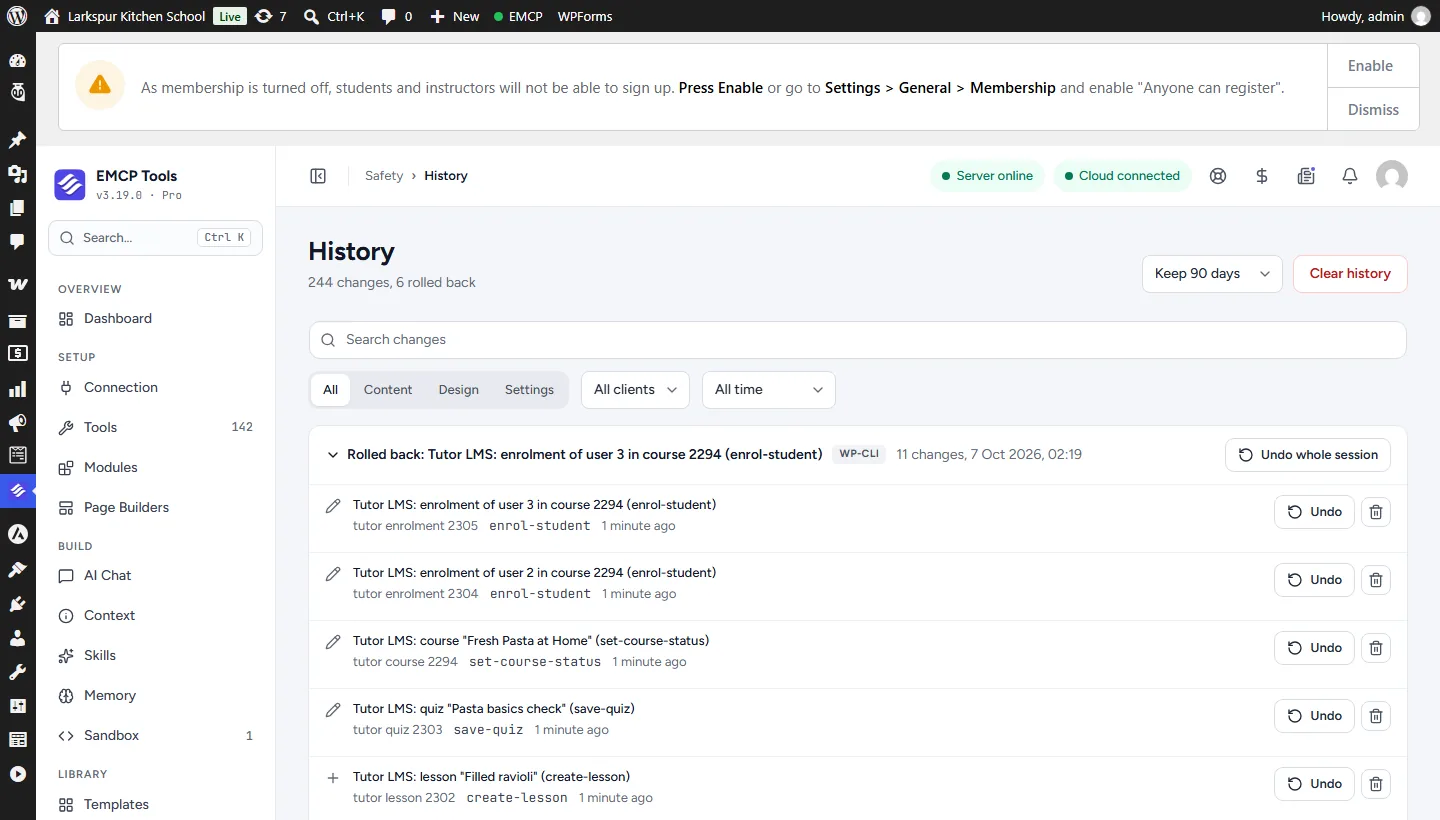
Every write is recorded, with Undo for one change or a whole session.
Confirm to delete
Trashing courses and cancelling enrolments need an explicit confirmation.
Get started
Up and running in three steps.
You need: Tutor LMS, LifterLMS, EMCP Pro 3.19+, and an MCP client such as Claude, ChatGPT or Cursor.
Installation guide- Step 1
Install EMCP Pro
Version 3.19 or later, next to Tutor LMS 4.x or LifterLMS 10.x.
Install Free and Pro - Step 2
Switch on writes
Under EMCP Tools → Tools → Plugins, enable the write tool, then reconnect your AI client.
Choose your tools - Step 3
Describe the course
Give the topic, audience and structure, review the drafts, then ask the agent to publish.
Write a useful brief
Questions, answered.
Still stuck? Drop a line at [email protected] or open an issue on GitHub. Most replies are under one business day; Pro tiers go to the front of the queue.
Open the full docsTurn your next course outline into a draft.
Install EMCP Pro, switch on the course write tool, and describe the course you want to teach.