
 A brief becomes a real page.
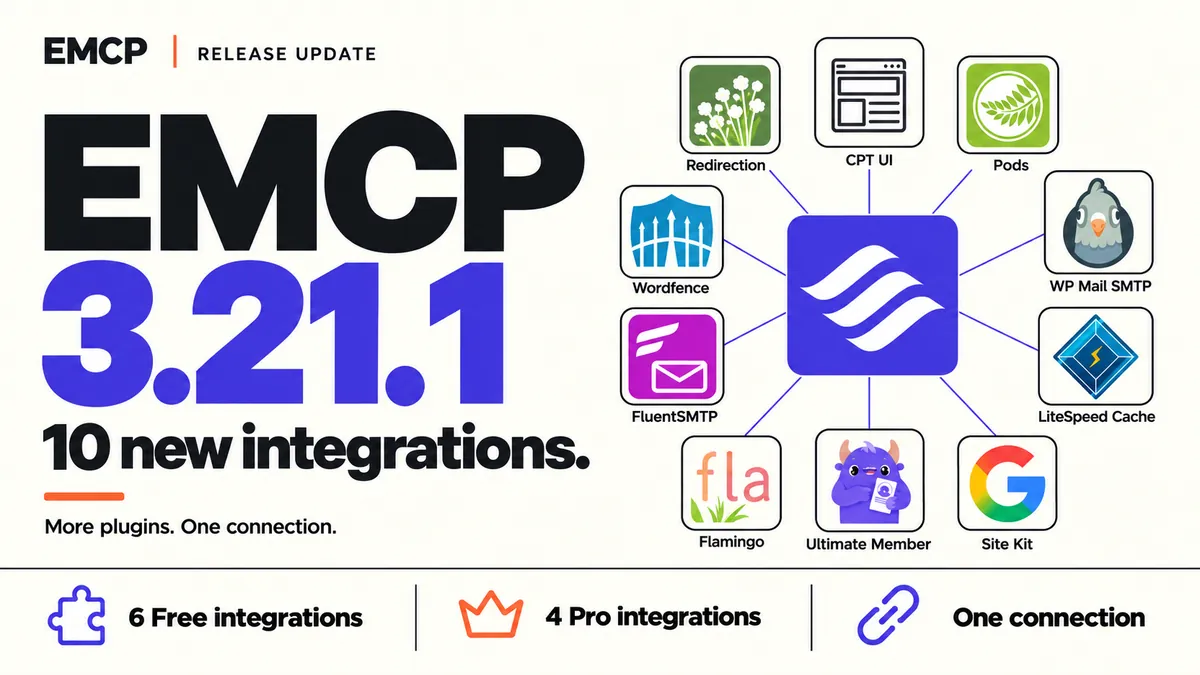
Two of the fixes in this release came straight from customers. One site had to reconnect to EMCP Cloud after a quiet month. Another updated Divi and watched EMCP report it as “Not detected”. Both are fixed, and Pro gains two integrations: Flatsome and Amelia Pro.
Version 3.21.3 is now available. Download the free release, update EMCP Lite from your dashboard, or update Pro through Freemius.
Quiet sites stay connected
A site connected to the EMCP Cloud Gateway holds a long-lived credential. The first time that credential rotated, its life dropped from ten years to thirty days, so a site that saw no AI traffic for a month lost its connection. The site’s own Cloud connection also renewed only when the site used Cloud.
From 3.21.3, rotation keeps the long life, and credentials that were already cut short get it back once. A daily background check renews a Cloud connection that has not renewed for a week. Before renewing, the site proves it is the original and not a staging copy, because a copy renewing on its own would revoke the original’s connection. A firewall page or a lost response no longer marks a connection as broken.
A site that already lapsed needs one last reconnect. The check runs on WP-Cron, so a site with no visits at all can still lapse.
Page builders after a vendor update
EMCP’s page builder integrations were pinned to the versions they were tested on. When Divi shipped 5.18, a site on the new version saw “Not detected” even though nothing EMCP relied on had changed.
Builders and block packs now accept their tested version and every later one, across 11 integrations. get-context tells your AI which version each integration was tested on. Plugin integrations that write to History and support undo keep their verified version ranges, because their undo depends on the plugin’s exact storage.
Flatsome, in Pro
Flatsome. Build pages with Flatsome Site Builder through Flatsome’s own block schemas, serializer and renderer: create pages, set or patch their block tree, publish, and work with reusable patterns. Separate tools read and change the Flatsome Block Theme’s global styles, templates and template parts, and assign a template to a page.
It needs both Flatsome packages at 1.0.0-beta.7 or later and works with child themes, which Flatsome’s own setup wizard creates. Writes start disabled. Every write is recorded in History with conflict-aware undo, and EMCP coordinates with Flatsome’s own editor so an AI edit and a save in the Builder never overwrite each other silently.
Amelia Pro, in Pro
Amelia. The amelia-read and amelia-write tools already ran on Amelia Lite. They now run on Amelia Pro 9.9.1 and every later release, with extras, galleries, package prices and deletion links covered by undo.
Writes that reach outside WordPress, or that undo could not put back, are refused: remote calendar and meeting effects, connected people, linked WordPress profiles, and package, resource or ticket bookings.
Also in this release
Compact tool mode now reports which tools only read, so clients that limit agents to read-only tools can use compact sites.
The full list of changes is in the changelog.