
 A brief becomes a real page.
Custom Elementor widgets, ready to drop in
Widgets that appear in the Elementor panel like any other, compiled into a sandbox so a bad one can never break the editor.
100 results · page 3 of 5
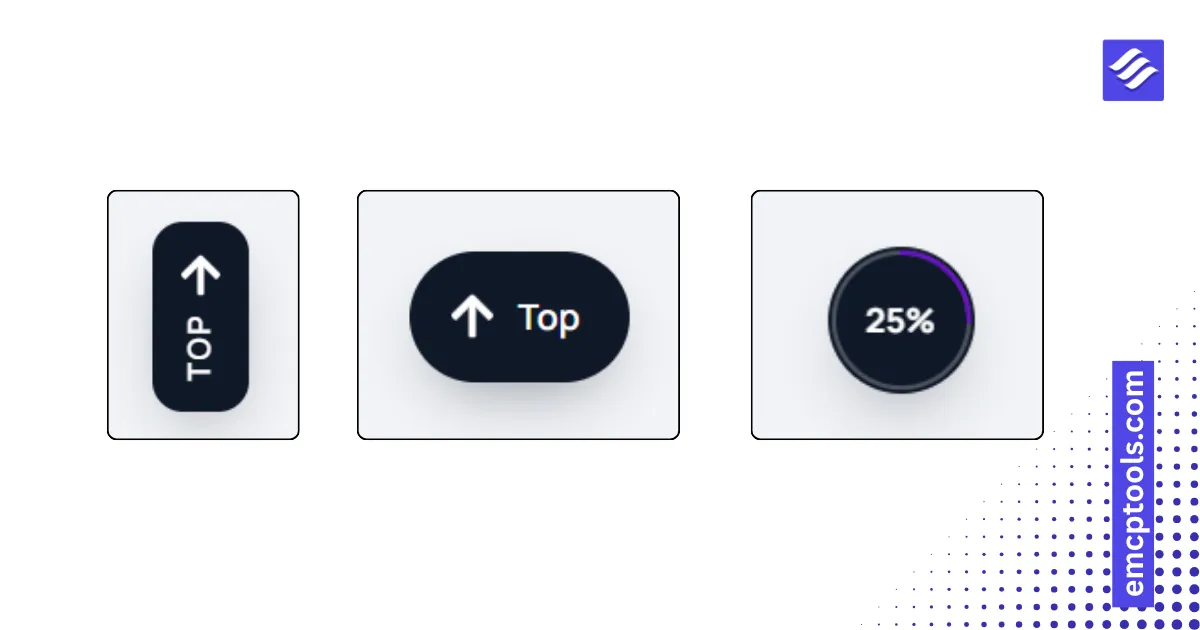
Scroll to Top
A back to top button in six styles, including a ring that fills with scroll progress and an edge tab.


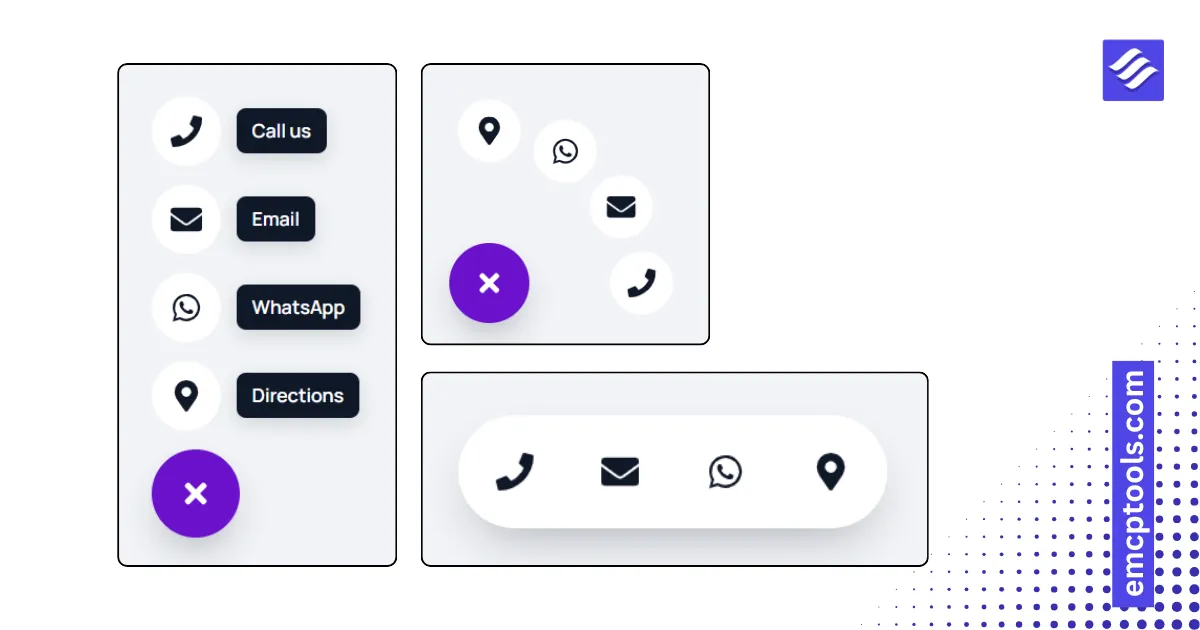
Floating Action Menu
A floating button that opens quick actions: call, email, WhatsApp, a link or a scroll target, in five styles.
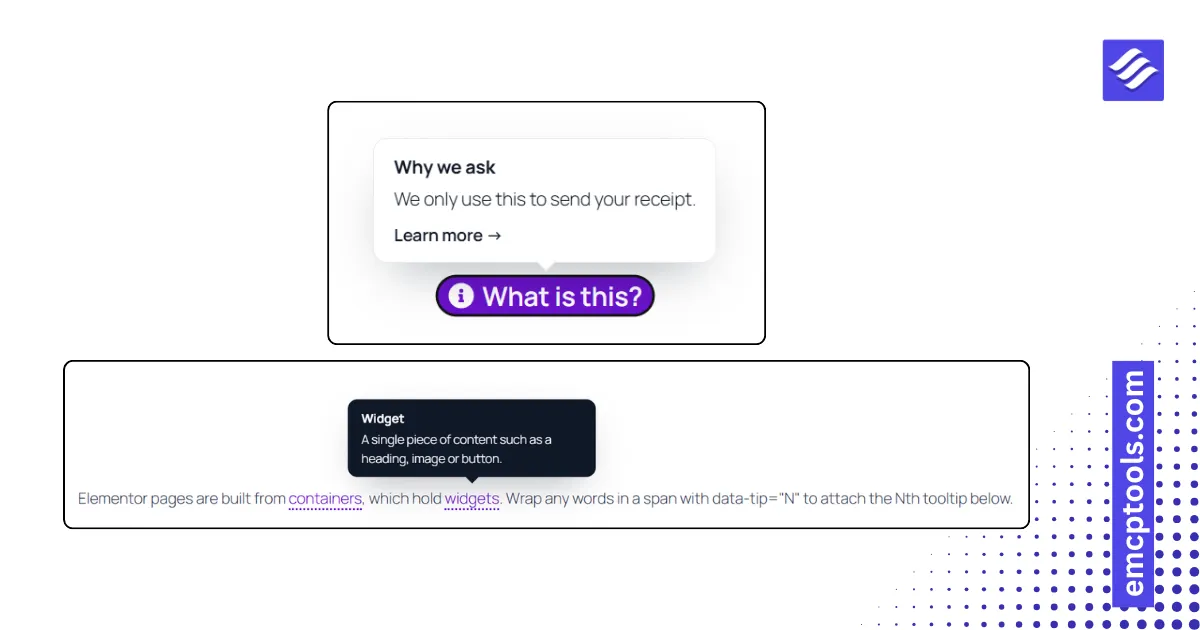
Tooltip Text
Rich text where chosen terms show a tooltip on hover or click, or a single trigger word or icon with one tooltip.
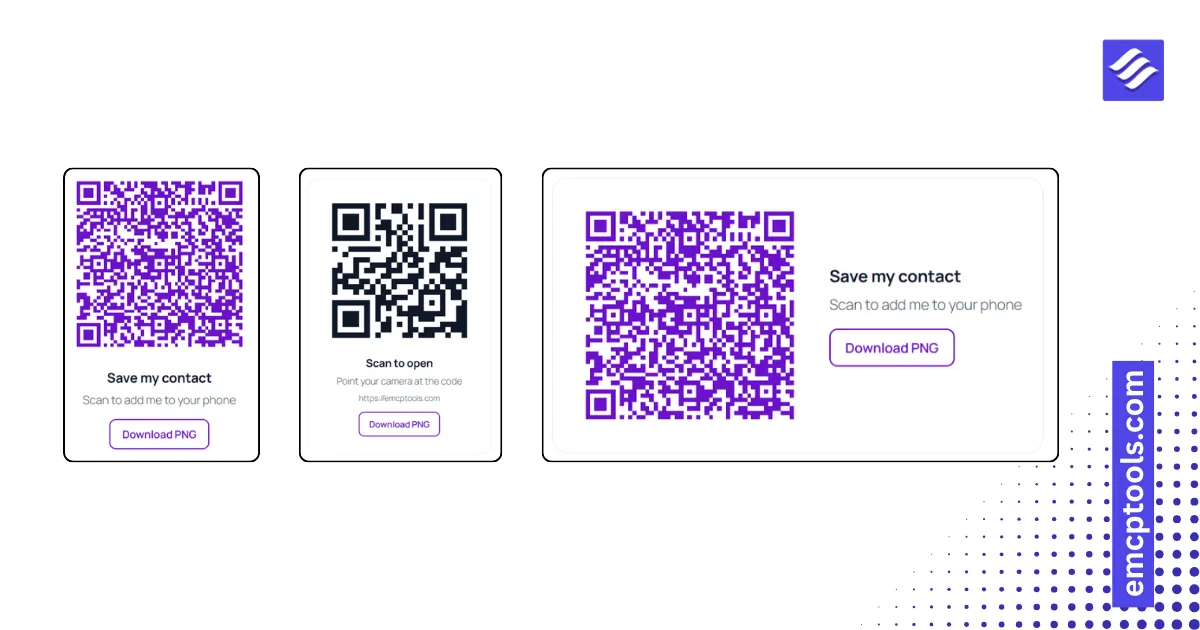
QR Code
A QR code generated in the browser for a URL, the current page, a vCard, a Wi-Fi network, email, phone, SMS or WhatsApp.
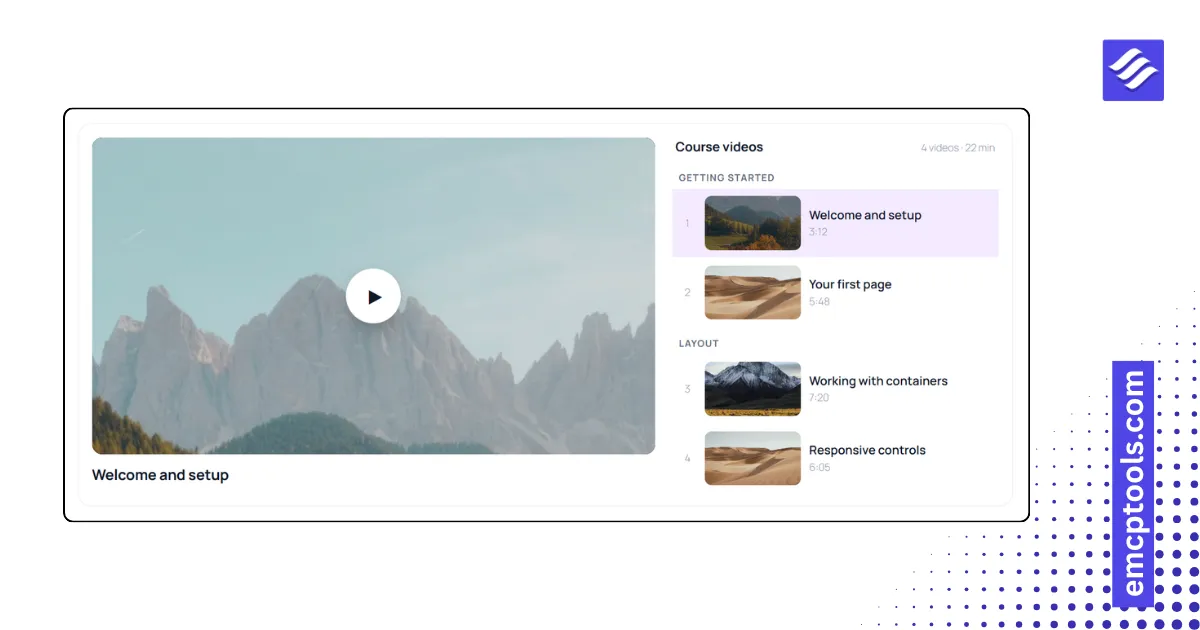
Video Playlist
A video playlist in five layouts with sections, durations, autoplay next and watched progress remembered.
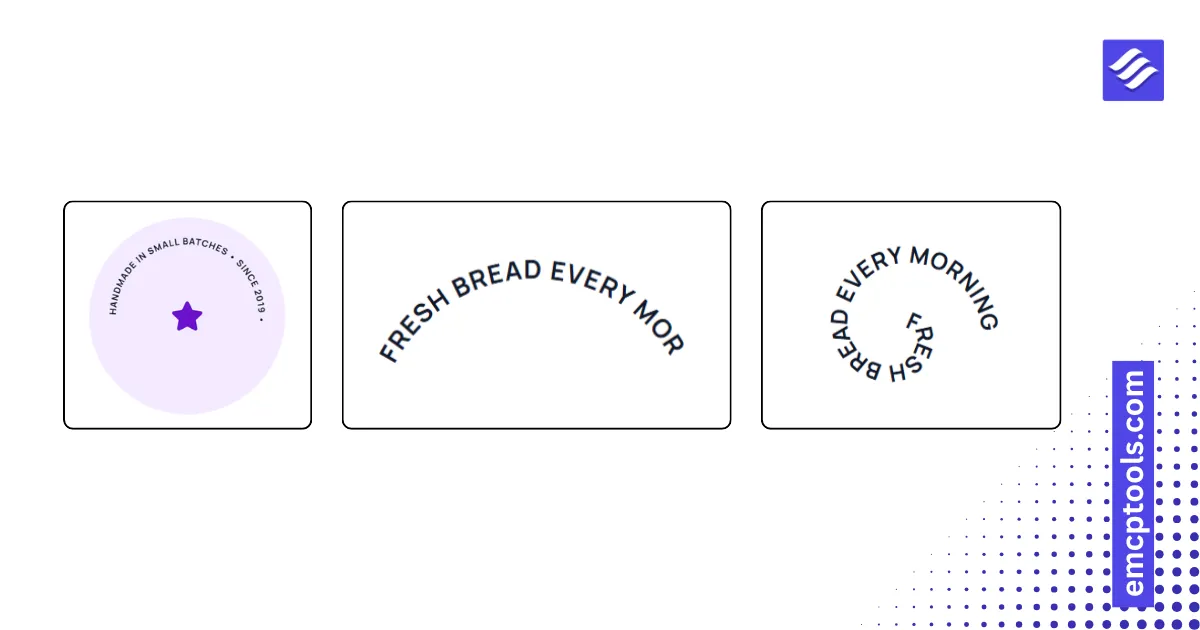
Text Path
Text that follows a curve: circle badge, arc up or down, wave, spiral, kerned line or your own SVG path.
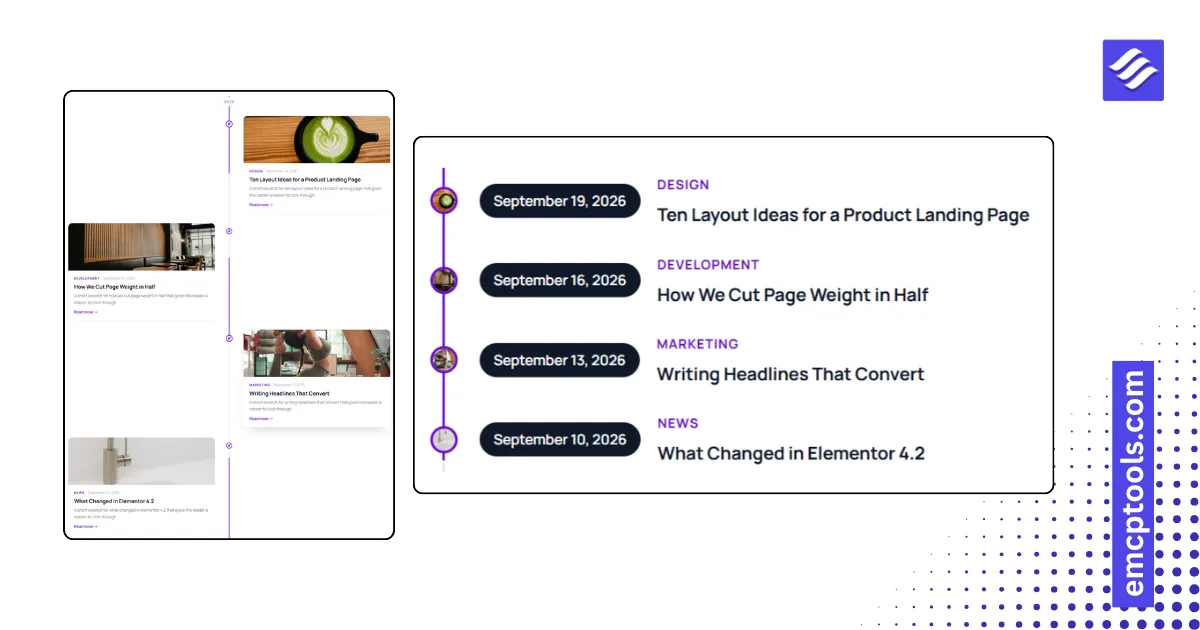
Post Timeline
Your posts as a timeline in four layouts, with year markers, a line that fills as you scroll and reading time.
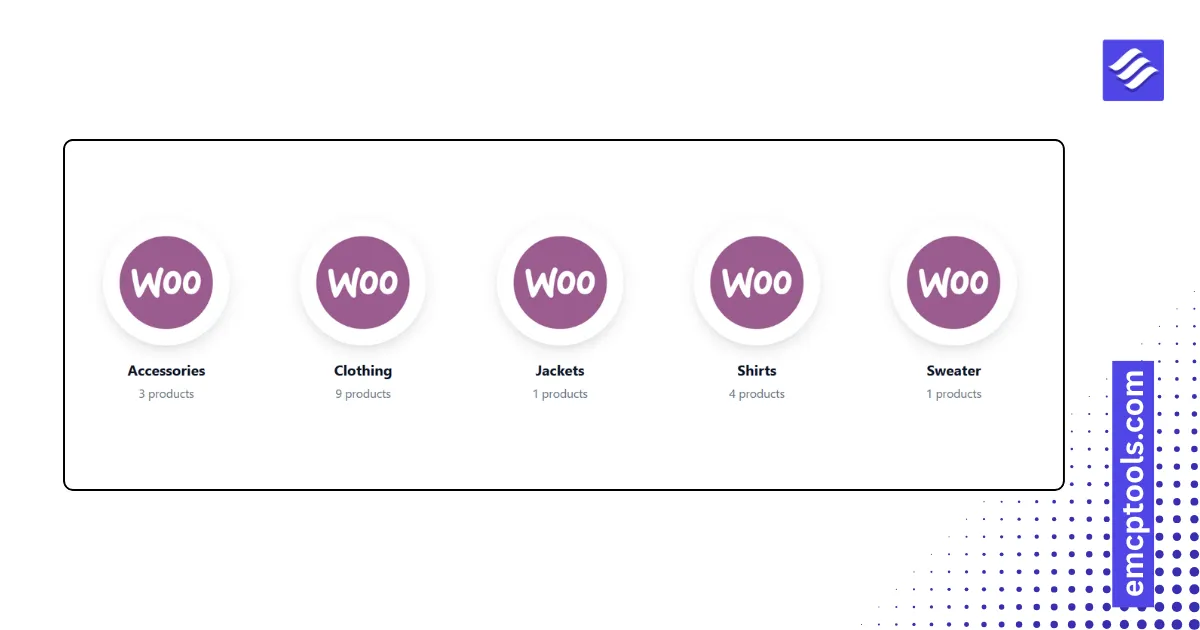
Product Categories
Category tiles with thumbnails and product counts in six layouts, including an overlay mosaic and a pills row.
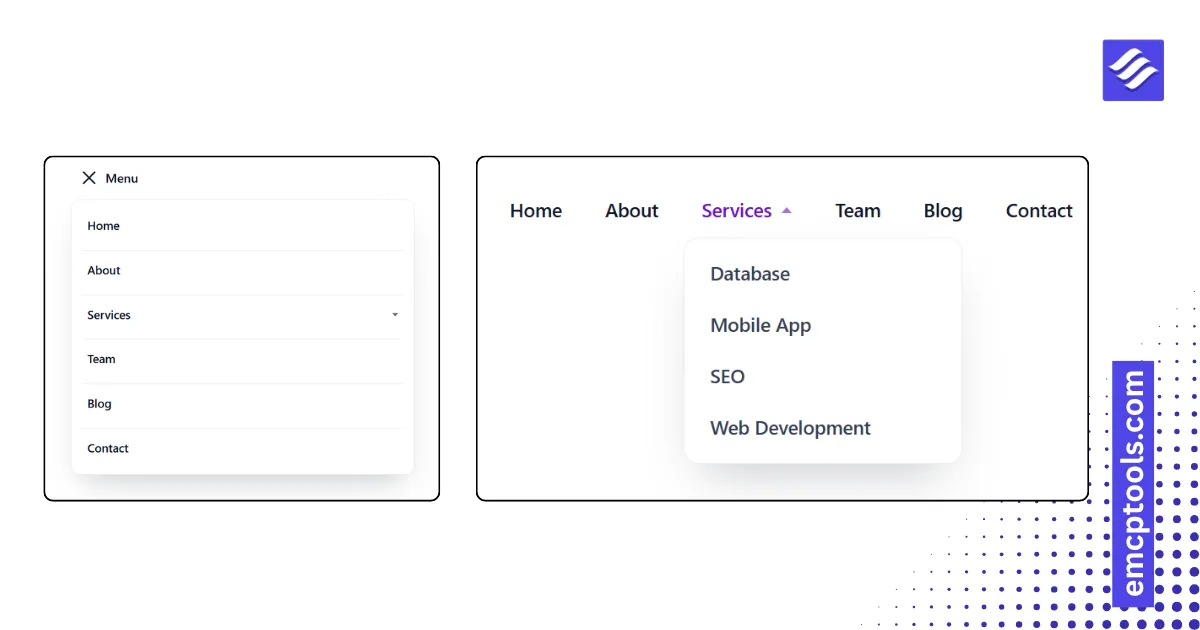
Advanced Menu
A WordPress navigation menu with dropdowns, five desktop styles and three mobile modes (dropdown, off-canvas, full screen).
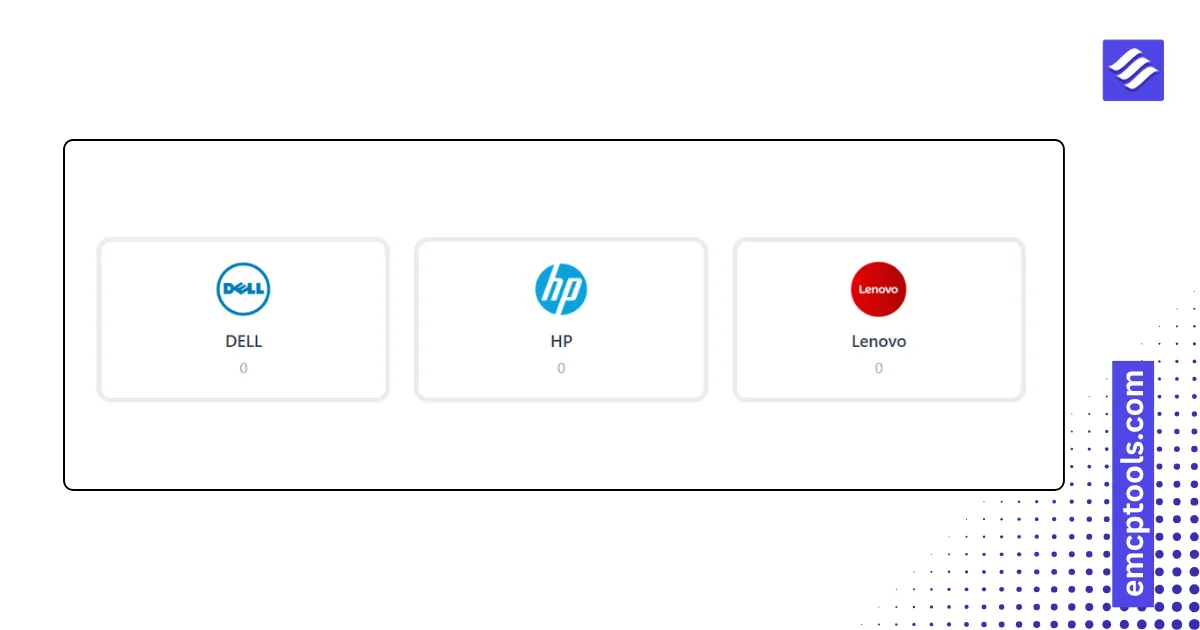
Brands
WooCommerce brands as a logo grid, logo cards, a scrolling strip, an A to Z list with counts, or pills.
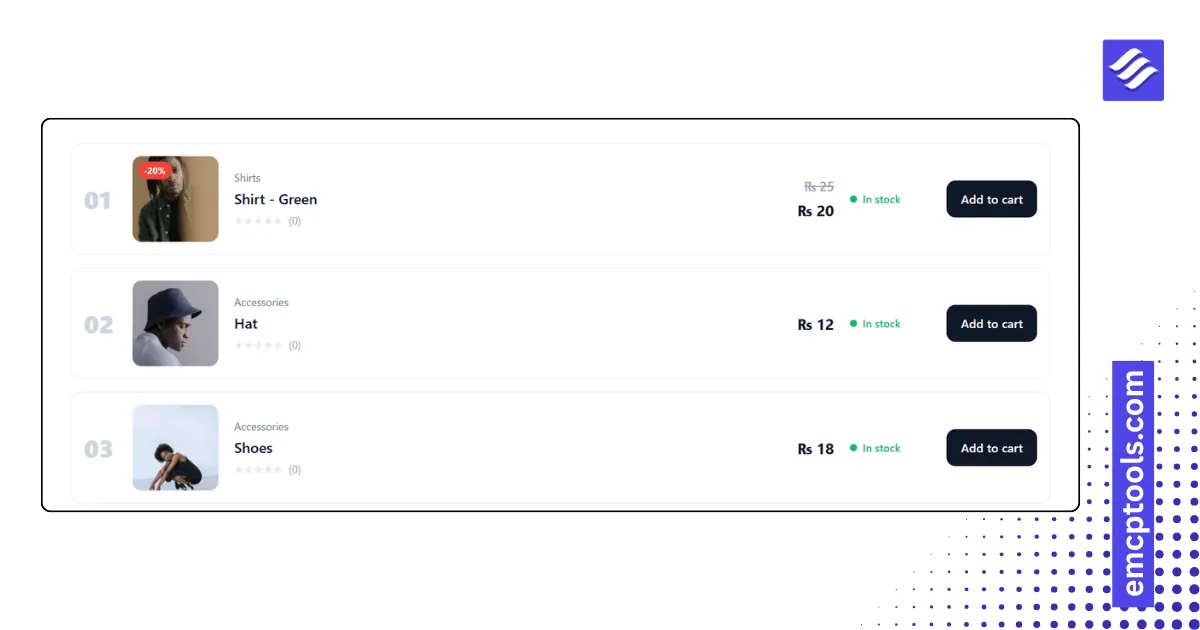
Products List
Products as rows: image, category, SKU, rating, description, price, stock status and Add to cart, in rows, compact, numbered or table styles.
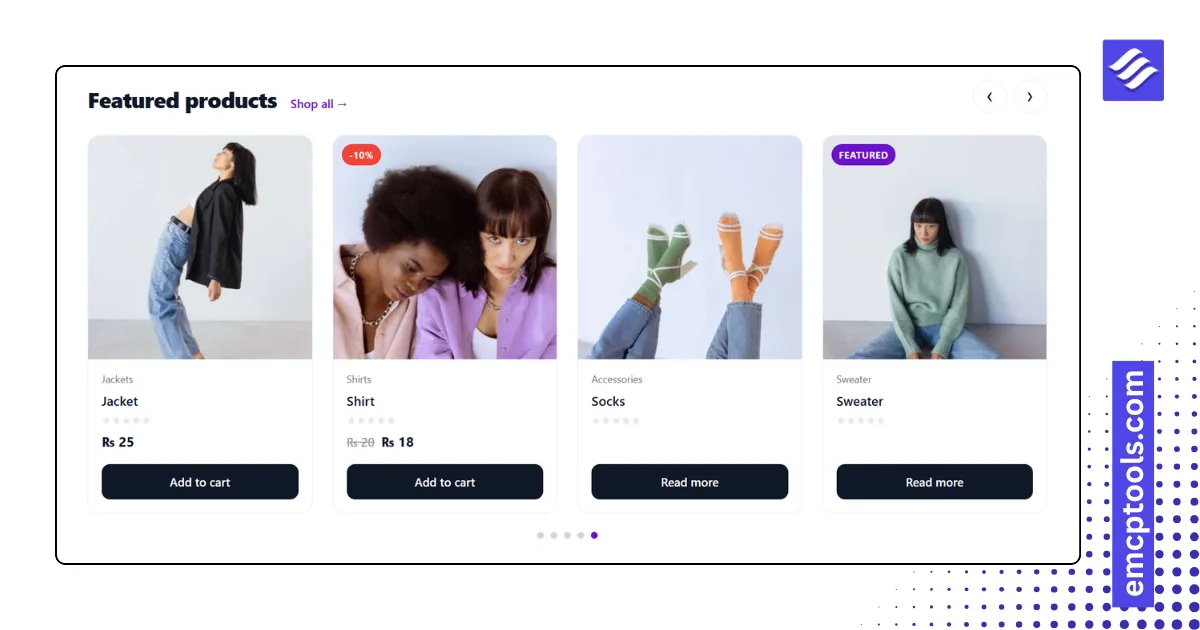
Product Slider
A product carousel with a heading row, arrows, dots, autoplay and the same card layouts as Products Grid.
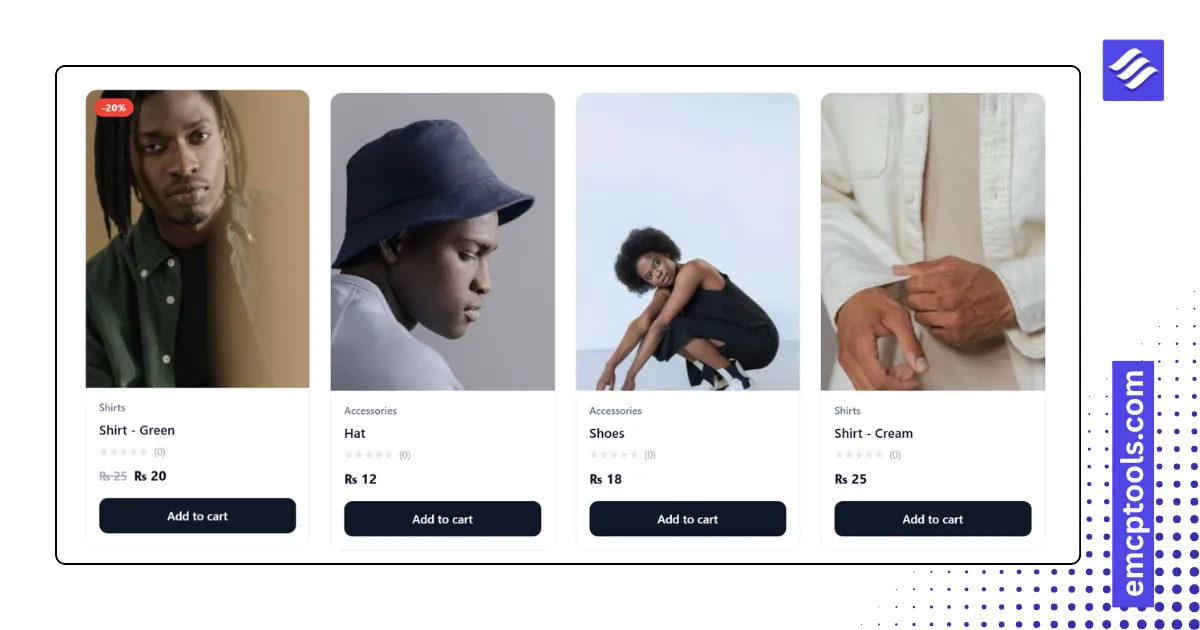
Products Grid
A product grid with five card layouts, sale and featured badges, brand, rating, hover image swap and Add to cart, driven by a Query panel.

Post Carousel
A post slider with card, overlay or minimal cards, autoplay, loop, arrows and dots, driven by a Query panel.
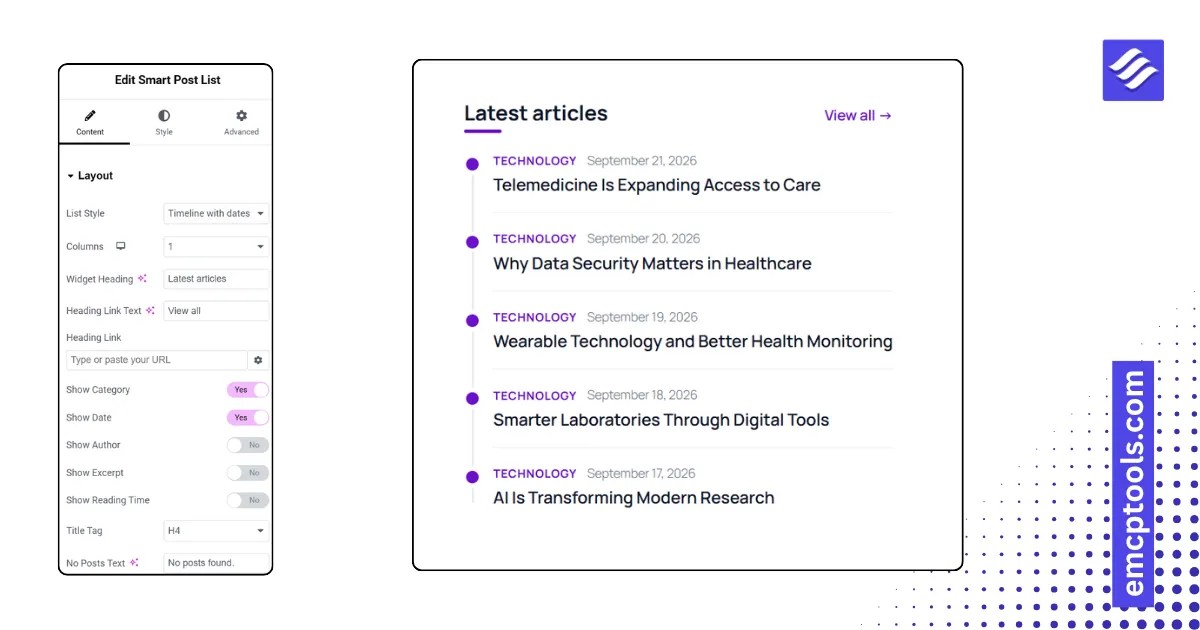
Smart Post List
A compact post list for sidebars and footers in six styles: thumbnail left or right, numbered, featured plus list, timeline, titles only.

Post Block
A responsive blog grid with six card layouts, category badge, excerpt, author, date, reading time and read-more, driven by a Query panel.
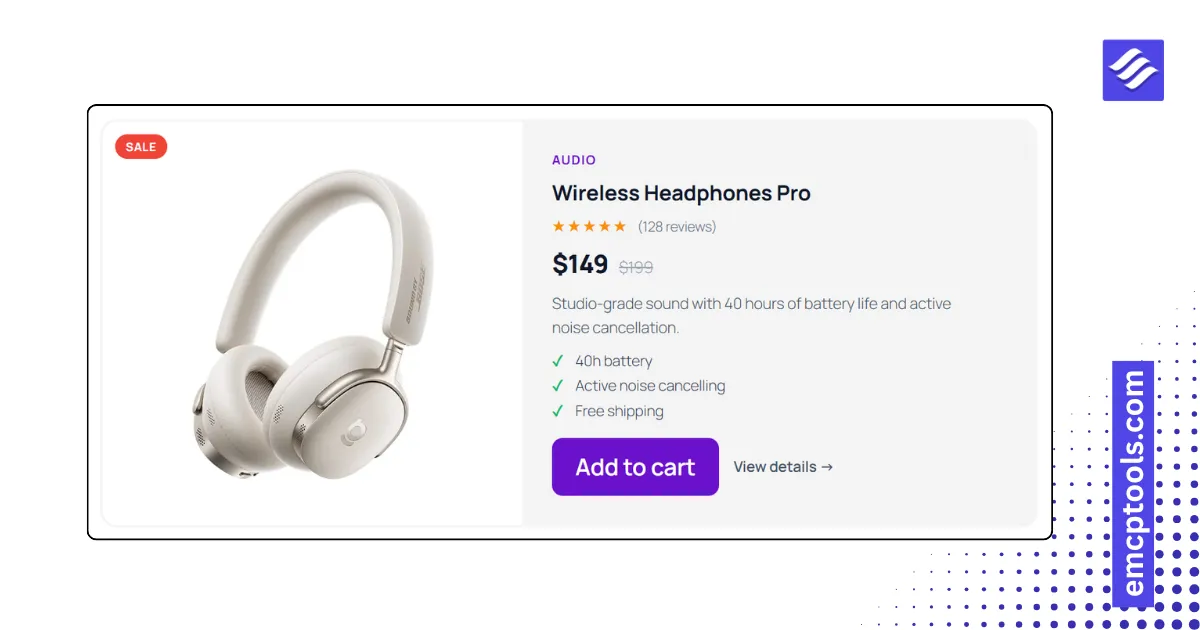
Static Product Card
A hand-made product card with image, hover image, badge, rating, price, old price, highlights and two buttons, no shop required.
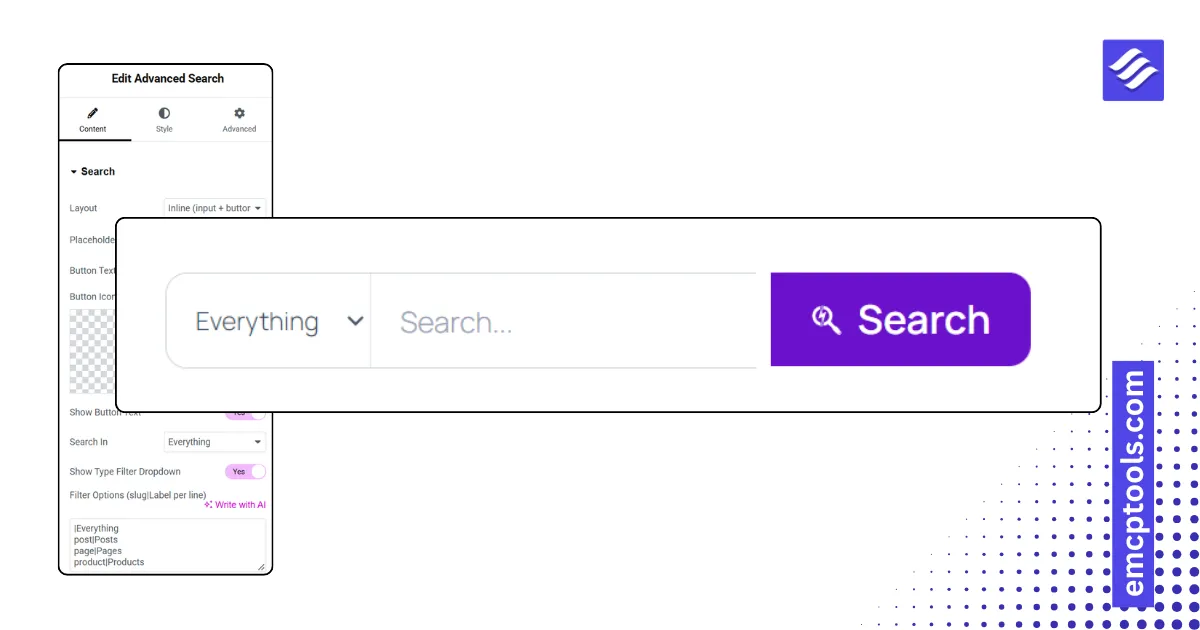
Advanced Search
A search form with live results while typing, a post-type filter, and inline, minimal, expanding icon or full-screen layouts.
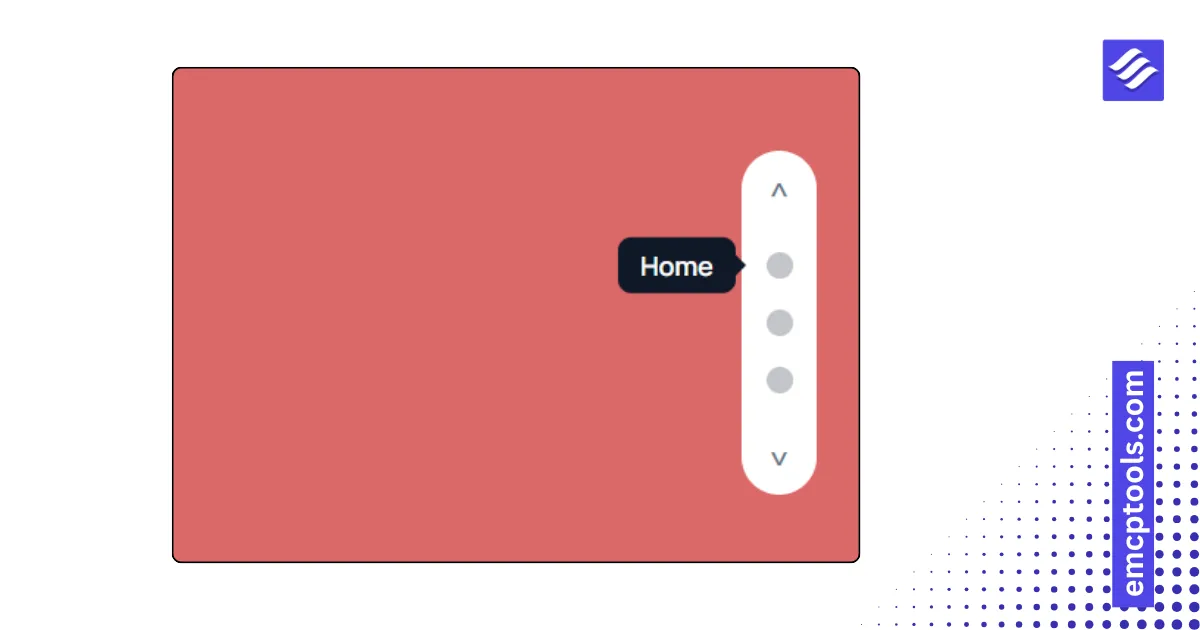
One Page Navigation
Fixed side dots that highlight the current section and smooth-scroll to it, in six styles including labels, icons and numbers.
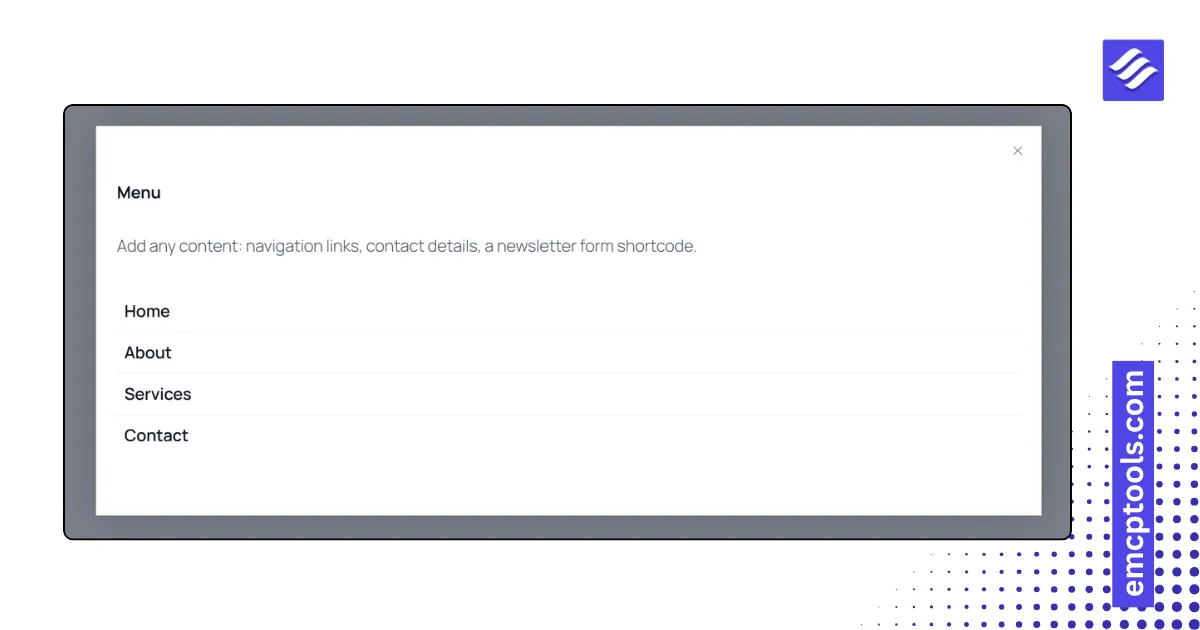
Offcanvas Panel
A slide-in panel from any edge with push, reveal or scale page effects, triggered by a button, icon, animated hamburger or floating tab.
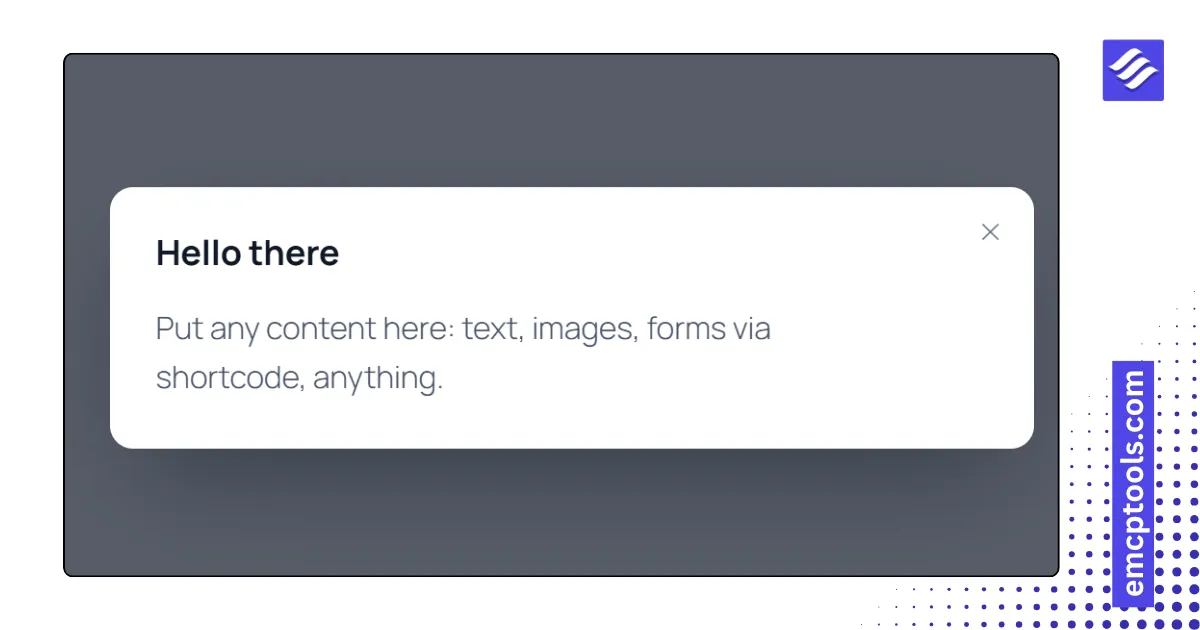
Lightbox & Modal
A popup with six triggers (button, image, text, page load, exit intent, scroll depth) for rich text, an image, a video or an embed.
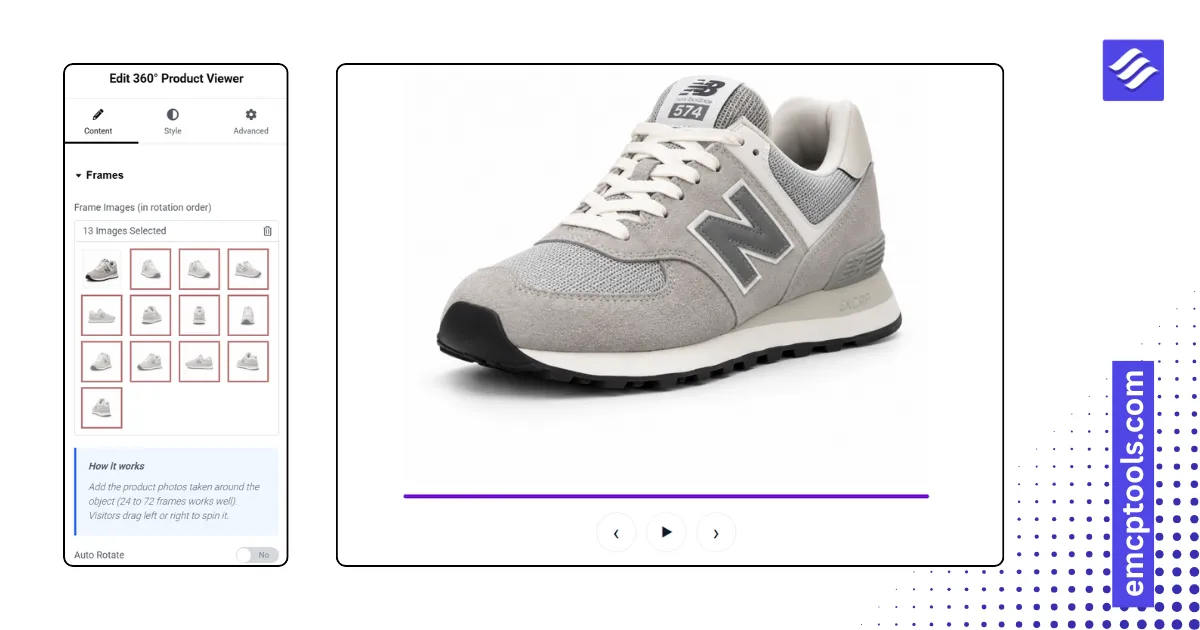
360° Product Viewer
Drag to spin a product through a sequence of frame images, with auto rotate, controls and a progress bar.
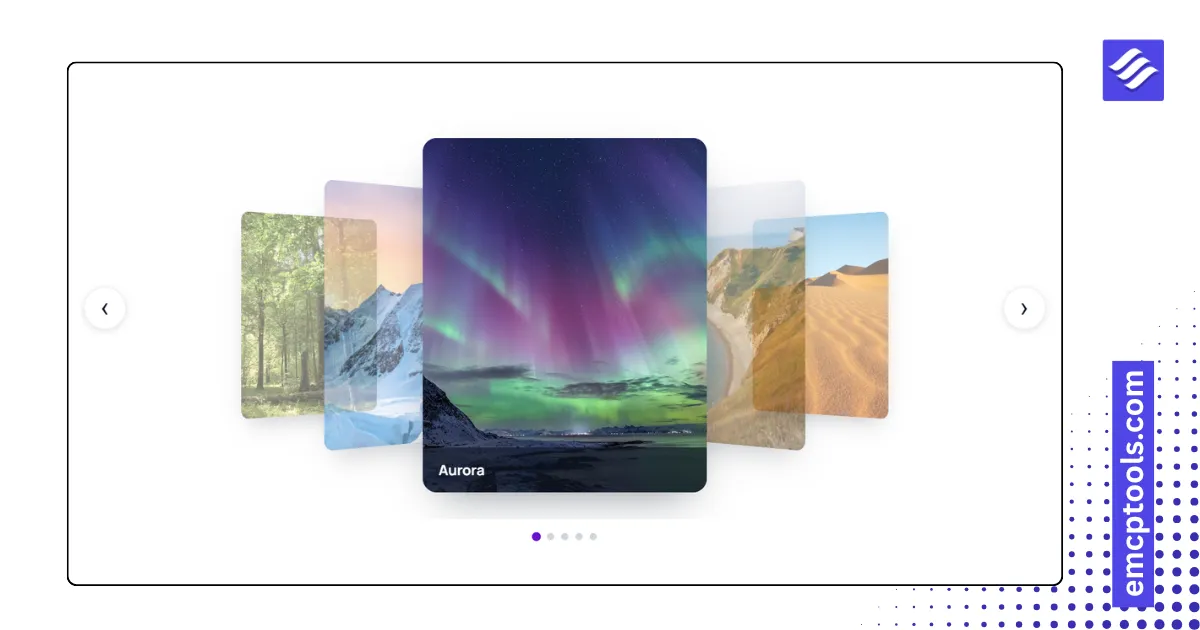
Flip Carousel
A 3D image carousel in coverflow, flat carousel, wheel or stacked deck style with captions.
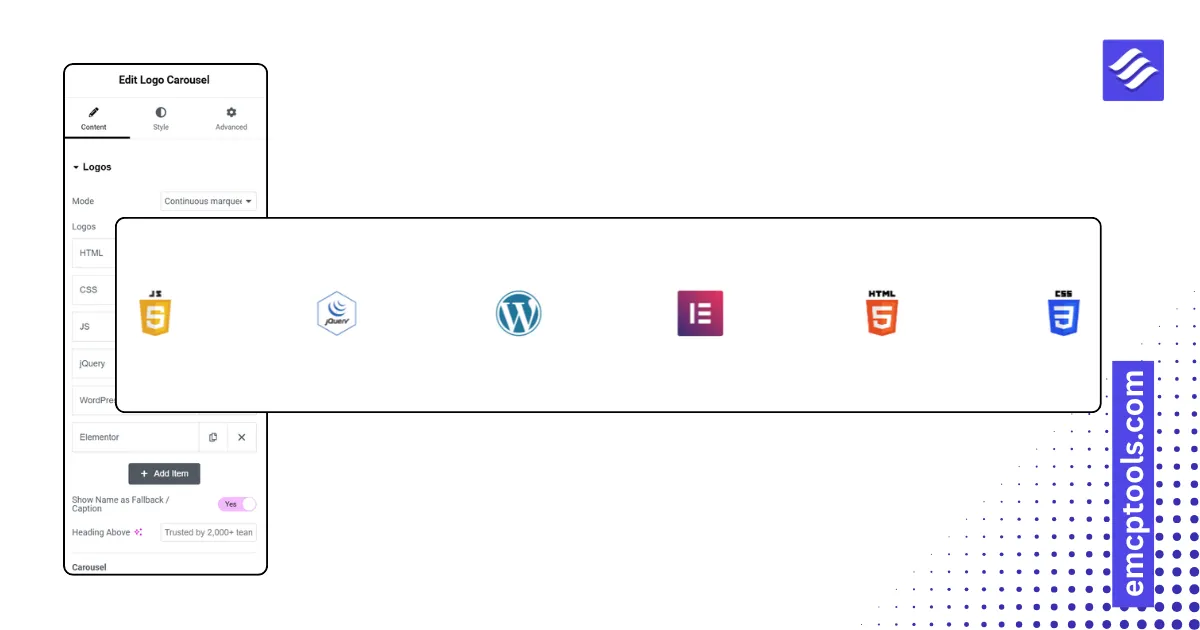
Logo Carousel
Client and partner logos as a continuous marquee, a slide carousel or a static grid, with grayscale-to-colour hover.