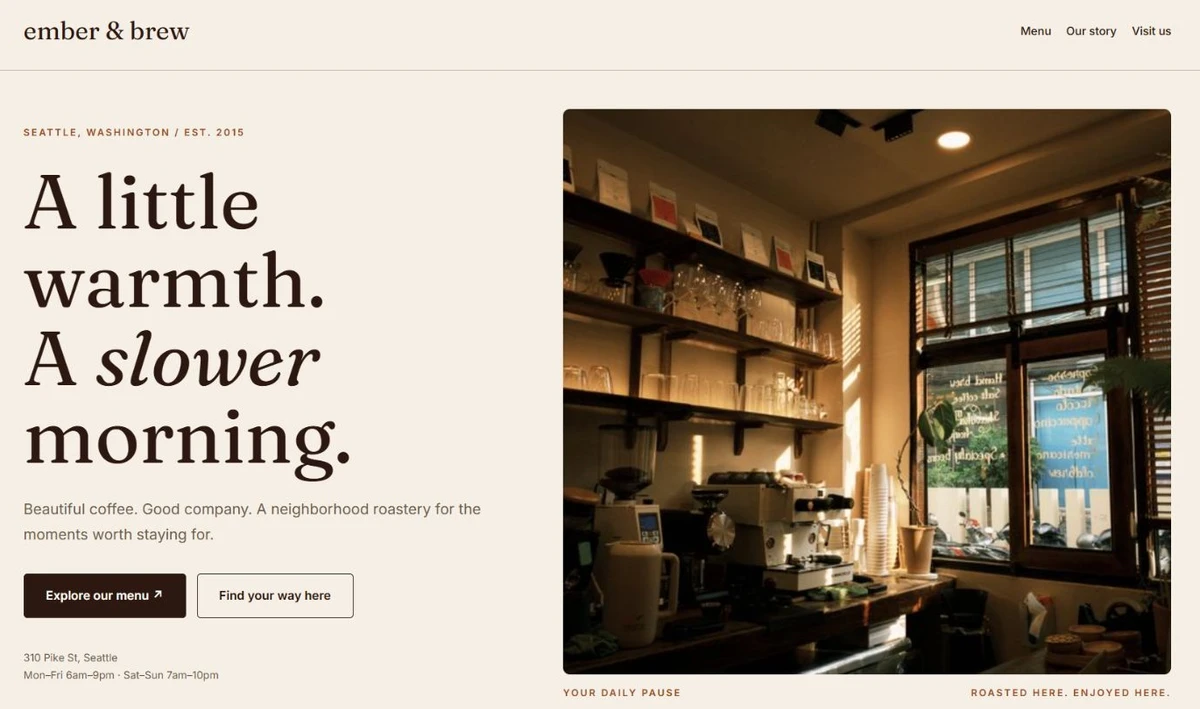
 A brief becomes a real page.
Elementor widget · Content & Text
Dual-Color Heading
A heading with one phrase highlighted in its own color or style — underline, marker, or a bold accent.
About this elementor widget
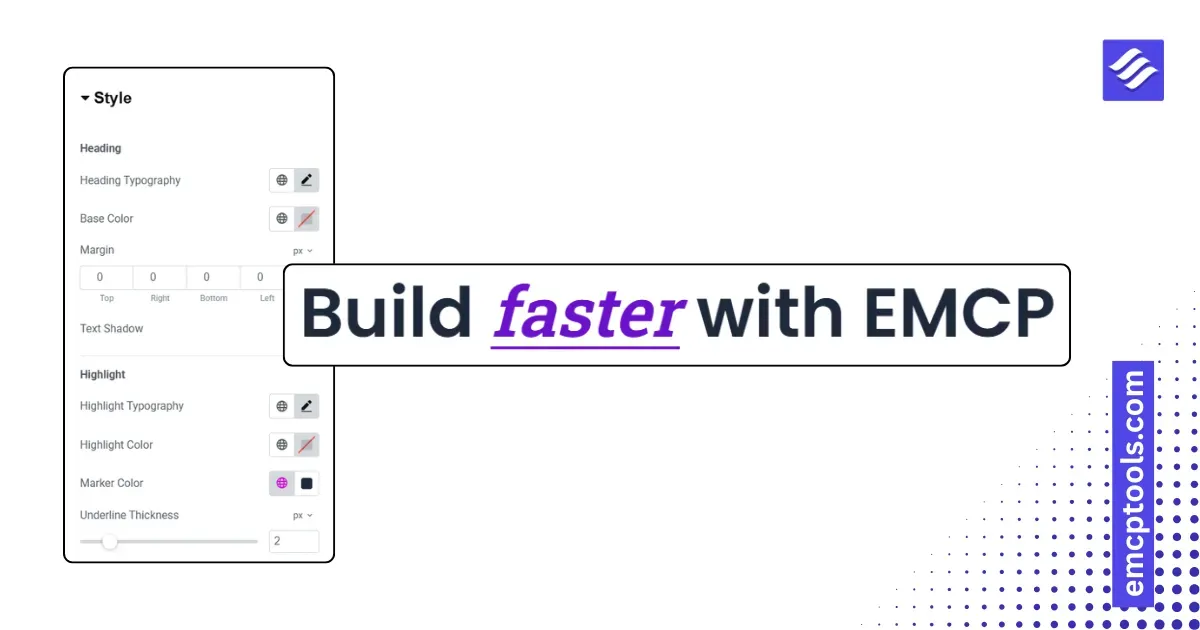
Draw the eye to the words that matter. The Dual-Color Heading lets you accent a phrase inside a heading — in its own color, with an underline, or a highlighter-style marker — while the rest stays in your base style. Perfect for hero headlines and section titles.
Key features
- Split a heading into normal text plus a highlighted phrase, styled independently
- Highlight styles: colored text, underline, or marker/highlighter background
- Separate typography and color for the base text and the highlighted phrase
- Marker color and underline thickness controls
- Choose the HTML tag (H1–H6 or div) for correct document structure and SEO
- Alignment, margin, and an optional text shadow
- Lightweight, dependency-free, and responsive
Type your heading, mark the phrase to accent, pick a style, and match it to your brand.