 A brief becomes a real page.
Before / After Slider
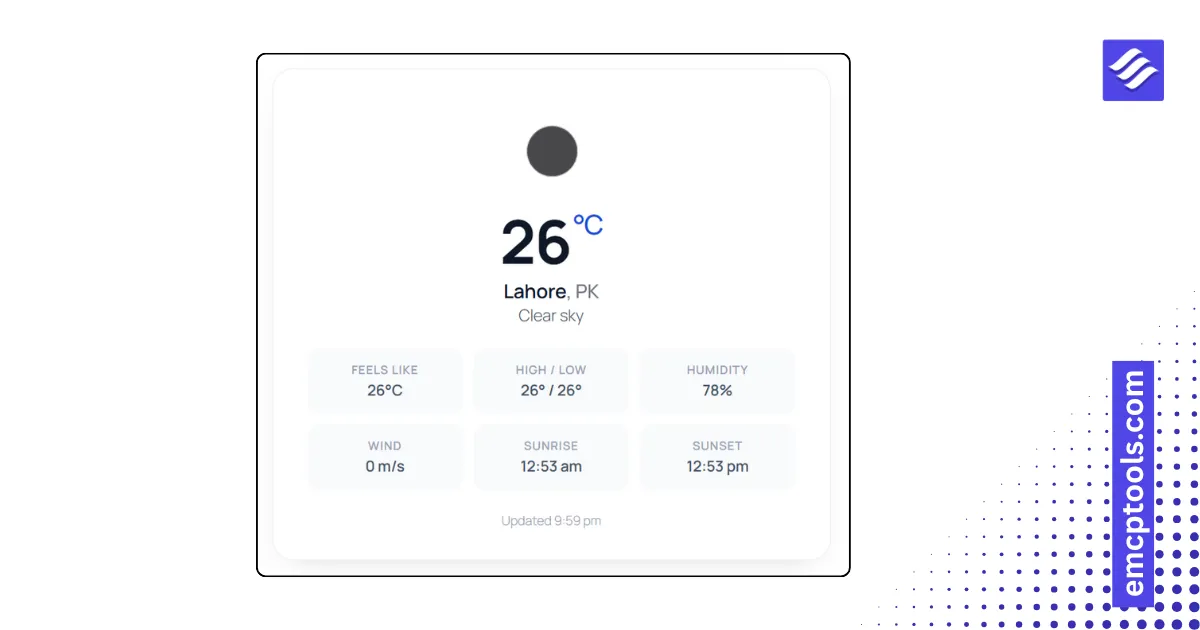
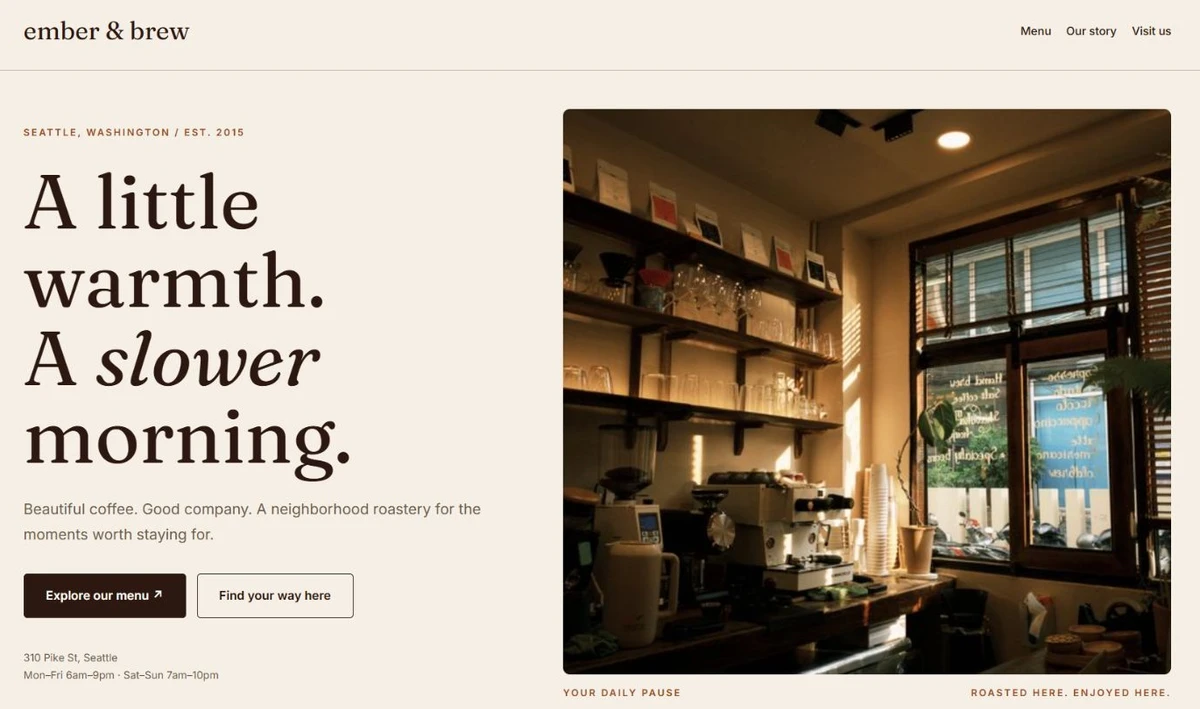
An interactive drag slider that reveals two images side by side — perfect for before/after comparisons.

About this elementor widget
Show off transformations the way they deserve to be seen. The Before / After Slider overlays two images and lets visitors drag a handle left and right to wipe between them — ideal for edits and retouching, renovations, restorations, fitness journeys, product finishes, design mockups, and any "here's what changed" story.
Drop in your two images, set the labels, and pick where the divider starts. It works with both mouse and touch, so it feels natural on desktop and mobile alike. Every part is styleable from the Elementor panel — divider color and width, the knob's size, background, arrow color and shadow, the label typography, colors, padding and radius, plus corner rounding on the frame itself — so it drops cleanly into any design without a line of CSS.
Key features:
- Drag-to-reveal comparison with a movable divider and knob
- Mouse and touch support, responsive to any container width
- Custom Before / After labels with full typography and style controls
- Adjustable start position for the divider (0–100%)
- Styleable divider (color, width) and knob (size, background, arrow color, shadow)
- Rounded-corner control for the image frame
- Lightweight and self-contained — no external libraries