
 A brief becomes a real page.
Run your email marketingwithout the busywork.
With EMCP Pro, your AI agent works in FluentCRM or MailPoet on your own site. Import and tag contacts, draft a campaign, check exactly how many people it will reach, and schedule it. Nothing is sent until you confirm.
- FluentCRM3.x, free is enough
- MailPoet5.x, free is enough
- EMCP Pro 3.19+

Try asking
Ask the way you would brief a person.
“Import these 150 webinar leads with the Webinar October tag and the Prospects list, without starting any automation. Then draft a follow-up campaign to that tag and tell me how many it will reach.”
“Add these 80 workshop attendees to the Workshops list without sending welcome emails.”
“Duplicate last month’s newsletter, update the dates, send me a test and schedule it for Friday at 10:00.”
Contacts and lists
Keep your audience organised.
Create and update contacts, add notes and custom fields, and import or tag people in batches of up to 200 per call. In FluentCRM, merge tags and lists when they overlap. Consent is respected along the way.
- MailPoet refuses to add a list to someone who opted out.
- A FluentCRM undo never makes an opted-out contact sendable again.
- FluentCRM automations stay held unless you ask for them to run.
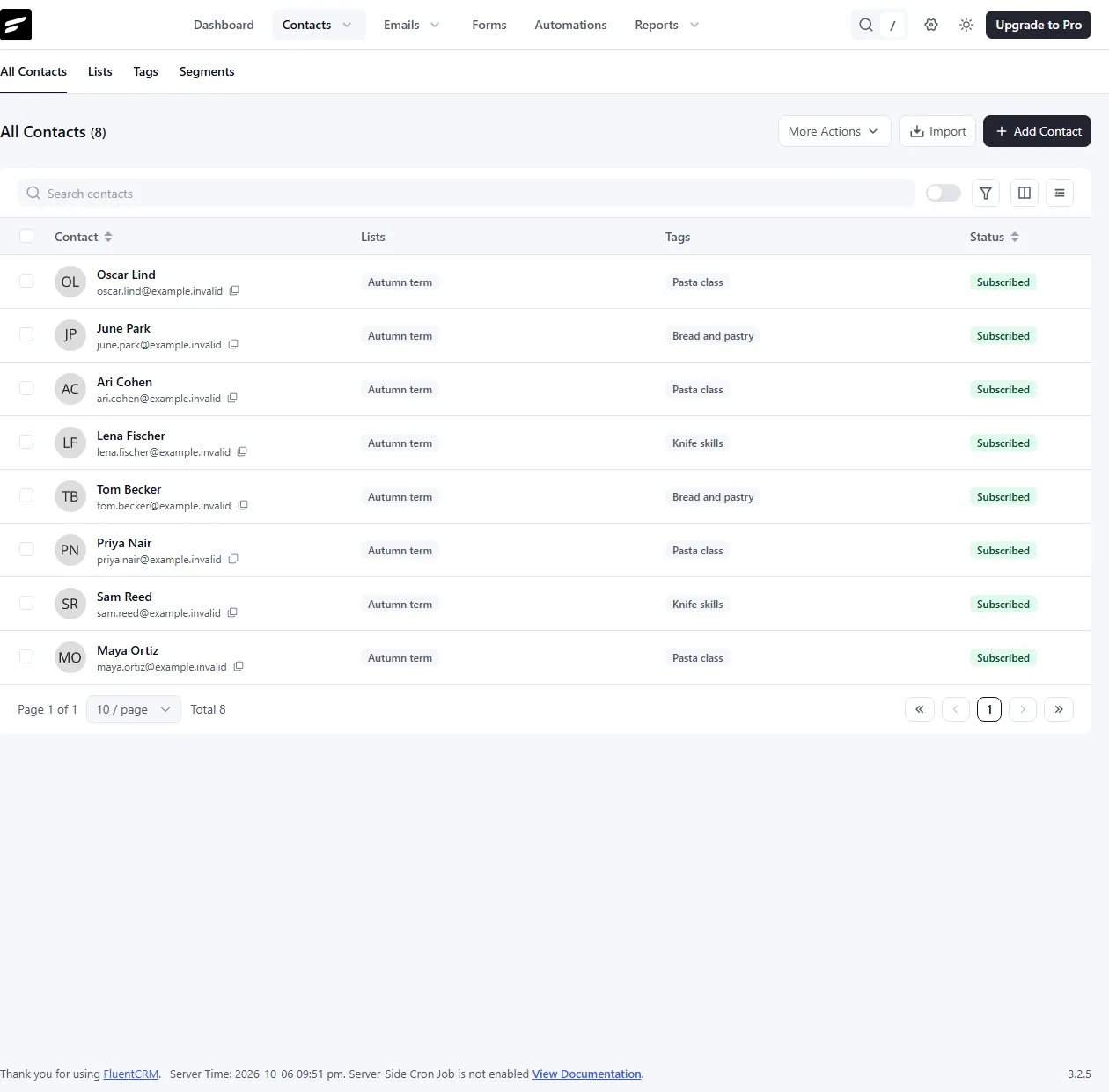
Campaigns and newsletters
From draft to scheduled send.
Draft campaigns and newsletters, duplicate last month’s, preview them and send yourself a test. To schedule, the agent states how many people it expects to reach, and nothing is queued unless that number matches. Pause, resume or unschedule when plans change.

Built-in safety
Every send is your decision.
Each plugin has a read tool, on by default, and a write tool you switch on when you are ready. Sends, unsubscribes and erasures cannot be undone, so they always need your confirmation.
Confirm every send
Nothing is emailed without an explicit
confirm: true.Counted recipients
A scheduled send must match the expected number of recipients, or nothing is queued.
Tests to you only
Test emails go to your own address, never to your list.
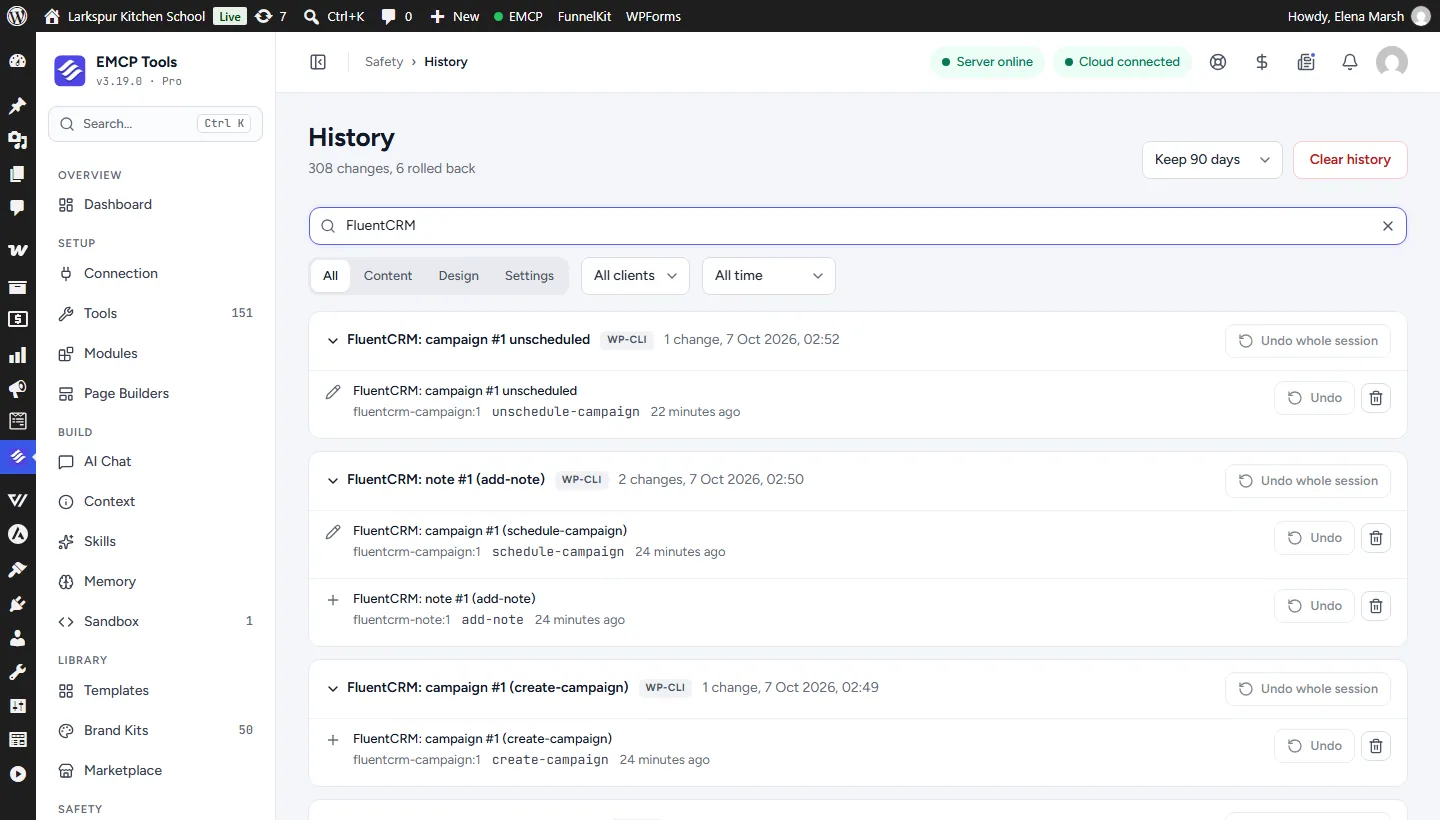
History and Undo
Every write is recorded, with Undo where a change can be reversed.
Get started
Up and running in three steps.
You need: FluentCRM, MailPoet, EMCP Pro 3.19+, and an MCP client such as Claude, ChatGPT or Cursor.
Installation guide- Step 1
Install EMCP Pro
Version 3.19 or later, next to FluentCRM 3.x or MailPoet 5.x. In FluentCRM, also switch on its MCP setting.
Install Free and Pro - Step 2
Switch on writes
Under EMCP Tools → Tools → Plugins, enable the write tool, then reconnect your AI client.
Choose your tools - Step 3
Describe the campaign
Say who it is for and what it should say. Review the draft and the count, then confirm the send.
Write a useful brief
Questions, answered.
Still stuck? Drop a line at [email protected] or open an issue on GitHub. Most replies are under one business day; Pro tiers go to the front of the queue.
Open the full docsHand the busywork to your agent.
Install EMCP Pro, switch on the FluentCRM or MailPoet write tool, and draft your next campaign.