
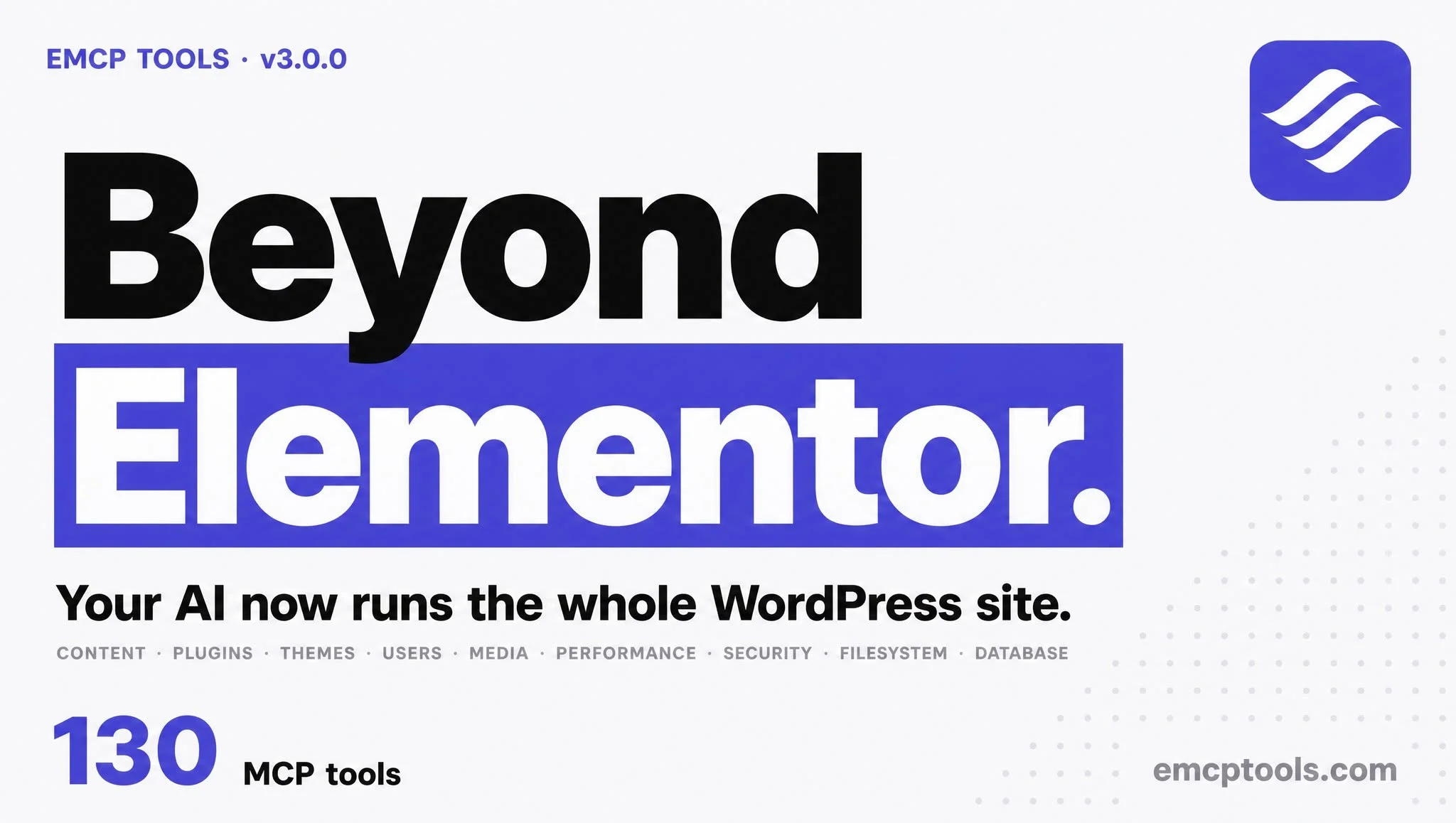
Building and maintaining WordPress sites still involves a lot of clicking. Even with a great page builder like Elementor, you’re dragging widgets, tweaking settings panels, and repeating the same layout patterns across dozens of pages.
EMCP changes that. It turns your WordPress install into a Model Context Protocol (MCP) server, so any MCP-compatible AI agent can read and build your site directly.
What you can do
Point Claude, Cursor, Antigravity, VS Code, or any MCP client at your site and ask in plain language:
- Build pages: “Create a landing page for a med spa with a hero, services grid, pricing table, and contact form.”
- Restyle in one shot: “Apply the Coastal brand kit and re-run the hero.”
- Manage WordPress: posts, media, users, plugins, settings, even the database, all behind real WordPress capability checks.
Every mutation maps to a genuine WordPress permission, so your agent can only do what the authenticated user is allowed to do. No escalation through the AI.
How it works
- Install the free EMCP plugin (works with the free Elementor plugin, 3.20+).
- Connect your agent over the WP-CLI stdio bridge (local) or HTTP (remote).
- Prompt away. EMCP exposes 220+ tools the agent can call.
Free forever for the core tools. Pro adds a library of ready-to-ship landing-page prompts, Agent Skills, premium templates, brand kits, and structure-level SEO & accessibility tooling.
Ready to try it? Read the docs or grab Pro. We’ll be posting build walkthroughs and release notes here on the blog. Subscribe via RSS.