
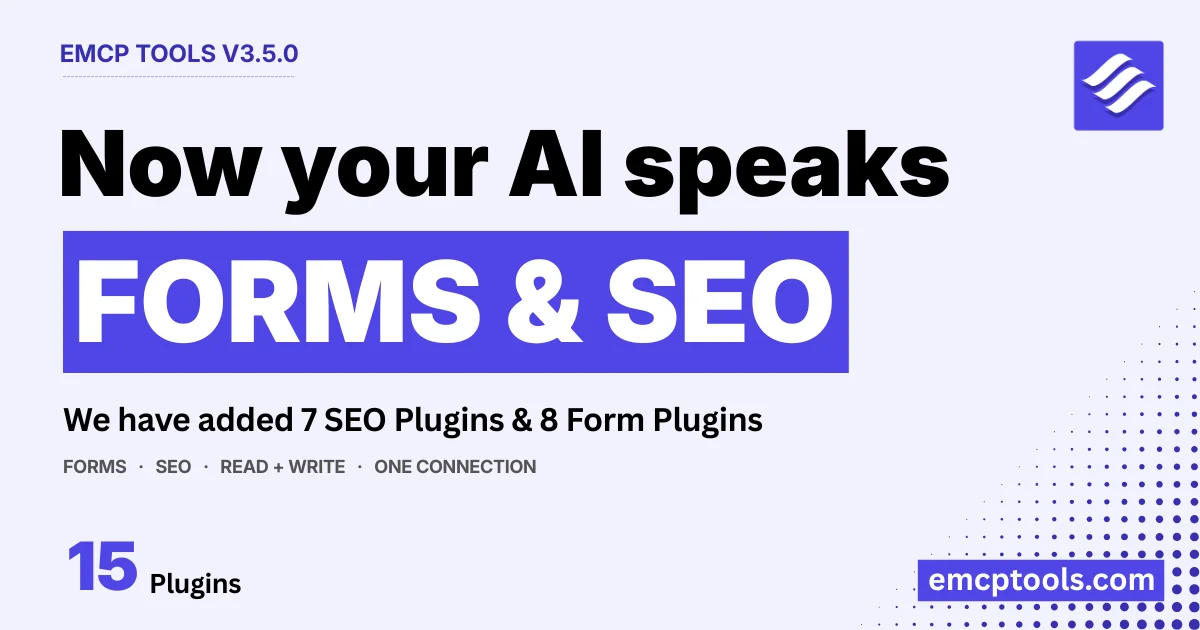
3.4.0 widened what your AI could reach: your theme, your command line, your uploads. 3.5.0 goes after the plugins you already run. This release plugs 15 more plugins into your AI agent: 8 form builders and 7 SEO plugins, each through the same clean two-tool pattern, one Read tool, one Write tool.
That pattern matters. Instead of dozens of scattered tools bloating your client’s tool list, every integration is exactly two dispatchers, <plugin>-read and <plugin>-write, that appear only when the plugin is active. Reads are on by default; writes ship disabled until you turn them on. It’s how we keep adding integrations without the surface ballooning.
🔍 SEO, 7 plugins, one vocabulary
Here’s the problem with SEO on WordPress: every plugin stores its metadata differently. Yoast keeps it in one format, Rank Math in another, SEOPress in a third. Ask an AI to “set the meta description” and it would need to know the internal quirks of whichever plugin you happen to run.
3.5.0 fixes that with a unified SEO field vocabulary. You (or your agent) work in plain fields, title, description, canonical, noindex, focus_keyword, og_image, twitter_title, and each adapter translates to that plugin’s own storage. The same instruction works whether you’re on Yoast or SureRank.
Two tools per plugin, <plugin>-read / <plugin>-write, for:
- Slim SEO (free), the lean, no-bloat SEO plugin, and the free member of the family
- Yoast SEO, Rank Math, All in One SEO, SEOPress, The SEO Framework, and SureRank (Pro)
They read and set the SEO of any post, page, or term, title, meta description, canonical, robots, focus keyword, and Open Graph / Twitter social fields, and read structured-data schema where the plugin exposes it (Rank Math, AIOSEO, SEOPress). “Write an SEO title and meta description for this post and make sure it’s indexable” is now one sentence, on whichever SEO plugin you run.
Every adapter was built verification-first: the field mapping was written against each plugin’s real storage and exercised end-to-end, not guessed from docs.
📋 Forms, 8 form builders
Forms are where your site collects real data, and managing that data usually means clicking through an admin screen. 3.5.0 hands it to your AI.
Two tools per plugin, <plugin>-read / <plugin>-write, for:
- Contact Form 7 (free), the original, ubiquitous WordPress form plugin
- WPForms, Gravity Forms, Fluent Forms, Ninja Forms, Formidable Forms, MetForm, and SureForms (Pro)
Your AI can read forms, fields, and email notifications, and, on the builders that store them, page through entries (submissions), read their values, set their status, and delete them. “List this week’s submissions on the contact form and summarise the common questions.” “Mark that one as spam.” “Delete entry #5.”
Submissions carry personal data, so this surface is fenced in: the write tool ships disabled by default, delete-entry requires an explicit confirm: true, and every operation runs through the form plugin’s own view/delete capabilities, no privilege escalation. (Contact Form 7 stores no entries, and WPForms entry operations need WPForms Pro, since Lite doesn’t store them either, the tools tell you so clearly.)
🧭 A new integrations directory
To go with the launch, every integration now has its own page. Browse the new integrations directory, a dedicated “MCP for X” page for each of the 15 plugins (plus WooCommerce, ACF, Meta Box, and Astra & Spectra), with what your AI can do, example prompts, and how to connect. Whichever plugins you run, there’s a page showing exactly what an agent can do with them.
Also in this release
- Pro tool sections are now visible, and clearly marked, on free builds. WooCommerce, SEO & Accessibility, and Widget Builder now always show on the Tools tab with a Pro badge, disabled toggles, and an Upgrade link, so it’s obvious what Pro unlocks. No functional change, those abilities were always license-gated.
- The Dashboard “Your usage” panel is redesigned into four focused cards, Usage, History, Most used, and Sandbox: each linking to its tab. History, most-used, and sandbox are free features, so the panel now shows on free builds too.
- The Plugins tab is grouped by category: Dynamic Content, E-Commerce, Forms, SEO, with each plugin as a self-contained card, so the tab stays organized as integrations grow.
Get it
Free users get 3.5.0 through the in-dashboard updater; Pro rolls out on Freemius. Read the full changelog, browse the Forms and SEO docs, or explore every integration.
As always, we’d love to see what you automate. Drop a note in the community or open an issue on GitHub.