
 A brief becomes a real page.
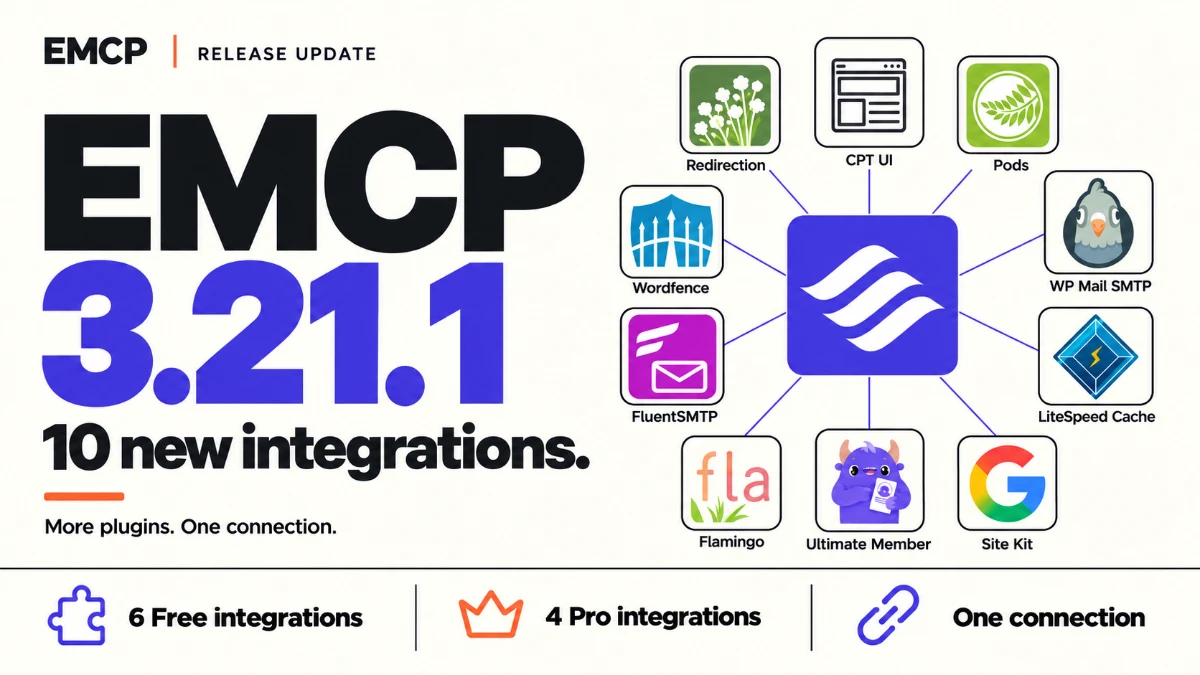
Most WordPress sites run a handful of the same plugins: something for redirects, something for custom post types, a mail plugin, a cache, a firewall. Until now your AI could see those plugins exist but had to guess how to use them.
EMCP Tools 3.21.1 adds ten native plugin integrations. Six are free, in the GitHub edition and in EMCP Lite on WordPress.org. Four are in Pro. Each one works through the plugin’s own API, only on the plugin versions it was checked against, and refuses anything it cannot do safely. The release also fixes two problems that appeared after 3.21.0: the EMCP Cloud Gateway could not reach updated sites, and Safe Updates refused MariaDB sites.
Version 3.21.1 is now available. Download the free release, update EMCP Lite from your dashboard, or update Pro through Freemius.
Six free integrations
Redirection. Read redirects, groups, the redirect log and the 404 log, then create, edit, switch on or off and delete redirects, and create or rename groups. Ask your AI to look at last week’s 404s and redirect the ones that have an obvious new home.
Custom Post Type UI. List the post types and taxonomies CPT UI manages, and create new ones or update their labels and descriptions. Slugs never change after creation, and nothing that needs custom code or custom capabilities is written.
Pods. Read pods, their fields and their records, create a pod, rename its label, and create or update records. Every write is checked against what Pods actually saved after its own hooks ran.
WP Mail SMTP. Check the mail setup and send a test email to see whether the site can deliver mail. The test refuses to run while another SMTP plugin is active, because the result would not tell you anything about WP Mail SMTP.
LiteSpeed Cache. Read the cache status and purge one path or the whole page cache. Purging needs a server that runs LiteSpeed; elsewhere the tool says so instead of pretending.
Wordfence. Read the firewall state, the last scan’s health and its findings, and the blocks in place. It is read-only: your AI can explain what Wordfence found, but changes stay in Wordfence’s own screens.
Four Pro integrations
FluentSMTP. Read the mail connections, routing and delivery health, browse the email log, and send a test email.
Flamingo. Read the messages and contacts that Contact Form 7 and other forms saved, and mark messages as spam, not spam, trash or restore them. Sensitive form fields are filtered out of what your AI sees.
Site Kit by Google. Read Site Kit’s local setup: whether it is connected, which modules are active and how each one is set up. It never reads your Google reports or credentials.
Ultimate Member. Read forms, member directories, a member’s status and content restrictions, and change a form’s label or a directory’s page size.
How the writes behave
Every new write tool starts switched off. Turn on only the ones you need on the Tools screen. Writes ask for confirmation, check the plugin’s own permissions and limits, and name the version of the record they read, so a change made since is never overwritten. Reversible changes land in History with undo; the few that cannot be reversed, such as a sent test email, say so up front.
Fixes
The Cloud Gateway works again. After 3.21.0, connected sites showed “Gateway unavailable”. The MCP Adapter 0.7.1 that 3.21.0 bundles requires a protocol version header on every request after the first, and the Gateway did not send one. The Gateway was fixed the next day, so connected sites recovered without waiting for an update, and 3.21.1 also accepts clients that leave the header out.
Safe Updates works on MariaDB. On MariaDB sites, Safe Updates showed “Blocked: Could not verify database table ownership”. When the database user has no role enabled, MariaDB reports one empty role, and the readiness check tripped over it. That covers most shared hosting. It now skips the empty role, and the full Safe Updates test suite passes on MariaDB 11.8.
A new name
The long name of the plugin is now MCP Tools for WordPress & Page Builders, which describes what it has become. Nothing else changes: the plugin folder, the tool names and the server address stay the same, so your AI clients keep working.
See the integrations directory for every plugin EMCP works with, and the changelog for the full list of changes.