
A client sends a PDF with the new website copy. The product catalog arrives in a spreadsheet. The content is already there, but getting it into WordPress still means opening fields, copying values, adding repeater rows, and checking that every product landed in the right place.
Your AI agent can already read those files. The missing part is a controlled way to turn what it extracts into real WordPress data.
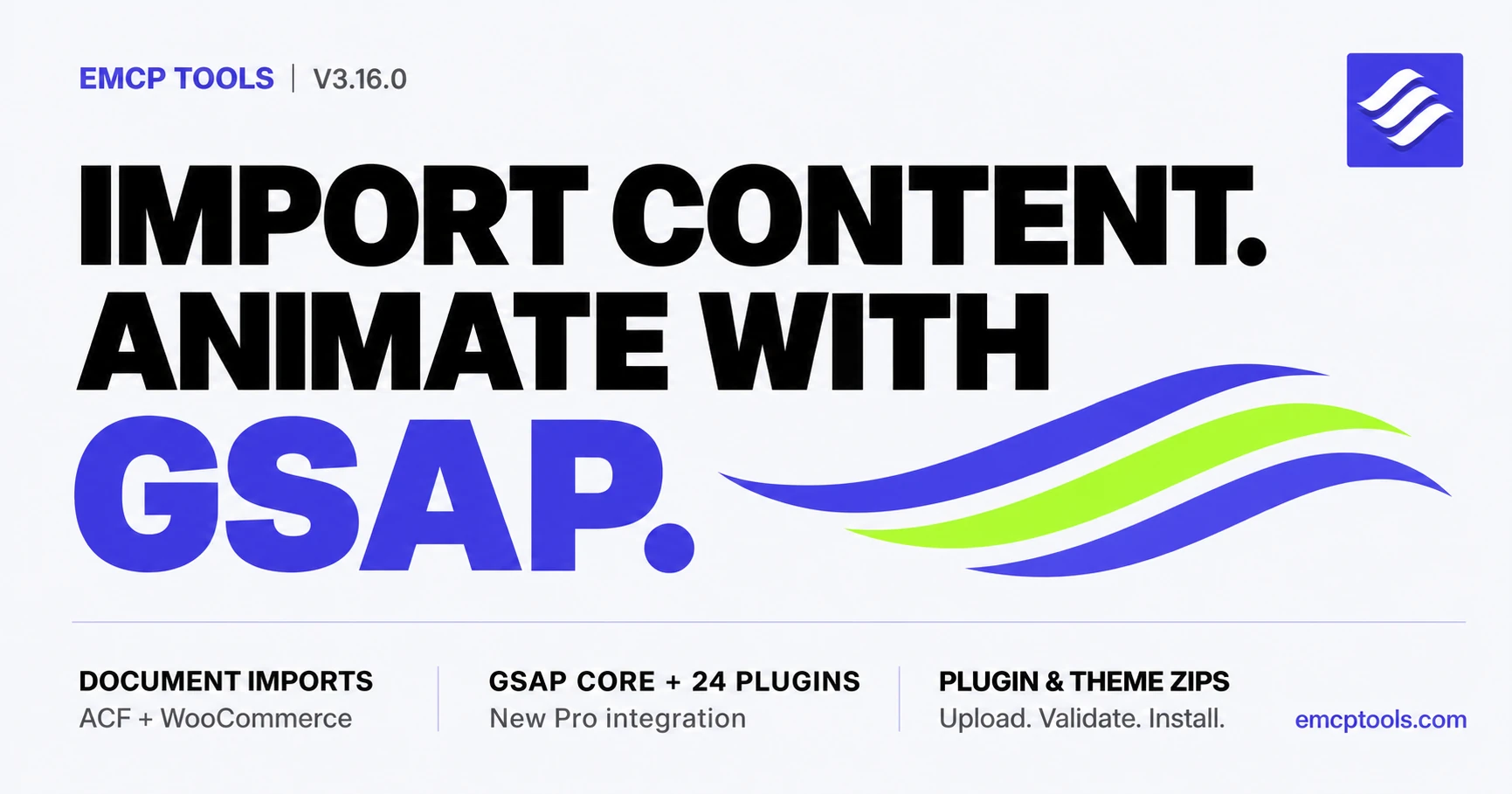
That is one half of EMCP Tools 3.16.0. The other is motion: a new Pro module brings GSAP core and all 24 plugins into WordPress, with shared script handles, individual toggles, MCP controls, and a dedicated agent skill.
This is a substantial release, so here is what each part actually does, including where the boundaries are.
Your agent reads the document. WordPress validates the data.
There is no new PDF parser running on your server.
Give your agent a PDF, spreadsheet, CSV, DOCX, or a scan it can extract text from. The agent reads the source in its own environment, maps the content to the site’s fields, and sends structured JSON through MCP. WordPress handles the part that needs access to the real site: checking the data against the installed fields and saving through the APIs that own them.
For ACF, that workflow has two explicit stages. validate-fields checks the proposed import without writing anything. batch-update-fields applies the validated payload after confirmation. A deterministic plan_hash ties the write to the exact data that was previewed. If the payload changes, it needs a new preview.
The whole chunk is validated before mutation. Source references travel with the imported items, and the response includes values read back after saving. That makes it possible to trace an imported value to its document or spreadsheet range, rather than receiving a bare success message.
A useful first run might be a workshop page: a PDF supplies the overview, date, venue, and FAQs, while a spreadsheet supplies the agenda. The agent maps those sources to existing ACF fields, including FAQ and agenda repeaters. You review the mapping before anything is saved.
The distinction matters: document extraction still needs review. A misspelled name or misread number can be structurally valid. Validation checks whether the data fits the site; it does not prove the source was interpreted correctly.
Hundreds of products, with a preview you can actually approve
WooCommerce gets the same approach through plan-product-import and upsert-products.
Imports run in batches of up to 100 products. A 120-product spreadsheet becomes two chunks, not one unbounded request that tries to change the entire catalog at once.
The preview tells you which items will be created, which will be updated, and which have errors. Product matching uses an explicit ID first, then an exact SKU. It never guesses from a product name. The write requires confirmation of the matching plan hash, and these import operations never delete products.
For a first import, ask the agent to keep products as drafts. Inspect a small batch, check prices and stock, then continue with the rest. The tools support larger catalogs without taking away that opportunity to review them.
See the WooCommerce documentation for the import operations and supported inputs.
ACF coverage comes from the installed plugin
An agent should not have to assume which ACF fields your site supports.
list-field-types asks the active ACF build for its registry and supported settings. Field-group reads expose the recursive structure, so the agent can inspect nested fields before proposing values.
For this release, live testing through the real MCP transport covered all 36 public field types in ACF Pro 6.8.9. That includes repeaters, flexible content, galleries, clone fields, nested values, and bidirectional relationship updates. Validation covers built-in scalar values, choices, media, relationships, dates and times, and nested field constraints.
That is a tested field-coverage statement, not a claim that every ACF feature or third-party extension has an MCP operation. The registry comes from your installation, and the ACF documentation records the supported workflows and remaining boundaries. Pro field types still require ACF Pro on the site.
GSAP, registered once and usable across WordPress
Adding animation to a WordPress site often starts with a script pasted into a page. Later, another plugin loads its own copy, a dependency arrives in the wrong order, or an animation works in the editor but not on the front end.
The new GSAP Integration module is part of EMCP Tools Pro. It bundles GSAP 3.15.0 core and all 24 plugins locally, and registers them with stable WordPress script handles and their dependencies.
Those handles can be used by themes, plugins, Elementor pages, Gutenberg, and admin screens. There is one shared registration system to build against instead of a separate loading recipe for every page.
The module is opt-in. Its card lets you choose individual plugins and configure frontend, admin, and editor loading contexts. Having the full suite available does not mean every plugin needs to load everywhere.
gsap-read exposes the catalog, runtime status, contexts, and settings. gsap-write manages the configuration through MCP. An agent can inspect what is available and enable the dependencies an animation needs before building it.
The module supplies the animation libraries and loading controls. It does not automatically animate your site. The animation itself still needs to target the right elements, respect reduced-motion preferences, and be checked in a real browser.
A dedicated skill for the animation work
The new emcp-gsap skill brings the official GreenSock playbooks together with the WordPress and EMCP details: script handles, Elementor integration, accessibility, performance, and browser verification.
It ships in both downloadable skill formats, so the guidance is available to your agent outside the plugin too. Start with the GSAP Integration documentation for setup and the loading model.
Install the ZIP you actually have
Repository installs remain available. Now install-plugin and install-theme can also work with a ZIP uploaded through the Media Library.
The agent supplies the attachment ID and a matching SHA-256, with explicit confirmation. The installer checks the archive before installation: traversal paths, symlinks, multiple roots, unsafe expansion, package headers, and WordPress and PHP compatibility. Existing destinations and protected plugin targets are rejected rather than overwritten.
Installation does not imply activation. An uploaded plugin or theme remains inactive unless activation was explicitly requested.
These checks protect the installation process; they are not a guarantee that code inside a package is trustworthy. Use ZIPs from sources you trust. The plugin and theme tools documentation explains the upload-and-install flow.
FunnelKit starts with inspection
The new Pro funnelkit-read dispatcher covers the questions an agent needs to answer before suggesting checkout changes.
It can list funnels and their ordered steps, read compact or fully decoded funnel-page configuration, inspect checkout products and effective prices, and return checkout fields in their saved order. It uses FunnelKit’s own REST controllers.
This is deliberately a read-only integration in 3.16.0. FunnelKit writes, automations, contacts, and statistics are not included in this release.
Two smaller changes you will notice
Change History now has pagination. The ledger shows 20 entries per page, a visible result range, and previous, next, and numbered navigation. Filters and action links preserve the current page, and stale page numbers are clamped to the last valid page.
EMCP Themer headers and footers render on Hello Elementor 3.x. The adapter now uses Hello’s actual render-time filter instead of hooks the theme did not fire. Each location renders once, unmatched native parts remain in place, and Elementor Pro’s Theme Builder precedence is preserved.
Get started with 3.16.0
Update from your WordPress dashboard. GSAP Integration and FunnelKit support require EMCP Tools Pro; the GSAP module is off until you enable it. ACF and WooCommerce workflows require their respective plugins, and ACF Pro fields require ACF Pro.
For document imports, begin on a test site with a small, recognizable source file. Ask the agent to inspect the existing fields, show the proposed changes, and wait for your approval. For GSAP, enable only the plugins and loading contexts the animation needs, then verify the result on desktop and mobile.
The full list of changes is in the changelog.