
 A brief becomes a real page.
A WordPress MCP serveryou can build on.
EMCP builds on the official WordPress MCP Adapter and adds hundreds of ready-made tools. Register your own abilities next to them, connect over WP-CLI on local sites, work with files and the database behind guard rails, and keep everything under GPL.
- WordPress MCP Adapterbundled
- WP-CLIstdio transport
- Any MCP client
- EMCP Free, GPL-2.0

Try asking
Ask the way you would brief a person.
“Describe the wp_postmeta table and show me the ten most common meta keys. Read only.”
“Run wp plugin list and tell me which plugins have updates waiting.”
“Export the home page and the pricing page so I can commit them to git before we refactor.”
Extend
Your abilities, next to ours.
EMCP bundles the WordPress MCP Adapter. Register an ability with wp_register_ability on wp_abilities_api_init, expose it through mcp_adapter_init, and it appears in MCP clients alongside EMCP’s built-in tools, with the same permission checks and schema validation.
Filters such as emcp_tools_ability_names and actions such as emcp_tools_register_modules let you shape what a site exposes.
- Protect paths and tables with
emcp_tools_fs_protected_pathsandemcp_tools_db_protected_tables. - Collapse the tool list into three dispatcher tools with Compact tool mode.
- Switch any tool off per site under EMCP Tools → Tools.
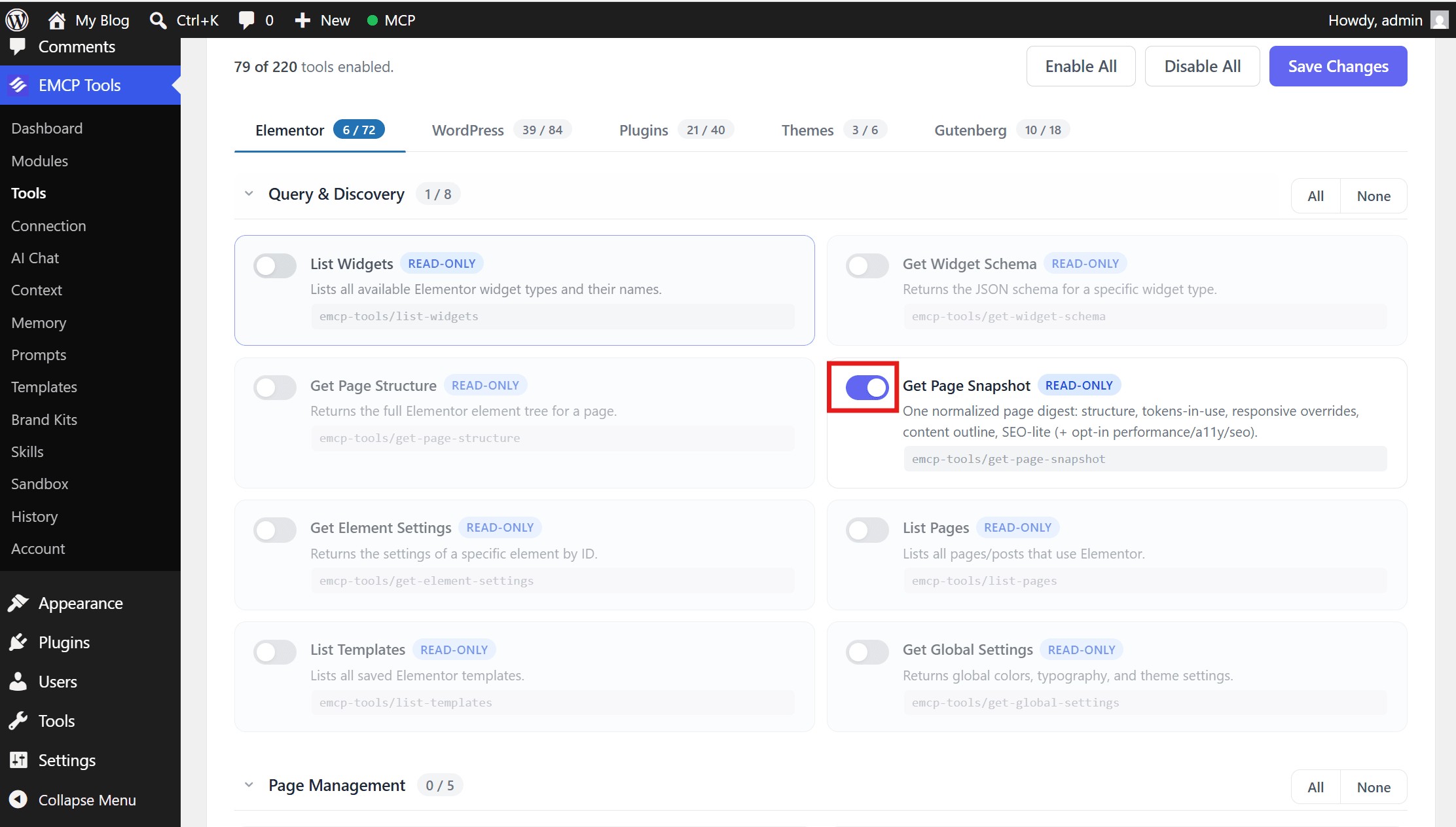
Local development
WP-CLI, files and the database.
On a local site, wp mcp-adapter serve is the lowest-latency transport: no HTTP, no sessions and no auth config, and it works with MCP Inspector. The connection wizard sets it up for Claude Desktop, Claude Code, Cursor and Antigravity.
The free plugin also includes guarded tools for the filesystem, the database and WP-CLI commands.
- Filesystem: six tools confined to the WordPress root. Reads are on, writes start off and back up files first, and secrets such as
wp-config.phpare read-protected. - Database: read-only SQL capped at 1,000 rows and 10 seconds; structured, parameterised writes start off.
- WP-CLI: four tools that ship disabled, check each command against a blocklist and log every run.
Sandbox
Prototype safely, ship as a plugin.
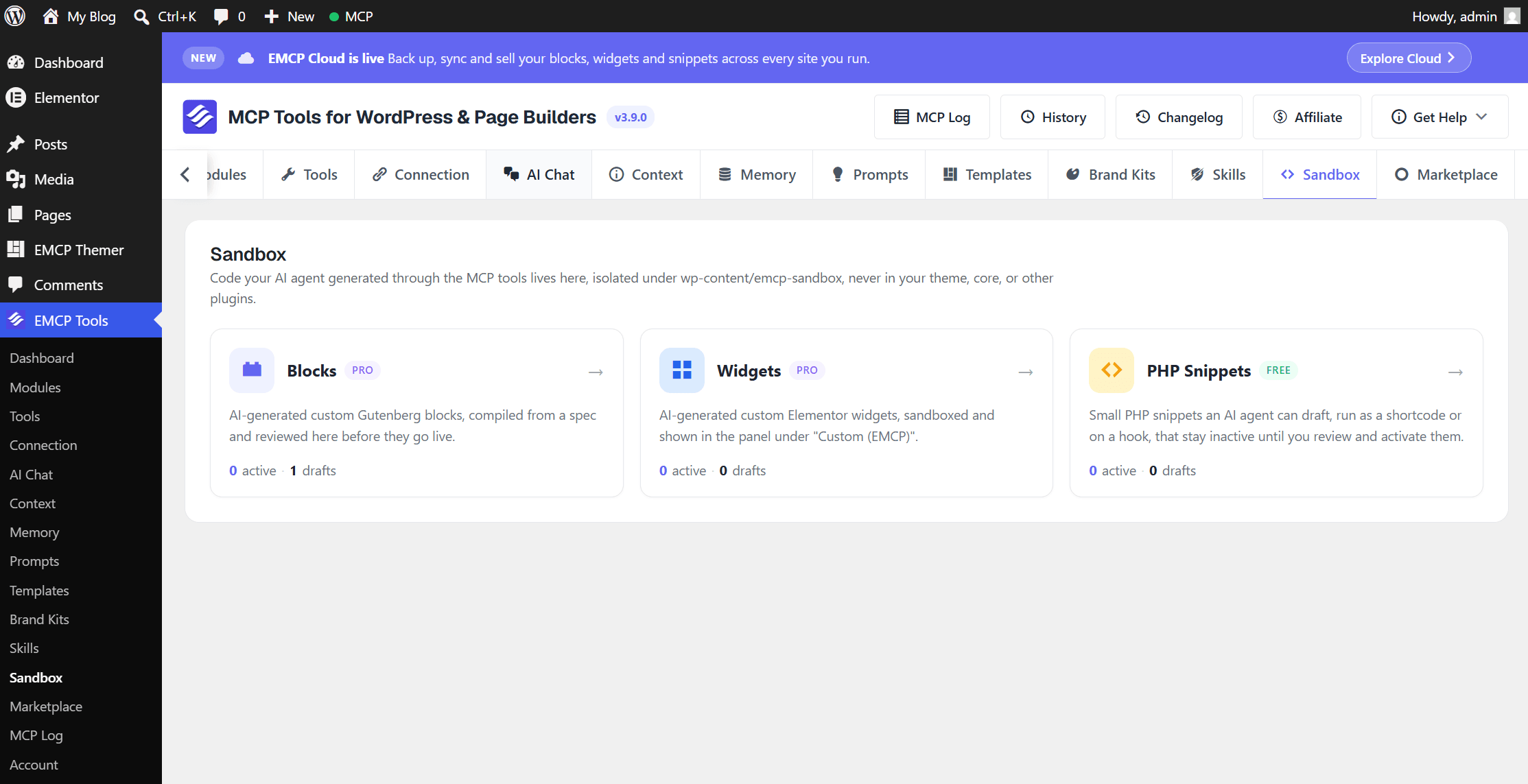
Agents can draft PHP snippets, custom Elementor widgets and Gutenberg blocks in the Sandbox, isolated under wp-content/emcp-sandbox. Every artifact is created inactive, and no MCP tool can make one live: you review and activate it yourself.
With EMCP Pro, export your active widgets, blocks and snippets as a standalone WordPress plugin ZIP that keeps working after EMCP is removed.
Built-in safety
Guard rails you can read in the source.
Every tool call runs as the connected WordPress user and passes that user’s capability checks. The code is GPL-2.0 on GitHub, so you can read exactly what each tool does.
Capability checks
Tools check the connected user’s capabilities, the same way WordPress does.
Off by default
File writes, database writes and WP-CLI ship switched off.
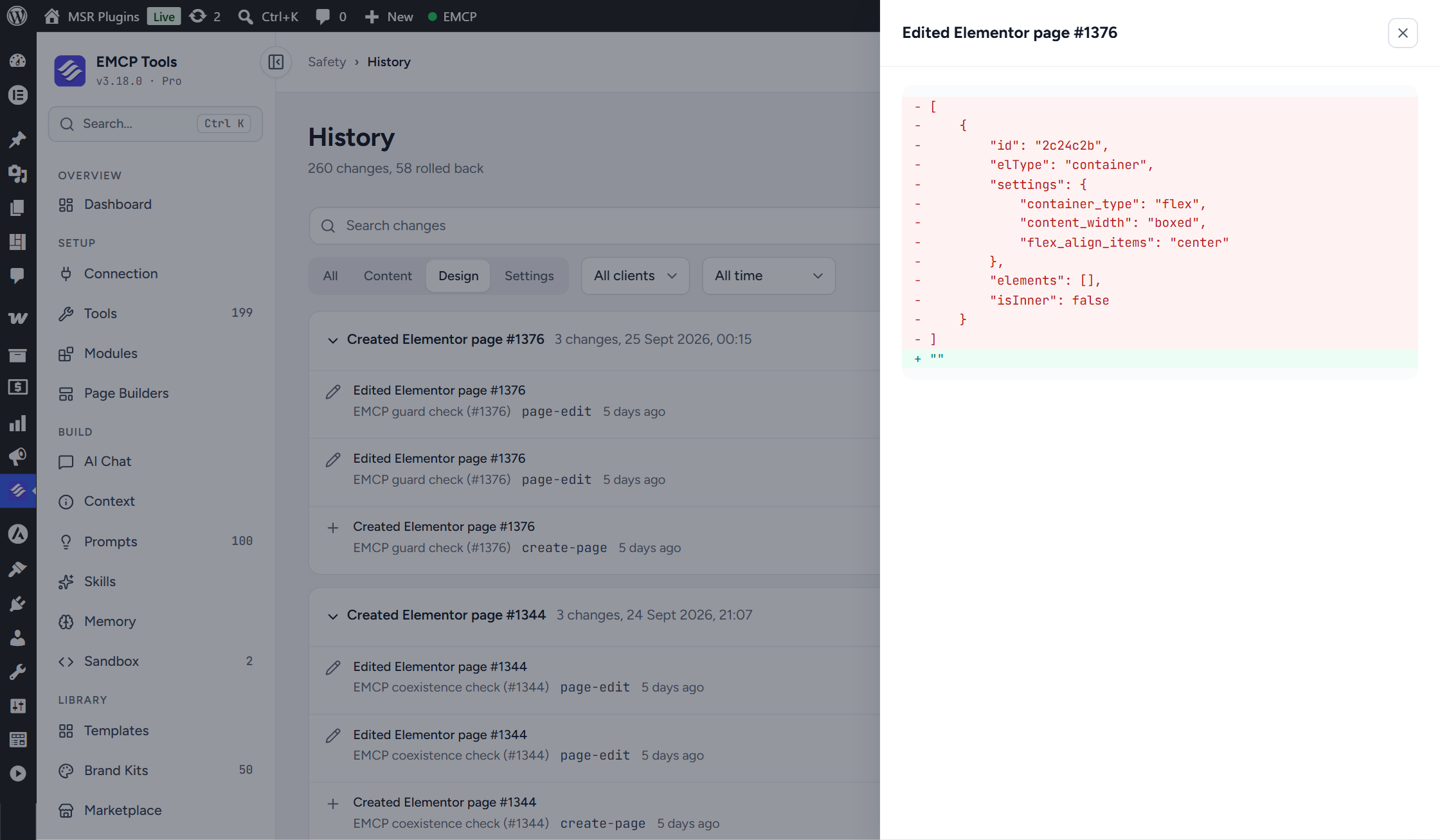
History with diffs
Every change is recorded with a before-and-after view and an Undo.
Open source
The free plugin is GPL-2.0, with releases on GitHub.
Get started
Up and running in three steps.
You need: WordPress 6.9+, PHP 8.1+, EMCP Free from GitHub, and any MCP client. Elementor is needed only for the Elementor page-building tools.
Installation guide- Step 1
Install from GitHub
Download the release zip and upload it under Plugins → Add New.
Installation guide - Step 2
Connect over WP-CLI or HTTP
Use the WP-CLI bridge on local sites, or OAuth and HTTP for remote ones.
WP-CLI transport - Step 3
Add your own abilities
Register abilities and they appear next to the built-in tools.
Filters and hooks
Questions, answered.
Still stuck? Drop a line at [email protected] or open an issue on GitHub. Most replies are under one business day; Pro tiers go to the front of the queue.
Open the full docsBuild on a WordPress MCP server you can read.
Install the free plugin, connect your client over WP-CLI or HTTP, and add your first ability.