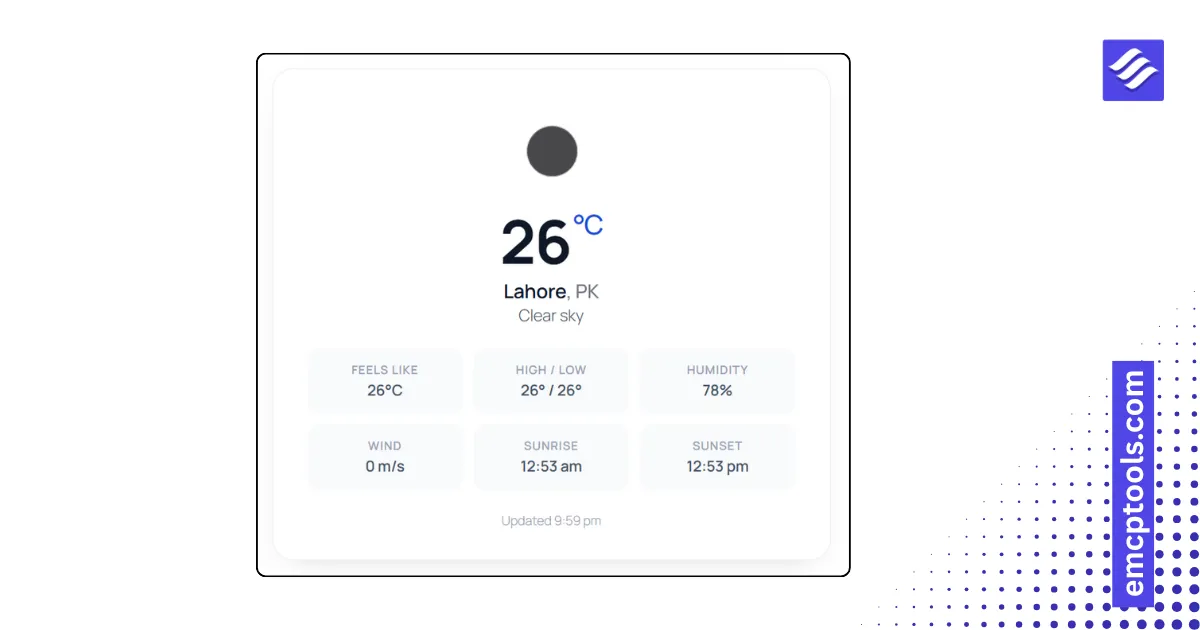
A brief becomes a real page.
Elementor widget · Utility & ToolsPro
Preview Window
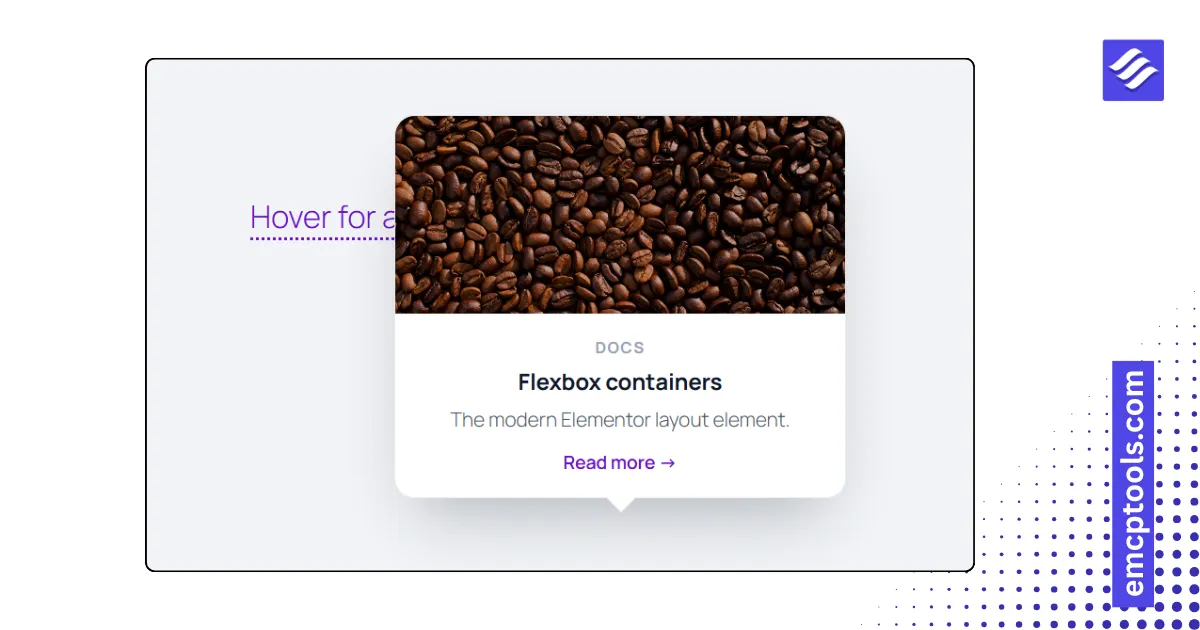
Hover cards for links or terms in your text, each showing an image, title, text, meta line and a button.
About this elementor widget
The Wikipedia-style preview card. In rich text mode, mark the words in your content that should open a card; in single trigger mode the whole widget is one trigger. Each card carries an image, title, text, a meta line and a call to action. Choose the trigger look (dotted underline, highlighted, button, info icon or plain link), open on hover or click, place the card above, below or automatically flipped to fit, and put the image on top, to the left or hide it. Fade, fade up or scale in, with an open delay and an arrow.