
 A brief becomes a real page.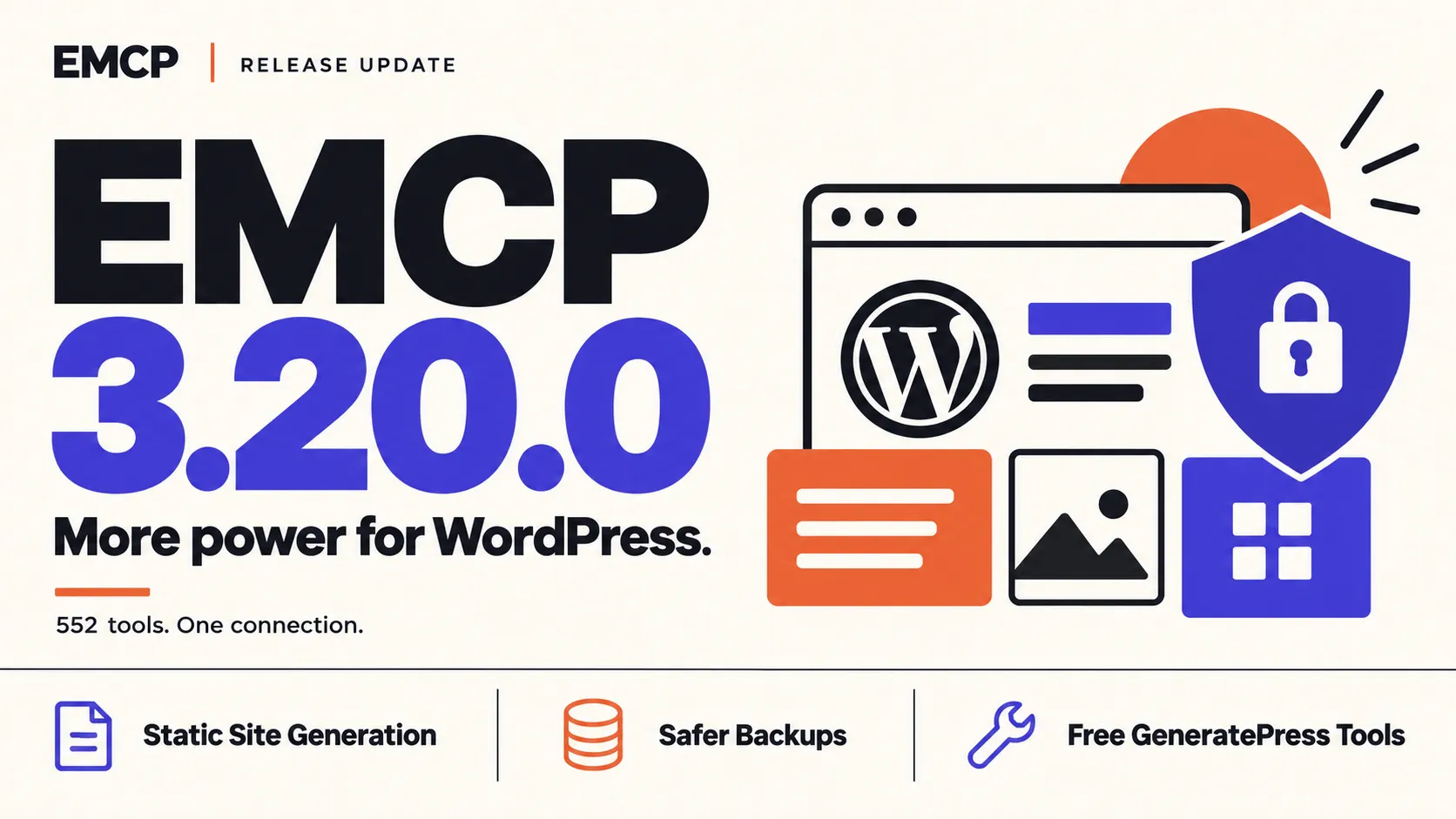
Some sites barely change. A brochure site, an event page that ends next month, a portfolio you finished last year. They still run PHP and a database for every visitor, and they still need every plugin kept up to date.
EMCP Tools 3.20.0 can turn those sites into plain HTML. The new Static Site module is free, and it is the headline of a release that also makes GeneratePress settings free, adds category and tag tools, lets History undo database changes again, and moves backups out of reach of the web.
Version 3.20.0 is now available. Download the free release, or update Pro through Freemius.
Static Site: your site as plain HTML files
Switch on Static Site under EMCP Tools → Modules and open EMCP Tools → Static Site. Choose what to include (posts, pages, archives, categories, tags, author pages, custom post types, theme and plugin assets, uploads), then generate the full site or only the pages you pick. The run fetches every page, rewrites its links and packages the result, step by step from your browser tab, with a log that ends with the page count, file count, size and any errors.
Then use the copy the way that suits the site:
- Download a ZIP and put it on any static host.
- Keep it in a folder on the server, with relative, offline or absolute links.
- Serve it to visitors: EMCP answers page requests with the static HTML before WordPress builds the page, and takes a page out of the copy as soon as you edit it.
Generations are counted by your EMCP Cloud account. Every account, the free one included, has 3 free generations that never expire, and a linked EMCP Pro licence adds 3, 10, 25 or 50 a month. See how Static Site works.
GeneratePress settings are free
The GeneratePress tools that read and change the theme’s palette, colors, container width, layout and body font size are now part of free EMCP Tools. GenerateBlocks stays in Pro. Two fixes came with the move: the body font size now changes on GeneratePress 3.1 and later, where it was written to a setting the theme ignores, and the Kadence palette is now saved where Kadence reads it.
All three theme packs, GeneratePress, Astra and Kadence, now check every value the way each theme’s Customizer does before saving it. A value that could break out of the theme’s CSS is refused and reported, with nothing written.
Categories, tags and custom taxonomies
Five new free tools manage terms in any taxonomy, WooCommerce product categories included: list, read, create, update and delete. Every change can be undone from History, including a delete: the term comes back under its original ID with its meta, its posts and its child terms. Deleting a term ships switched off and needs a confirmation.
History undoes database changes again
The database tools have recorded their changes in History since 3.17.0, but those changes could not be undone. Now each write locks the rows it touches and records them by primary key in the same transaction, so undo puts them back exactly, and warns you if a row has changed since. All in One SEO changes get the same treatment. A write that would change more than 500 rows is refused, so every database change stays undoable.
Backups out of reach of the web
Backups used to sit in a folder protected only by a rule that nginx servers ignore. They now go outside the web root when the server allows it, or into a folder with a name nobody can guess, and a weekly check warns you on the Dashboard if the web server could still hand them out. Backups you or your agent make by hand now keep the newest 10 by default, with an optional size limit, and a daily cleanup removes failed leftovers. The migration connector (1.4.0) keeps its transfers private too.
Also in 3.20.0
- Custom blocks get real style panels. Color, spacing, typography, border, shadow and background choices now reach the front end, and blocks get a repeater, sidebar panels with help text, the theme palette and media thumbnails.
- Bricks accepts interactions, conditions and global classes, keeps custom CSS working on Bricks 2.4, and reports the root font size so designs stop rendering at 60% size.
- Lighter pages for visitors. The admin screens, AI Chat, the backup engine and the static site generator no longer load on a visitor’s page view: 100 fewer plugin files on our test home page.
- Security fixes for the database tools’ column names, a selective sync that could replace the whole destination database, and the OAuth screen.
Read the full changelog for every change in 3.20.0.