
Sync
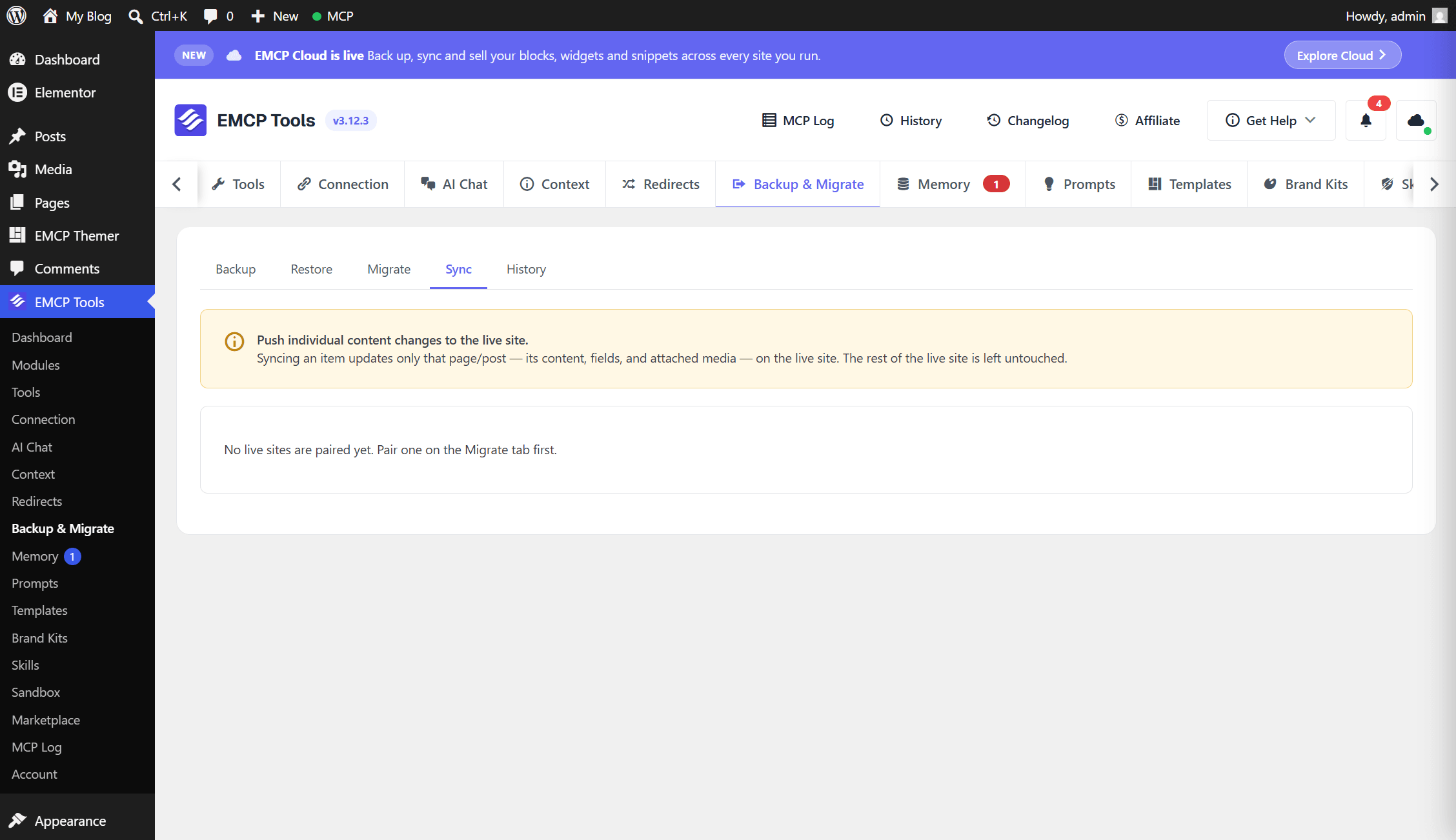
Once two sites are paired (see Migrate), the Sync section of EMCP Tools → Safety → Backup & Migrate (&view=sync) pushes updates from this site to the paired live site without a full migration. Until a site is paired it only shows “No live sites are paired yet. Pair one on the Migrate tab first.” There are two ways to sync, for two different jobs.
Content Sync
Section titled “Content Sync”Content Sync is the everyday tool: publish the pages you just edited, and nothing else.
The Changes to sync card shows every page, post, and CPT that changed locally since it was last synced to the site picked in the destination menu (top right of the card). Each row shows the Item, its Type, whether the change is New or Updated, and when it was Modified, with Sync and Discard buttons. Use Search items to narrow the list, Refresh to reload it, and Sync listed to push every item currently listed. A row whose sync failed shows Retry instead of Sync.
- Sync pushes just that item to the live site. Only its content, custom fields, taxonomy terms, and attached media travel (the featured image plus every image referenced in the content and in Elementor data). The item is matched on the live site by a stable sync id, so it updates the right page even if IDs differ, and media IDs and URLs are remapped so it renders correctly.
- Discard removes the item from the list without syncing (marks it as intentionally not-to-sync).
There is no full database import and no downtime, and the rest of the live site is completely untouched. This is the safe way to push a content change to a live site that also has its own orders, comments, or form entries you don’t want to overwrite.
How matching works
Section titled “How matching works”Each syncable item carries a stable sync id stored in its meta. On the first sync, the connector creates the item on the live site and records that id; on later syncs it finds the existing item by id and updates it in place. That is why renaming or re-slugging a page locally still updates the correct live page.
Full & selective sync (Advanced)
Section titled “Full & selective sync (Advanced)”Open Advanced: full or selective whole-site sync at the bottom of the Sync section to push a whole-site scope. Under What to sync, choose:
- Full site (database and all files).
- Selective: choose exactly what to push. For Database, pick All tables, No database, or Pick tables… (then tick the tables). For Files, pick All files, No files, or Pick areas… (Themes, Plugins, Uploads).
Choose the Destination and click Start sync, then confirm “Sync to the live site?”. A progress bar follows the push and the remote restore. The sync-to-live MCP tool can also take a specific relative path as a file area.
A selective sync restores only what you pushed on the destination and leaves everything else alone, so you can push a theme folder without touching the live site’s database, or push one plugin’s table without its files. A files-only sync never rewrites the live database.
Selective sync uses the same resumable, firewall-safe packet transfer as migration.
Choosing between them
Section titled “Choosing between them”| Situation | Use |
|---|---|
| You edited a few pages and want them live | Content Sync |
| You changed a theme or plugin’s files | Selective sync (files only) |
| You want to overwrite the whole live site | Full sync (or a migration) |
Driving it with an AI agent
Section titled “Driving it with an AI agent”A connected agent can list local changes with list-syncable-changes (on by default), push one item with sync-content-item, or push a scope with sync-to-live. The two push tools are destructive, disabled by default, and require confirm: true. See the module overview.