A brief becomes a real page.
PHP snippet · Security
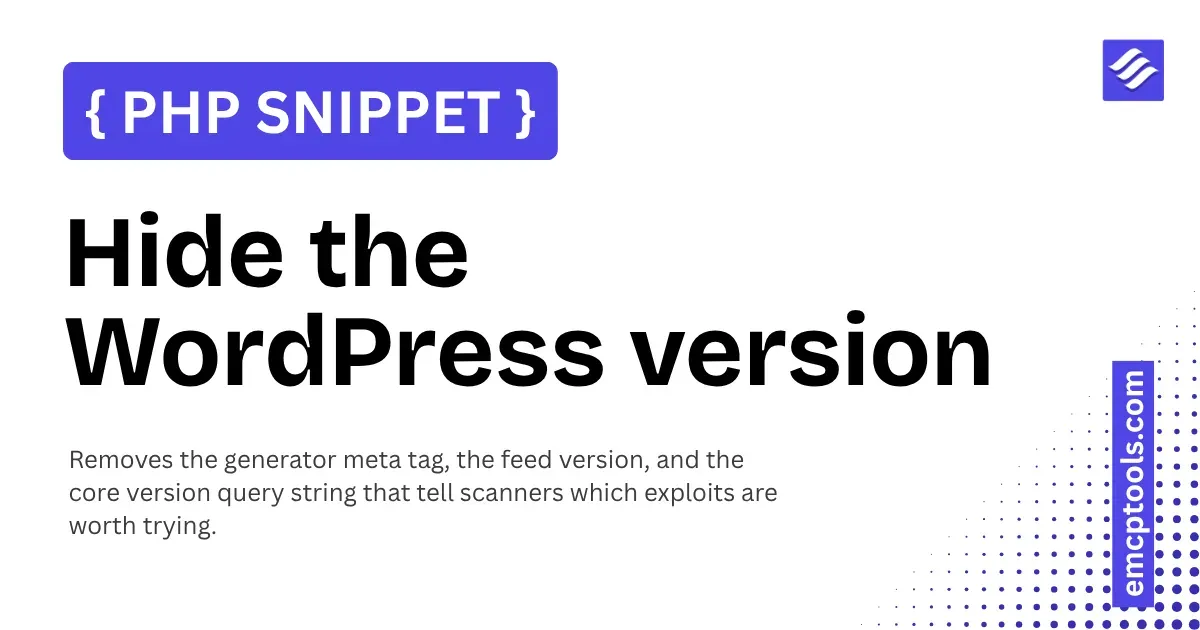
Hide the WordPress version
Removes the generator meta tag, the feed version, and the core version query string that tell scanners which exploits are worth trying.
About this php snippet
WordPress announces its exact version in a meta tag, in every feed, and as a version parameter on core scripts and styles. Automated scanners read it to decide which exploits are worth firing at you, and most of them only fire on a match.
Be clear about what this is: obscurity, not security. It buys nothing on its own and is no substitute for keeping WordPress updated. What it does buy is that your site stops answering the first question every drive-by scan asks, which takes you out of a lot of automated noise.
What it does
- Removes the generator meta tag from the page head
- Empties the generator string in RSS and Atom feeds, which is the copy most snippets forget
- Strips the version parameter from core scripts and styles when it matches the WordPress version
Good to know
- Plugin and theme versions are deliberately left alone. Stripping those would break their cache busting and serve visitors stale files after an update.
- The trade-off on core assets is that they lose their version parameter, so a browser or CDN may hold a cached copy a little longer after a WordPress update
- A determined attacker can still fingerprint a version from other signals. This is one small layer on top of updates, strong passwords, and two-factor, not a replacement for any of them.