A brief becomes a real page.
PHP snippet · Security
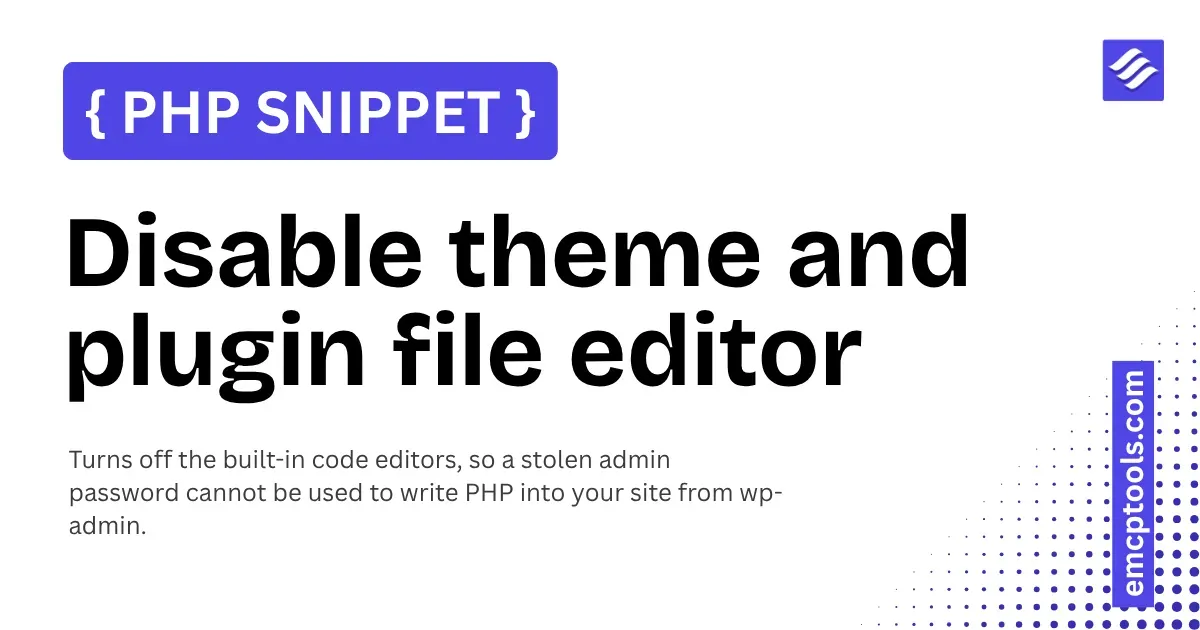
Disable the theme and plugin file editor
Turns off the built-in code editors, so a stolen admin password cannot be used to write PHP into your site from wp-admin.
About this php snippet
The Theme File Editor and the Plugin File Editor let anyone with an administrator login write PHP that your server then executes. That turns a stolen password into full code execution with no other exploit needed, and it is the most common way a phished admin account becomes a permanently backdoored site.
Nothing is lost by closing them. Real edits belong in version control, over SFTP, or through the EMCP filesystem tools, all of which leave a trail. The built-in editors do not.
What it does
- Defines the WordPress constant that removes both editors from the admin menu and blocks their screens directly
- Runs early enough that the constant is set before anything checks it
- Respects an existing definition in wp-config.php rather than fighting it
Good to know
- Plugin and theme installs and updates are unaffected. This removes the code editors and nothing else.
- One line of real effect, and on most sites it is the highest value line on this whole list
- If you can edit wp-config.php, setting the constant there works just as well. This is for the sites where that is awkward, or where you want it travelling with your snippet set.
- Worth pairing with a rule that administrators are the only accounts that need to exist. This closes the door, it does not decide who holds a key.