A brief becomes a real page.
PHP snippet · Front-end UX
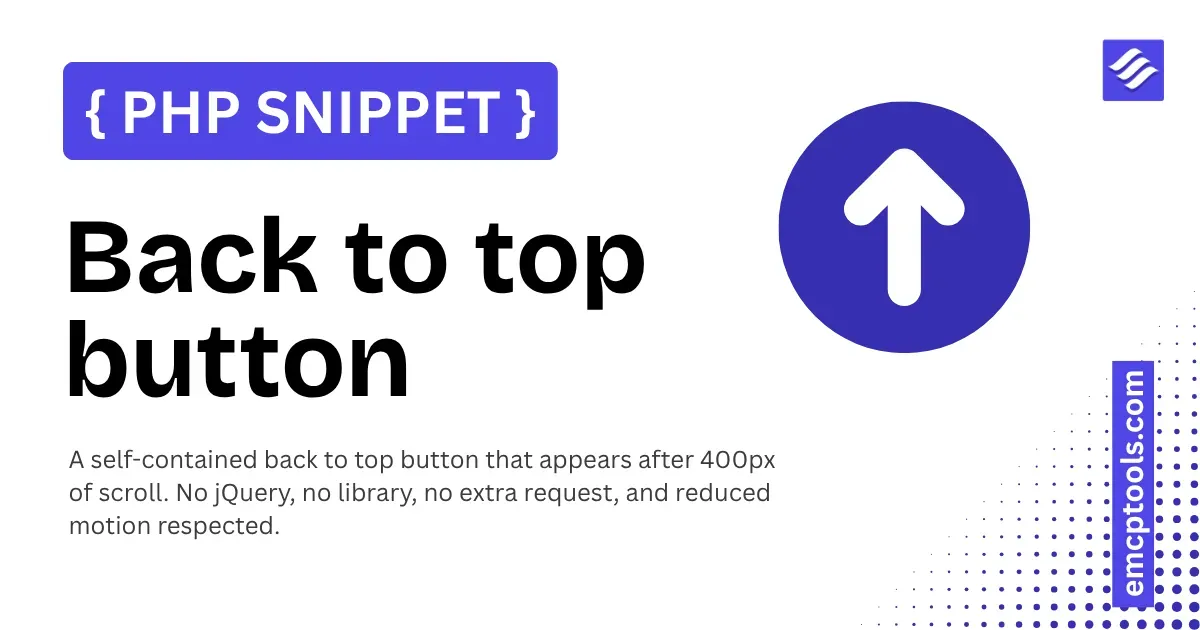
Back to top button
A self-contained back to top button that appears after 400px of scroll. No jQuery, no library, no extra request, and reduced motion respected.
About this php snippet
A back-to-top button that adds nothing to your page weight: no jQuery, no library, no extra HTTP request. It stays out of the way until the visitor is 400 pixels down the page, then appears as a round button in the bottom right corner.
Small enough to be one snippet, careful enough that you will not be fixing it later. The details below are the ones that are easy to get wrong in the version you would copy off a blog.
What it does
- Prints a fixed 44 by 44 pixel round button in the footer with its own inline CSS and JavaScript
- Shows and hides it based on scroll position, using the hidden attribute rather than transparency, so it is genuinely gone rather than invisible and still clickable
- Scrolls smoothly back to the top on click
Good to know
- It is a real button element with a label for screen readers, not a styled div, so it is reachable by keyboard and announced correctly
- The scroll listener is passive and throttled against the browser's own frame timing, so it costs one check per frame at most rather than firing on every scroll event
- Reduced motion is respected twice over: the hover transition is dropped and the scroll jumps instead of gliding for anyone whose system asks for it
- Keyboard focus gets its own visible ring, so the button does not disappear for anyone tabbing through the page
- The label and the colours are plain values at the top of the snippet, so matching your theme is a two-line edit