
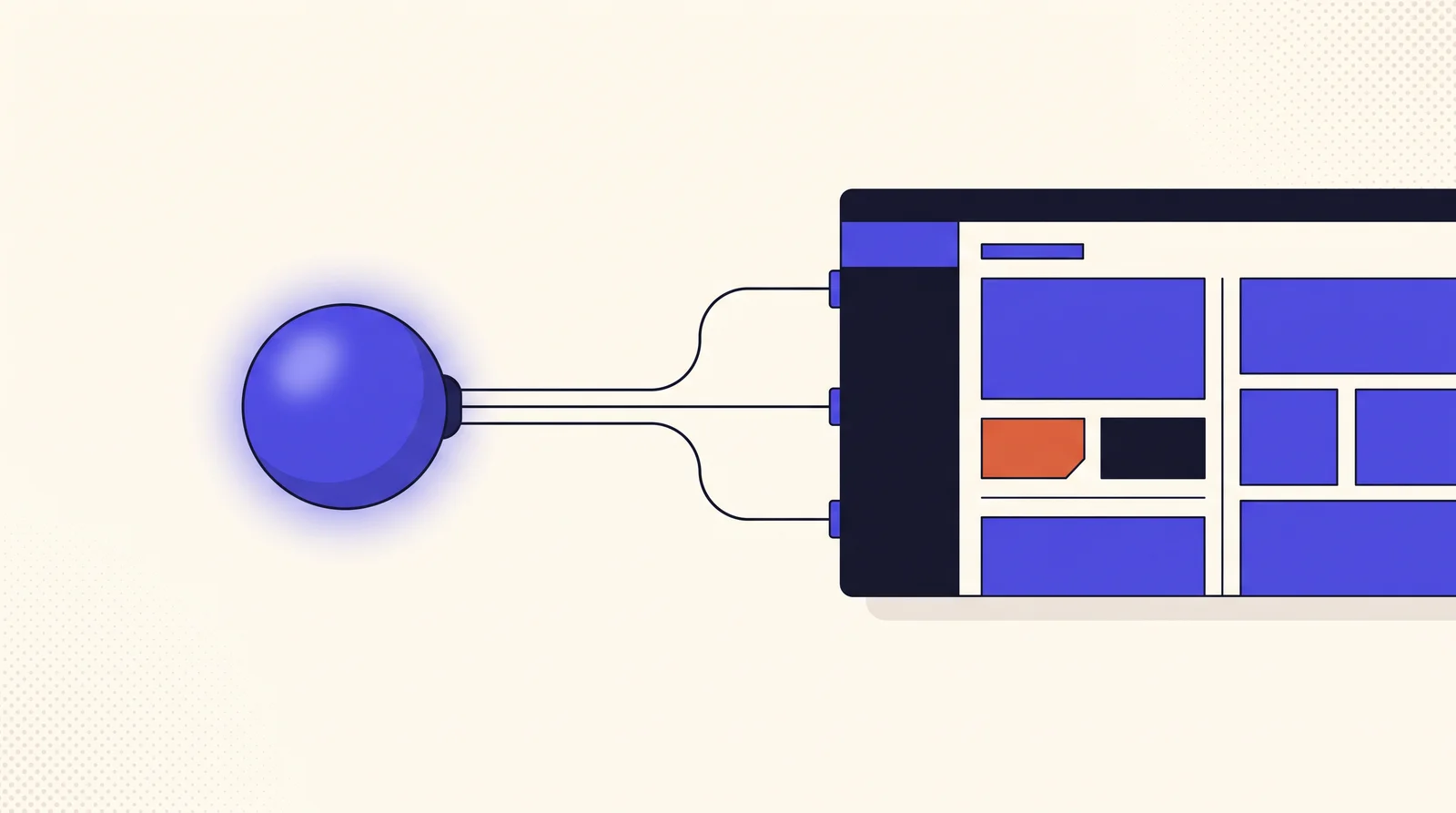
A WordPress MCP server exposes your WordPress site as a set of actions an AI assistant can call directly. Instead of telling you how to build a page, the AI builds it. Instead of explaining which plugin to update, it updates it, inside the permissions your WordPress user already has.
If you’re not sure what MCP is at all, start with what is an MCP server and come back. This piece assumes the basics.
The difference in one exchange
Ask a normal chatbot to add a pricing section to your site and you get instructions. Ask an AI connected to a WordPress MCP server and you get a pricing section.
You:  Add a three-tier pricing section to the services page,      matching the styling we use elsewhere.
AI:   get-page-structure({ post_id: 128 })      → reads the existing layout and spacing
AI:   add-container({ post_id: 128, ... })AI:   add-free-widget({ widget_type: "price-table", ... })  ×3      → section built, matching the page's own conventions
The interesting part isn’t the writing. It’s that the agent read the page first and matched what was already there. That’s the practical difference between a chatbot and an agent with tools.
What it can reach
A serious WordPress MCP server goes well beyond the page builder, because “run my site” means more than “make pages”.
| Area | What an agent can do |
|---|---|
| Page building | Build and edit layouts, containers, widgets, templates, and global styles |
| Content | Create and update posts, pages, custom post types, taxonomies, and media |
| Site management | Plugins, themes, users, settings, and navigation menus |
| Diagnostics | Performance audits and security scans that return a scored report |
| Your plugins | ACF, WooCommerce, form builders, SEO plugins, addon packs |
| Deep access | Filesystem and database, for the cases nothing else reaches |
That last row is where people rightly get nervous, which brings us to the part that matters most.
The security model is the product
An AI agent that can edit your production site is either extremely useful or a genuinely bad idea, and the difference is entirely in the permission model. Three things are worth demanding from any WordPress MCP server:
It maps to real WordPress capabilities. Every tool should check an actual capability, edit_posts, manage_options, install_plugins, before doing anything. The agent inherits the permissions of the user it authenticates as, and cannot exceed them. If your editor account can’t install plugins, neither can the AI acting as that account.
Dangerous things are off until you turn them on. Reading is safe. Deleting is not. Anything that writes, deletes, or renders site-wide should ship disabled, with you opting in per tool. In EMCP Tools, 132 of the 269 tools start switched off for exactly this reason.
Destructive actions need explicit confirmation. Deleting a template or dropping database rows should require a confirm: true in the call itself, so it can’t happen as a side effect of a loosely worded request.
There’s a fourth, quieter property: changes should be reversible. A change ledger you can roll back turns “the AI edited my site” from a leap of faith into an ordinary undo.
Why the tool count is a design problem
A WordPress site is enormous in surface area. Cover it honestly and you end up with hundreds of possible actions, which creates a real problem: every tool definition costs context on every request, and some clients refuse to load a server past a cap. Antigravity stops at 100 tools.
Two techniques solve it, and they’re worth understanding because they shape how these servers are built:
Catalog-backed tools. Rather than one tool per widget, which would be dozens, you expose three: list what’s available, inspect one, place it. The agent discovers rather than being handed everything upfront. That change alone cut our widget tooling from 62 tools to 5, with nothing lost.
Conditional registration. Integration tools register only when that plugin is active. A site without WooCommerce never sees WooCommerce tools. You get tools for what you actually run, and nothing else.
The result is that the installed count and the active count are very different numbers, and only the second one matters to your AI client.
What it’s genuinely good at
From building real sites with one, the wins cluster in predictable places:
- Repetitive structural work. Twenty-eight menu rows, each with a number, name, description, and price. Tedious by hand, trivial to describe.
- Consistency across a site. “Match the spacing we use on the other pages” is something an agent can read and apply, and humans routinely get wrong.
- Bulk edits. Retargeting a header, updating alt text sitewide, tidying stale drafts.
- Diagnostics into action. A scan reports the problem and the agent fixes it in the same conversation.
And where it isn’t the answer: fine visual judgement. An agent will build the layout you describe, quickly and correctly. Deciding whether it looks right is still yours.
What you need to get started
Three things, and one of them you already have:
- WordPress 6.9+ and PHP 8.1+. The Abilities API that this builds on is in WordPress core from 6.9.
- A plugin that provides the server. EMCP Tools is free and GPL, with 188 tools on the free tier.
- An MCP client. Claude Desktop, Claude Code, Cursor, VS Code, and others all work.
Elementor is optional, worth saying because it’s a common assumption. The WordPress domains work on any site; installing Elementor adds the page-building family on top.
→ Installation guide · Connecting your AI client
Is it worth it?
The honest test: do you regularly describe work to an AI and then do it yourself? If you’re pasting generated code into your theme, or following step-by-step instructions through wp-admin, that copying is the part an MCP server removes.
If you mostly use AI to write copy or think through problems, you don’t need one. A model doesn’t need tools to draft your about page.
Related reading
- What is an MCP server? — the underlying idea, without the WordPress specifics
- Tools overview — every tool, grouped by what it touches
- Integrations — the plugins an agent can already speak to
- Permission model — how capability checks are enforced